Which Mobile Controller Has the Best Button Mapping for Shooters
Rear buttons and trigger speed matter most when both thumbs stay on the sticks.
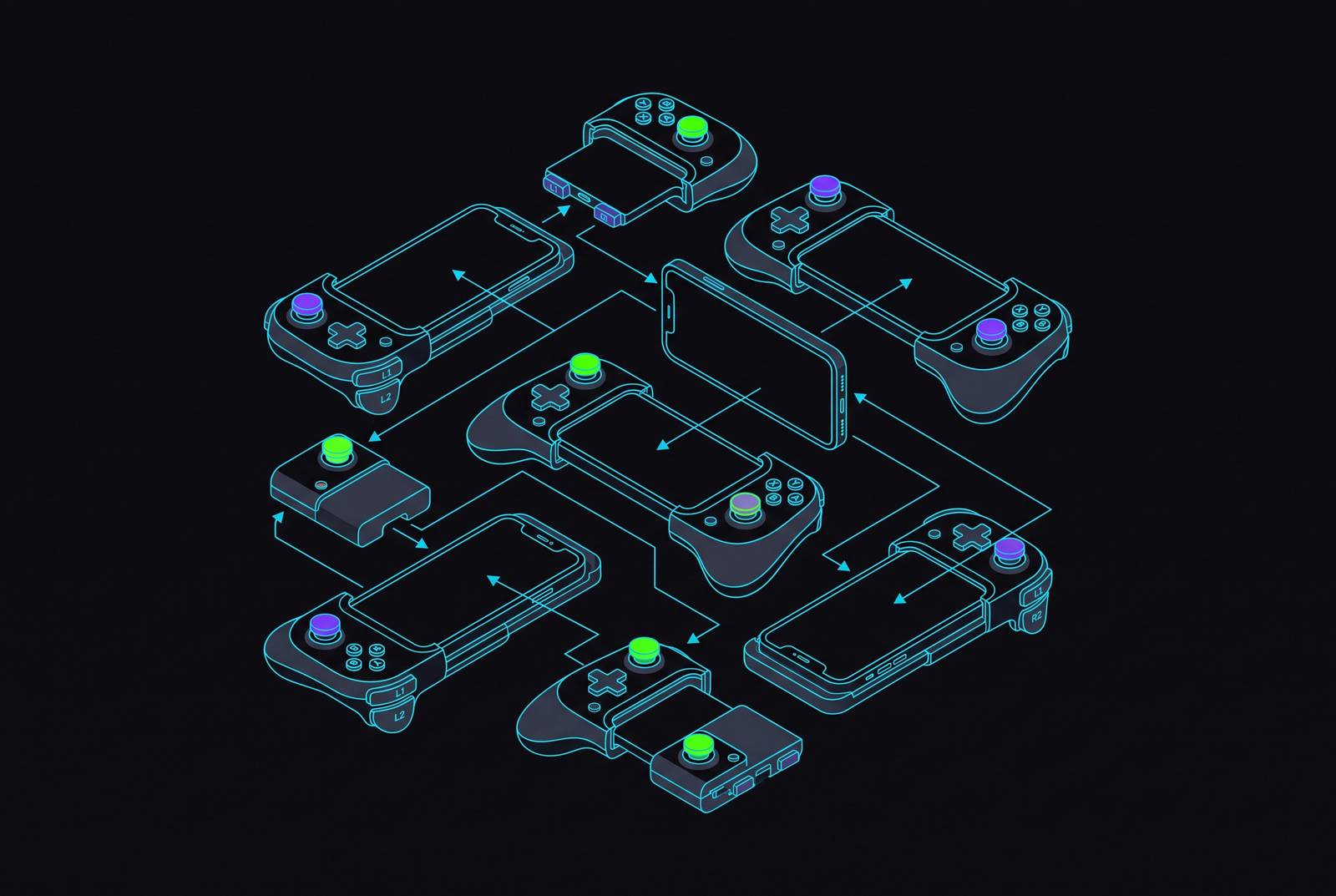
The best button mapping for mobile shooters comes from a controller that keeps both thumbs on the sticks. The ELO Vagabond makes a strong case through naturally placed rear buttons, while other options lead on profiles or trigger speed. The deciding factor is how layout, triggers, and customization work together for the games you play.
Why shooter actions on a touchscreen create a structural problem controllers must solve
In Call of Duty: Mobile, a player may need to aim down sights, crouch, and reload while keeping movement and aim under control. Those actions need to remain reachable even when they are not all being performed at once. On a touchscreen, moving and aiming already occupy the thumbs, while additional inputs compete for space around them. Reaching for another virtual button can interrupt control at precisely the wrong moment.
The screen both shows the game and takes input, so every virtual button takes up space that also shows the game image. Touch controls can work for casual play, but fast shooters expose the compromises in arranging movement, ADS, jumping, crouching, and reloading on one surface. A physical controller separates the inputs from the display and leaves the screen unobstructed. However, that only solves the first problem, because a poorly arranged controller can still force a thumb away from aiming.
What separates a shooter-optimal button layout from a generic one
Rear paddles are the first test of a good layout for shooters because they give fingers that would otherwise be free something useful to do. Returning to the ADS, crouch, and reload scenario, a rear-button assignment can keep an action reachable without borrowing the aiming thumb. Paddles can handle jump, crouch, or reload, but their placement matters as much as their programmability. A paddle beneath the middle finger’s natural resting position needs no change of grip. For advanced movement in Call of Duty: Mobile, assigning jump and crouch to rear paddles is the highest-impact configuration change.
Once those actions are within reach, the way the triggers are built sets how quickly firing and ADS register. Digital triggers register pressed or not pressed, which is sufficient for these largely binary actions. Analog triggers provide a range of input values, useful for racing but not strictly necessary for shooting. For an FPS, the more relevant distinction is travel, because a shallower press registers sooner. More range is not automatically more useful when the intended command is simply to fire.
Software profiles then multiply the value of both hardware choices. A shooter layout and a platformer layout serve different demands, so one general-purpose configuration inevitably involves compromises. Saved profiles allow distinct mappings to remain available without rebuilding them each time. A dedicated profile button lets players switch right away, while profiles linked to games can load the right setup on their own. The hierarchy is therefore reach first, actuation second, and repeatable customization third.
How joystick sensing technology became a meaningful spec for competitive shooters
Standard analog sticks use physical contact between sensing surfaces, which wear over time and can introduce stick drift. The controller then reports movement the player never made. In a shooter, that means crosshairs can wander when they should remain still, undermining the small corrections on which accurate aim depends.
Hall-effect sensing addresses that failure at its source. A magnet sits in the stick mechanism, and its magnetic field supplies a contact-free position reading. Removing that contact removes the associated sensing wear and drift mechanism. This is why magnetic sensing is more than a decorative specification for competitive play.
TMR, or Tunnel Magnetoresistance, takes magnetic sensing further through changes in electrical resistance caused by electron tunneling through a thin barrier. It gives a finer reading than conventional magnetic sensing, with no need to make controller shopping a physics exam. That finer reading works well for the small, controlled movements that aiming needs. In 2026, conventional magnetic sensing has become the baseline expectation across controller tiers, while TMR has emerged as the competitive-segment standard. For comparisons focused on shooter precision, conventional magnetic sensing is the floor and TMR is the ceiling, although neither specification replaces a well-placed paddle.
How other well-regarded controllers handle shooter mapping, and where each makes trade-offs
The ELO Vagabond is a strong fit when the priority is keeping movement actions beneath fingers that are already in position. Its two programmable rear buttons sit where the middle fingers rest in a natural grip, directly addressing the central mapping problem. Hall-effect thumbsticks, analog triggers, and a wired USB-C connection with a stated 1ms latency response time support that layout. Its companion app handles remapping and profiles, and it works across iOS and Android. Support for Xbox Cloud Gaming, GeForce Now, PS Remote Play, Steam Link, and native titles also gives those assignments use beyond one gaming context.
The 8BitDo Ultimate Mobile stands out most for what players can do with profiles, especially when they switch between genres. The 8BitDo Ultimate Software V2 lets players remap every button, adjust stick sensitivity, and save up to three profiles that they can switch between instantly with a dedicated profile button. Its full-size hardware is built for comfort over longer sessions, so players can customize it without having to use a compact grip. Compatibility covers Android and Apple devices, with iOS 18.5 and above listed for Apple support. Buyers should still check that it works with their device before buying.
The Asus ROG Tessen puts greater emphasis on the speed of individual inputs. Shallow triggers and fast thumbsticks suit quick FPS exchanges, while mechanical switch face buttons provide short actuation and tactile feedback for actions such as jumping and reloading. Its aluminum rear paddles also address the need to move actions away from the thumbs. At around $90, it offers a compact, shooter-focused option, but that compactness can feel cramped for larger hands during extended sessions. It is Android only, which removes it from consideration for iOS players regardless of its input design.
The SCUF Nomad presents a more personal ergonomic choice through symmetrical sticks positioned at the top, like the Steam Deck, offering a change from a standard Xbox offset layout. Some players say their thumbs get less tired, while others take a lot of getting used to it after years of offset muscle memory. The right joystick sitting above the face buttons can feel unfamiliar, and the rear paddles have also been noted as stiff for quick, instinctive competitive presses.
The Nomad otherwise offers full-size magnetic-sensing sticks and two rear paddles remappable to ABXY or D-pad functions. Its app supports up to three profiles with trigger settings and thumbstick sensitivity, including automatic activation tied to specific games. Swappable thumbstick grips add physical customization, but official support is limited to iOS and iPhone through Bluetooth, with no passthrough charging. Taken together, these options favor different priorities, namely the Vagabond’s paddle ergonomics, 8BitDo’s profile switching, the Tessen’s quick actuation, and the Nomad’s configurable symmetrical layout.
Why wired vs. wireless is a shooter-specific decision
Bluetooth introduces a small delay between an input and the registered action, even when that delay is imperceptible in casual games. Competitive shooters make that margin more relevant because fire exchanges can turn on milliseconds. With a wired USB-C connection, that part of the input path has no radio link. It avoids adding wireless delay to an otherwise responsive setup.
Wireless has legitimate advantages when freedom of position matters more. A player using a larger screen at a distance can lean back without cable management or a grip dictated by the connection. For cloud-casual play, that comfort can outweigh a latency difference that is not perceptible in the session. Wired is the better choice for competitive shooters, while Bluetooth 5.0 or 5.3 is good enough for relaxed play from the couch.
How cloud gaming and remote play change what button mapping needs to do
When a game runs remotely, the controller’s mapping software shares responsibility with the service’s input layer. The important distinction is between streaming from a player’s own machine and playing on remote infrastructure. PS Remote Play and Steam Link stream games that run on the player’s console or PC. In that arrangement, the host sees the connected controller directly, allowing on-screen prompts to match it.
Xbox Cloud Gaming and Nvidia GeForce Now instead run games on remote infrastructure and default to an Xbox control layout. Nvidia’s support information states that PS5 DualSense and DualShock 4 gamepads are mapped as Xbox controllers by default on GeForce Now. Consequently, physical button labels and on-screen prompts need not match in the same way as remote play. The base layout requires no manual remapping, but non-standard assignments on GeForce Now may need additional configuration. Default support is not the same thing as a finished shooter profile.
That makes a good companion app more useful when the native game’s controller settings cannot map actions the way the player wants. Xbox Cloud Gaming and Steam Link offer native controller support with straightforward base mapping, while GeForce Now can involve more work for shooter-specific configurations. Profiles preserve the intended layout across these different input arrangements. The service may change where the remapping happens, but it does not change which actions need to remain within reach.
Which shooters and shooter-adjacent games actually reward careful button mapping
Call of Duty: Mobile provides the clearest test of the shooter-mapping argument. It has full official controller support, including MFi, and allows ADS sensitivity to be tuned in-game. Rear-paddle assignments for jump and crouch offer particularly immediate benefits in multiplayer and battle royale movement. Fortnite puts more demands on face buttons by using them for building and editing inputs. In build-mode combat, edit speed makes the arrangement of those actions consequential.
Dead Cells is the strongest companion example because its demands expose the same need for reachable, well-timed actions outside shooting. It maps its inputs cleanly to a controller, even though the mobile port introduced touchscreen accommodations including Auto-Hit mode, swipe-to-dodge, and custom button layouts. Dodge-roll timing with the right stick is a defining interaction, making input arrangement central to play. GRID Autosport needs a different profile from a shooter. It is built for physical inputs, shows the correct Xbox and PlayStation prompts, and uses left-trigger braking, which gives analog control a use beyond what binary firing needs.
Genshin Impact adds a further use for separate camera and aiming settings. Controller mode is activated through the Paimon Menu, then Settings, Controls, and Controller in the Control Type dropdown. Camera sensitivity of 3 for exploration and 2 for aiming provides a recommended starting point. PUBG Mobile, however, has no controller support through standard means. That gap constrains a battle royale player’s choice before paddle placement or profile software enters the discussion.
How to configure a mobile controller for shooters in a practical sequence
First, assign jump to one rear paddle and crouch to the other before changing anything else. This takes under a minute and gives the layout its most important shooter advantage. Second, check trigger travel and sensitivity in the companion app where available, reducing the deadzone to the minimum the game tolerates without false inputs. The purpose is to shorten the gap between intent and action.
Third, create a shooter-specific profile and name it for the game. That keeps the configuration distinct from layouts intended for other genres. Fourth, set ADS sensitivity separately from look sensitivity in-game, using the separate settings available in Call of Duty: Mobile and Genshin Impact. A mismatch between ordinary camera movement and aiming sensitivity can make good hardware feel floaty.
Fifth, during cloud sessions, verify that rear-paddle assignments survive the service’s input layer. On Nvidia GeForce Now, this may mean mapping through the companion app. Sixth, try the setup in practice, against bots, or in a casual match before going into ranked play. A paddle arrangement that seems logical at rest may need repositioning once fingers move at speed. The finished test is the same one that should guide the purchase, with critical actions instantly reachable and both thumbs free to keep playing.