How To Pick a Physical Controller for iPhone or Android
Prioritize connection type and phone fit before comparing stick sensors or build quality.
Picking a physical controller for iPhone or Android is less about finding the most impressive hardware than making a few decisions in the right order. Connection type, phone fit, form factor, platform support, and build quality all matter, but they do not carry equal weight. The right controller is the one that clears those practical gates before its finer specifications become a reason to pay more.
Why the controller market got complicated fast — and what it means for buyers today
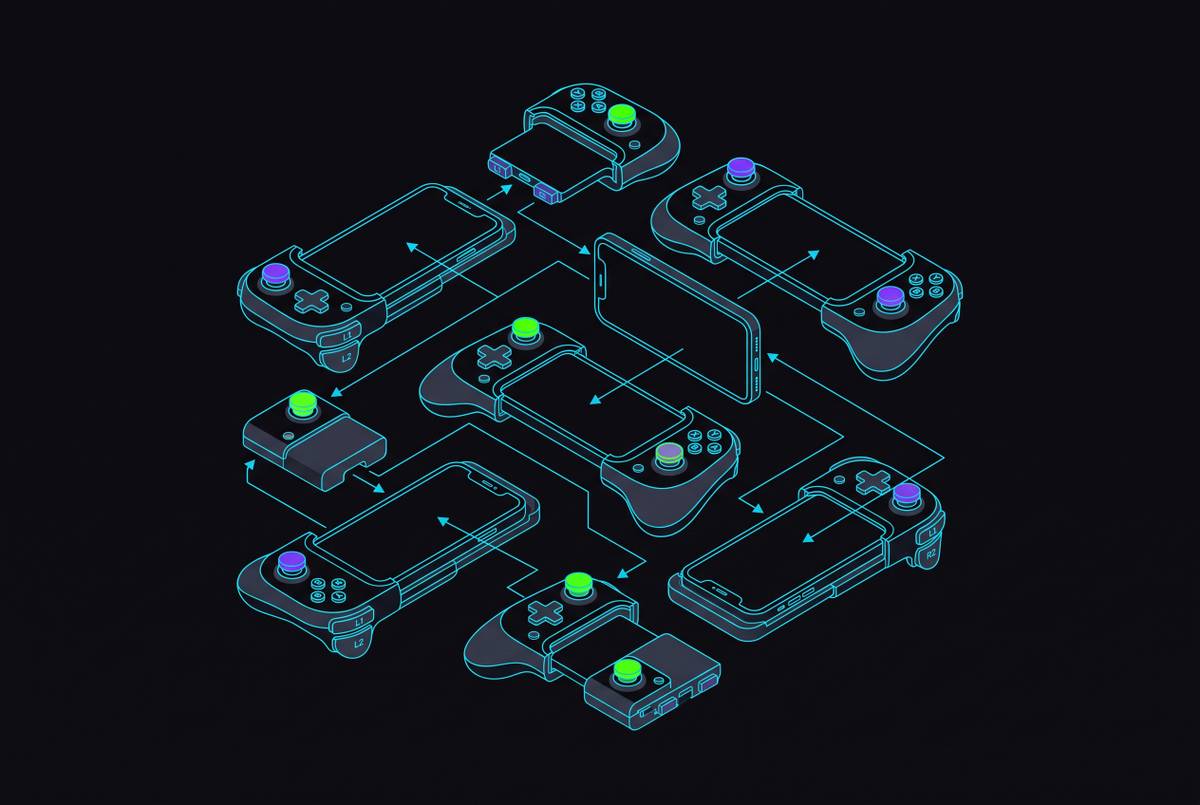
Today, mobile controllers span several overlapping categories, including telescopic USB-C clamps, Bluetooth snap-on pads, standalone gamepads with phone clips, and foldable designs. Similar prices can conceal very different uses. Hall Effect and TMR sticks also differ in ways that buyers now have reason to understand. A controller listing can look reassuringly complete while leaving unanswered whether the combination will work for the phone, games, and setting it is actually meant for.
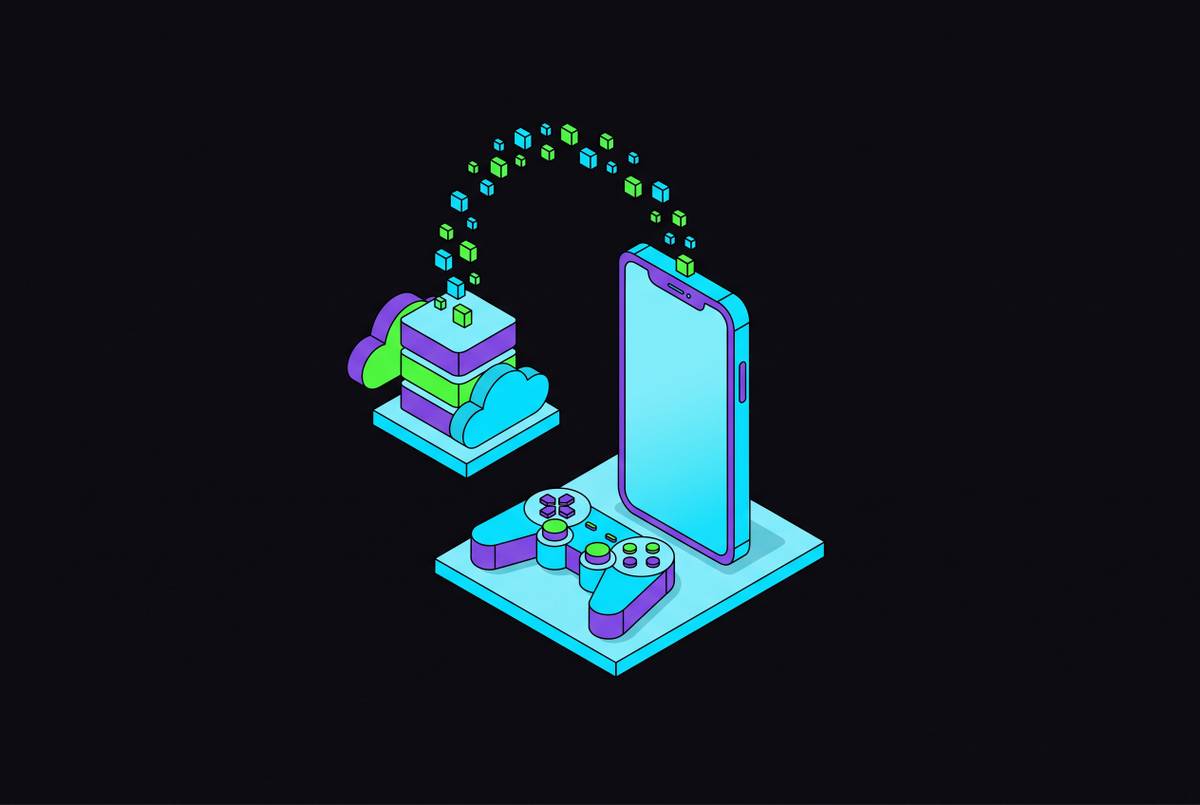
That question has become more consequential as streaming services have made mobile controllers a mainstream purchase. Xbox Cloud Gaming and GeForce NOW run through the browser on iPhone, while PS Remote Play streams from a console the player owns and Steam Link connects to a PC running Steam. One controller can serve all of them, but their input requirements are not identical. The trap is choosing an attractive specification first and treating those requirements as details to resolve later. Buying in the wrong order is what turns a capable controller into an expensive mismatch.
Why connection type is the first decision, not an afterthought
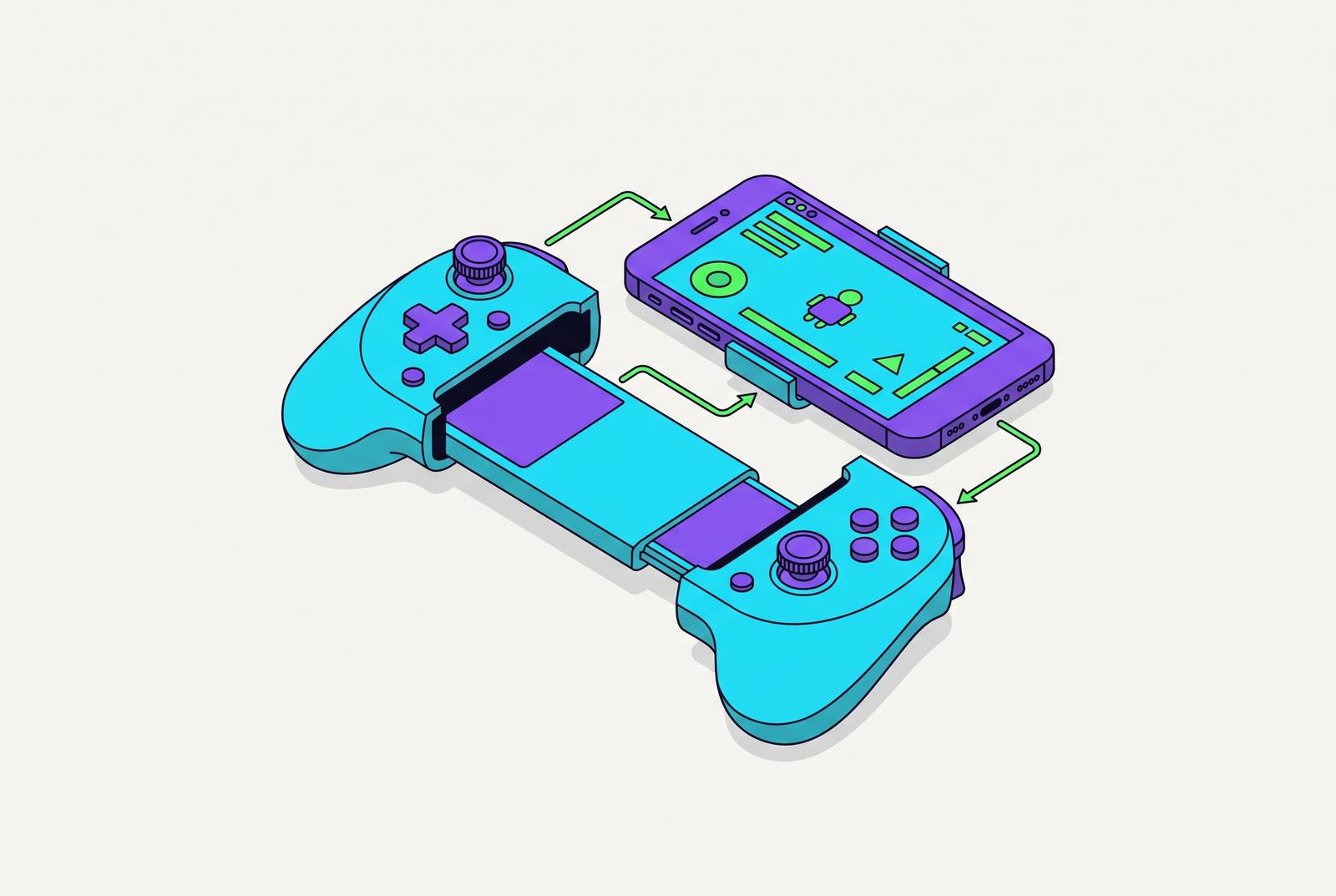
A telescopic USB-C controller clamps the phone between two grips and connects directly through its port. That means no Bluetooth pairing, no separate controller battery, and the lowest possible input latency. For cloud gaming, this matters because network delay is already part of the journey between pressing a button and seeing the result. A direct connection keeps Bluetooth delay from adding to that chain.
Bluetooth makes a different trade. It suits couch play on a TV or tablet, multi-device setups, and players who already own a good gamepad that can also work with their phone. Where USB-C telescopic hardware builds a handheld around the phone, Bluetooth lets the controller remain separate from the screen. For someone whose gaming mostly happens at home on a large screen, a clip-on design may solve a problem they do not have.
Bluetooth’s convenience is real, but it does not make connection type irrelevant. Its added latency sits on top of the network delay in a cloud session, while the gap matters less for local native games. The useful distinction is therefore not simply wired performance against wireless convenience. It is whether the player needs a self-contained handheld or an input device that moves between screens. That choice gives the rest of the hardware decision its structure.
How to check phone compatibility before any other hardware decision
Once the connection type is settled, check the phone itself instead of relying on a broad promise of iPhone or Android support: iPhone 15 and newer use USB-C, while iPhone 14 and older use Lightning. A wired telescopic controller made for one connector does not work with the other. Check the controller’s documented operating-system requirements at the same time. A matching plug is necessary, but it is not the whole compatibility test.
Next, measure the phone with its case on. Most telescopic rails accept up to roughly 11mm total depth, and many designs require a bare phone or an ultra-slim case. Thickness is only one possible obstruction, because raised camera bumps, rugged corners, and unusual camera layouts can interfere with the clamp. Some updated designs use magnetic adapters or adjustable rails to improve case compatibility, but that is not universal. The specific model’s documented fit range matters more than a general claim that it supports large phones.
iOS has stricter rules than Android for third-party controller certification, so check for Made for iPhone (MFi) certification and expanded MFi USB-C support. Android generally gives standard HID controllers more freedom, but that does not remove the need to check the model’s requirements. These checks take two minutes. Even excellent hardware is no help if the controller neither fits nor connects.
Form factor and what telescopic, foldable, and standalone designs trade against each other
With fit established, form factor becomes a question of where the controller will earn its keep. A telescopic clamp turns the phone into a self-contained handheld, making it well suited to play away from home. For a commuter, keeping the screen between the grips is a more relevant advantage than versatility across a living-room setup. The cost is bulk, because most full-size telescopic designs are not pocket-friendly. Setup time also matters when the opportunity to play is short.
A foldable telescopic design puts more weight on carrying convenience. It collapses smaller than a standard telescopic controller, which can make the difference for a traveler who needs the hardware to fit into limited space. Yet portability has to come from somewhere, and compact foldable designs usually trade grip depth and trigger feel to get there. They make sense when carrying the controller is the main constraint. A controller that travels well and one that supports a long session are not necessarily the same object.
A standalone gamepad with a phone clip instead keeps the controller useful beyond the phone. The screen rests in the clip rather than being cradled between the grips, and the pad can also serve conventional TV or PC play. XL variants can help people with larger hands where they are available, while controllers for larger phones or tablets must open wide enough to fit them. For long cloud sessions, grip length relative to a full-size gamepad is a useful proxy for comfort, even though a spec sheet cannot establish how comfortable the controller will be.
What Hall Effect and TMR sticks actually mean for a buyer making a decision today
Stick technology should carry much weight only after those physical choices are made. Traditional potentiometer sticks have electrical contacts that wear down and cause the familiar problem of stick drift. Hall Effect sticks sense movement through magnetism, with no such contact. They eliminate contact wear as a cause of drift, but not every fault that can produce similar symptoms. Spring wear, magnet misalignment, EMI, and calibration can still matter, so contactless does not mean incapable of failure.
Hall Effect is now a baseline expectation for serious players and appears across a wide range of prices. TMR, which stands for Tunneling Magnetoresistance, takes the contactless approach further. Its sensor responds more strongly to small changes in the magnetic field, offering finer resolution and lower power consumption than Hall Effect. That makes it the newer, more precise technology positioned at the premium end. It does not, by itself, make the whole controller a better purchase.
The distinction is between a better sensor and a better fit for the player. Hall Effect has years of firmware tuning behind it and is available in more controllers at more price points, while TMR is still accumulating that maturity. For most buyers, Hall Effect is sufficient. TMR is worth paying for when the controller offering it also wins on form factor, phone fit, and platform support. Otherwise, the finer sensor is decorating the wrong answer.
Platform and service compatibility as a filter on the shortlist
The remaining candidates now need to pass the test of the games and services they will control. Xbox Cloud Gaming is the most forgiving starting point because it is built around Xbox input and works with almost any Bluetooth or USB-C controller. Xbox-licensed clip-on controllers offer a smoother path through pre-configured button mapping.
GeForce NOW requires a more specific check because controller support ultimately depends on the individual game. A title designed for keyboard and mouse can still expect those inputs when streamed to a phone. NVIDIA officially lists supported gamepads for iPhone and iPad, including the GeForce NOW Recommended Gamepad, Microsoft Xbox controllers, Sony PS5 DualSense and DualShock 4, and MFi Bluetooth controllers.
PS Remote Play streams from a PS5 the player already owns, through a free app for Android, iPhone, and iPad. The app works natively with DualSense, DualSense Edge, and DualShock 4, while third-party mobile controllers connect via Bluetooth as generic gamepads. That native support makes the PlayStation controller family a strong choice for a Remote Play shortlist. Steam Link, by contrast, connects to a PC running Steam, with the phone receiving the picture and sending inputs through a compatible Bluetooth or USB-C HID device.
Native mobile games need their own title-by-title check. Most modern titles on the App Store and Google Play list controller support in their descriptions, but a physical pad cannot add support to a touch-only game. Touch controls work well for some titles, while physical inputs can help more with streamed games where precision and the way delays add up matter. The payoff for checking these distinctions is breadth. A controller chosen well can improve play across Xbox Cloud, GeForce NOW, PS Remote Play, and Steam Link, so it can serve more than one of them.
Applying the framework and what the right controller looks like for four distinct player situations
For a player who puts performance first, premium USB-C telescopic controllers are a good place to look. The direct connection addresses input latency, while TMR sticks offer the highest precision of the two contactless technologies discussed here. An XL variant can matter for large hands or large phones, provided its documented dimensions fit the actual device. This is the case in which paying for TMR makes sense because the rest of the controller already meets the need.
For the commuter, a conventional telescopic clamp answers a different brief. The main benefit is a self-contained handheld that works away from home. Hall Effect can meet the basic need, so a premium sensor need not drive the choice. How bulky it is to carry and how long it takes to set up matter more because they decide how well the controller fits a short chance to play. The purchase succeeds when the design fits that routine.
For the traveler with tighter carrying limits, a foldable telescopic design can be the better compromise. The Asus ROG Tessen is one example of this folding design.
For the couch or multi-device player, a standalone Bluetooth controller is the more direct answer. A standard Xbox Wireless Controller paired over Bluetooth can cover cloud gaming through the Xbox app or browser without requiring a clip-on purchase at all. A phone clip becomes relevant if the same pad also needs to hold the phone during play. Four different uses produce different hardware answers, which is why a single best-controller label conceals more than it explains.
Three things to verify before completing the purchase
Check that the phone connector and OS version meet the model’s requirements, looking for Lightning versus USB-C and requirements such as Android 12+ or iOS 17.4+. Measure how thick the phone is with its case on and compare that with the maximum rail depth, then decide whether taking the case off for every session is acceptable. Finally, check that the games and services you use list controller support, since a controller cannot add that support to a game that lacks it.