How to Play PS4 Games on Your Phone Without the Console
Remote Play and cloud streaming are two separate ways to play PS4 games on your phone.
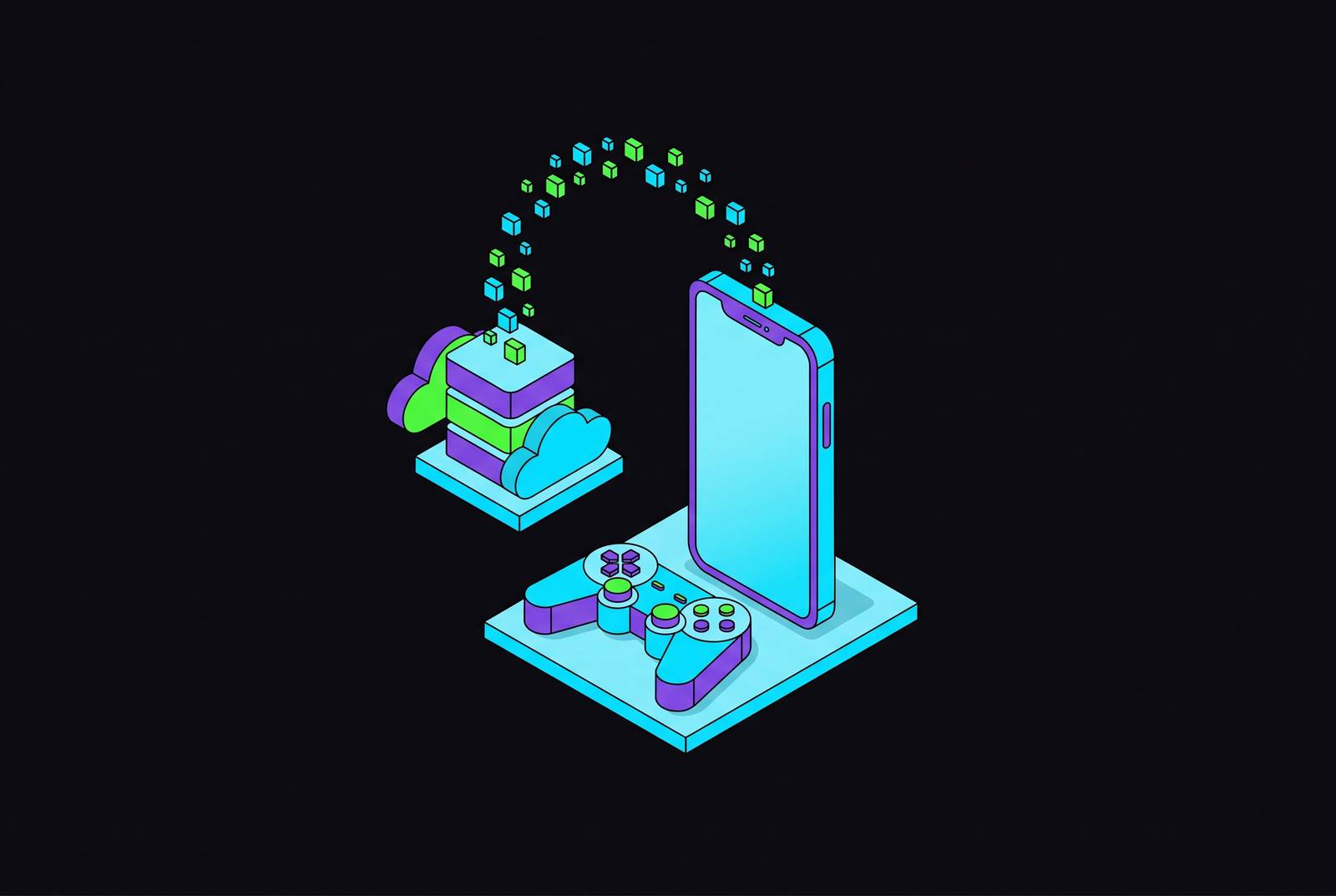
Playing PS4 games on your phone without the console comes down to a distinction between leaving your console at home and not owning one at all. PS Remote Play works when you leave your console at home, while PlayStation Plus Premium cloud streaming works without one, but only with certain games and devices.
Why "play PS4 games on your phone without a console" is not one thing but two very different setups
“Without a console” sounds like a hardware requirement, but it often describes two different wishes. One player owns a PS4 and wants to free up the TV or play away from home. Another has no PlayStation and wants a phone to provide access to the same games.
Remote Play puts distance between you and your console, while cloud streaming removes your console from the arrangement. In the first case, your phone becomes the screen. In the second, Sony’s servers supply the hardware, but the available library and supported devices become the constraints.
What PS Remote Play actually does, and what it still requires from you
PS Remote Play is Sony’s free streaming client, and its job is to carry the experience from your home console to another screen. Your PS4 or PS5 runs the game, encodes the video and sends it to your phone. The phone displays the game rather than running it locally, and Sony’s cloud servers do not take over the console’s work. For someone who already owns the hardware, this is the most accessible answer to playing away from the TV.
Your PS4 or PS5 must therefore be powered on or in rest mode and remain reachable over the internet. Playing while travelling still depends on the hardware at home, so a power outage or someone unplugging the console can break the session. Remote Play stretches the connection to your PlayStation rather than cutting the cord.
In return, it gives you access to your full PS4 library, including games that Sony’s cloud service does not offer. The client is free, and broadcasting games from your console to another device does not require a PlayStation Plus subscription. That makes it a strong fit when the games and console are already yours. Its limitation is also its advantage, because using your own hardware preserves access to the library on that hardware.
PlayStation Plus Premium cloud streaming, the genuinely console-free path with an important library caveat
PlayStation Plus Premium cloud streaming changes where the game runs. Sony’s servers supply the game instead of a PS4 or PS5 in your house, so no home console needs to remain available. Premium costs $19.99/month and is the only PlayStation Plus tier that has cloud streaming. Essential and Extra do not include cloud play, so a subscription to either is not enough.
The decisive caveat is that this cloud route streams PS5 titles. Its available selections include streamable games from the PS Plus Game Catalog and Classics Catalog, plus select digital PS5 games you already own through “Your Library”. The presence of those catalogs does not mean every game associated with PlayStation is available. In particular, owning a PS4 disc or download does not turn it into a streamable PS5 title.
Many games that began on PS4 have PS5 versions that can be streamed, giving someone seeking PS4-era games a practical workaround based on a different version. Before you pay for the subscription, the game needs to be one you can stream from the cloud, even if it came out on PS4.
How the PlayStation Portal and the Asobi app changed what "console-free" streaming means in practice
The PlayStation Portal makes the distinction between Remote Play and cloud streaming tangible. It can stream PS4 and PS5 games from a PS5 over Wi-Fi, or stream select PS5 titles and classic games directly from Sony’s servers with PlayStation Plus Premium. Those modes may look similar on the screen, but only the latter removes the home console. The Portal is Wi-Fi only, with no cellular modem, so playing on the go requires Wi-Fi or a phone hotspot.
Asobi: Remote Play extends that console-free idea beyond Sony’s handheld. Inside Internet released the third-party app for SteamOS/Linux in August 2026, so a Steam Deck could stream select PS5 titles from Sony’s servers without a PS5 in the house. Windows 11 support followed the earlier Steam playtest with the v1.0 launch on October 9, 2026. The structural change is access beyond one Sony device, not a new PS4 cloud library.
Asobi’s free tier promises 1080p 30FPS streaming. Its premium tier adds 1080p 60FPS with HDR, 4K upscaling, lower latency modes, controller haptics and manual bitrate control, though pricing had not been announced at the time described. However, Asobi is not associated with Sony, future compatibility is not guaranteed if Sony changes the underlying API, and some pre-release playtest users reported issues.
The Portal is a separate handheld, and Asobi’s stated platforms are SteamOS/Linux and Windows 11. These developments show that access is expanding, but they do not establish a universal console-free phone setup. “No console required” and “works on your phone” remain separate claims.
What happens to actual PS4-exclusive titles that Sony's cloud service doesn't cover
The hardest case is a specific PS4 game that has no PS5 version to stream and no console to run it on. If the game also appeared on PC, a PC game library service such as GeForce NOW may cover that overlap. NVIDIA’s GeForce NOW FAQ describes playing games you already own through connected game accounts. This access requires the PC version in a connected game library.
For a genuine PlayStation exclusive with no PC version and no PS5 upgrade, that overlap does not exist. Remote Play from a PS4 or PS5 at home is still the only way to play it reliably among the options described here. There is no current console-free phone streaming option for that specific slice of the library. PS4 game” can mean either a game released on PS4 or a game available only within that PlayStation library.
An uncovered title marks a boundary of the available options that persists across screens and subscription tiers.
The practical network and device requirements that determine whether either path actually works for you
Sony requires at least 5 Mbps for Remote Play and recommends a faster connection for a better experience. PlayStation Plus Premium cloud streaming and Asobi require a minimum of 5 Mbps upload and download. Responsiveness can vary between connections that meet these entry thresholds.
Remote Play can work over mobile data, but a fluctuating 4G connection can cause more disruption than a stable lower-speed connection. The home connection also matters because Remote Play depends on the console remaining reachable. Cloud streaming removes that home-console dependency, but it does not remove the need for a reliable connection where you play.
The app and the controller can need different operating system versions to work on the same device. Sony’s PS Remote Play App Store listing requires iOS 16/iPadOS 16 or later. A controller’s ability to connect on an older operating system does not mean the current app will run there. On Android, on-screen controls need Android 9 or later, while DualSense needs Android 12 or later to work.
The supplied requirements differ on the Android threshold for DUALSHOCK 4, listing Android 10 in one place and Android 11 in another. That discrepancy leaves compatibility on Android 10 unresolved here. More broadly, a phone that can display the stream still needs a workable way to control it.
Why a physical controller transforms either path from a workaround into something that feels like real PlayStation gaming
PS4 games were made to be played with physical controls, including analog sticks, triggers and precise face buttons. Putting those controls on a touchscreen preserves a way to send commands, but it does not preserve the feel of using them. Touch controls can work for some types of game, yet action, shooter and driving games are materially harder to play that way. Playing on a smaller screen is one trade-off, and changing the controls adds another.
Touch-only sessions can produce hand fatigue and involuntary input drift that physical controls avoid, particularly in longer action or shooter sessions. Even with a steady stream, it can still be hard to steer, aim or hold an input. The connection delivers the game, but the controller determines how readily you can act within it.
For Remote Play, the most natural pairings are DUALSHOCK 4 and DualSense. They have the familiar PlayStation layout without the need for button remapping, as long as the device works with the controller. Both can connect through Bluetooth on iPhone and iPad setups that support them.
A physical controller is therefore part of a satisfying setup for games designed around PlayStation controls. It cannot make an unavailable title appear in a cloud catalog or repair an unstable connection. Once those conditions are met, however, it removes the remaining mismatch between the game’s design and the way you are playing it.
Choosing the right path, a direct decision framework based on what you actually have and what you want to play
The choice rests on three variables, which are whether you own a PS4 or PS5, which games you want and whether you need to play away from home or simply away from the TV. If you own a console, can leave it powered on or in rest mode and have a stable home upload connection, choose Remote Play. For that situation, the console requirement is not an obstacle because the console is already part of the setup.
If you do not own or cannot access a console, PlayStation Plus Premium is the relevant cloud option only when the games and supported hardware fit. It makes sense if your chosen games are available and you already subscribe or are willing to pay $19.99/month. The Portal and Asobi examples still do not show that this works on a phone, so being able to play without a console is not enough for someone who needs to play on a phone.
If your chosen PS4-era game has no PS5 version but came out on PC, GeForce NOW may be another way to play it, though it does not cover PlayStation exclusives. For an exclusive with no PC version or PS5 upgrade, a home console that can be reached over the internet is still needed. Whichever supported way you choose to play, pair it with a physical controller. Developments such as Asobi show the gap between owning a PlayStation and accessing PlayStation games narrowing, even though the game library and the screen in your hand still set its boundaries.