Cloud Gaming vs Remote Play for Mobile Gamers
Remote play streams from your console at home; cloud gaming rents a distant server instead.
Cloud gaming and remote play both promise the same thing: play your games away from the TV, phone in hand, console left behind. But they get there through completely different plumbing, and mixing up which one you're using is how you end up blaming your Wi-Fi for a problem that's actually 2,000 miles away in a data center.
What actually separates cloud gaming from remote play at the technical level
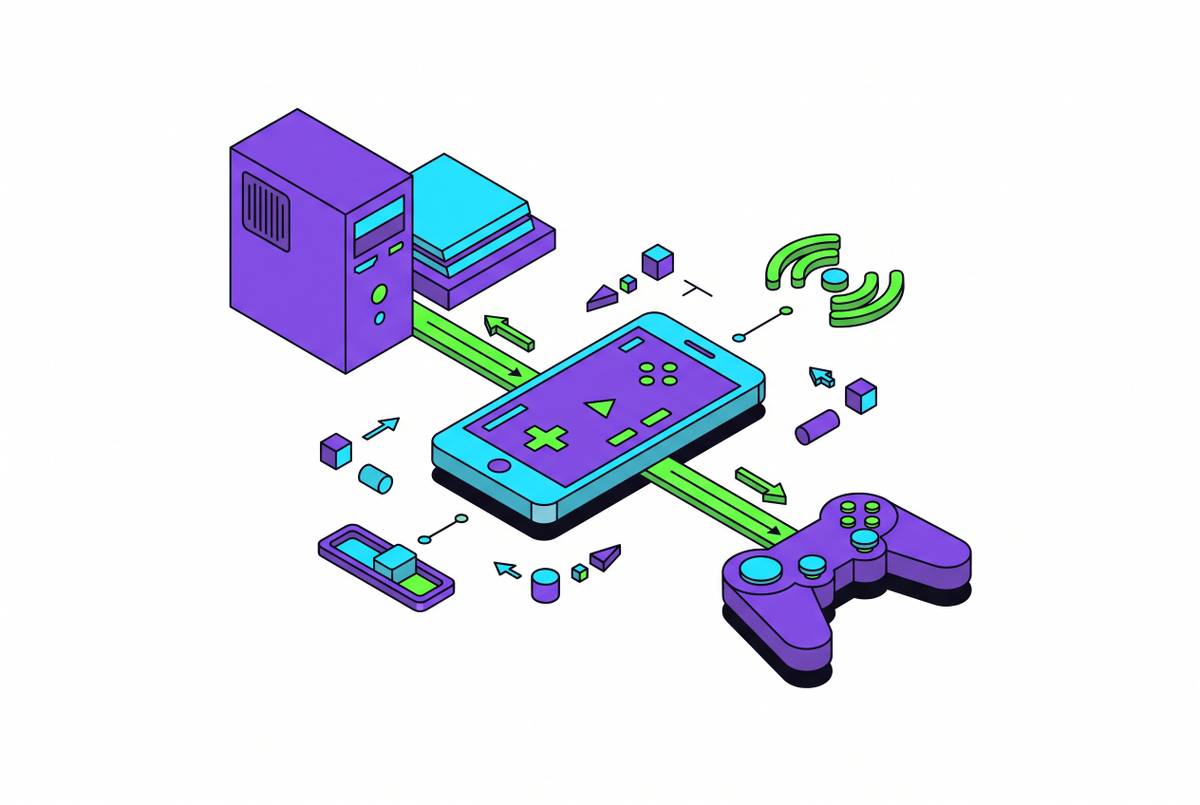
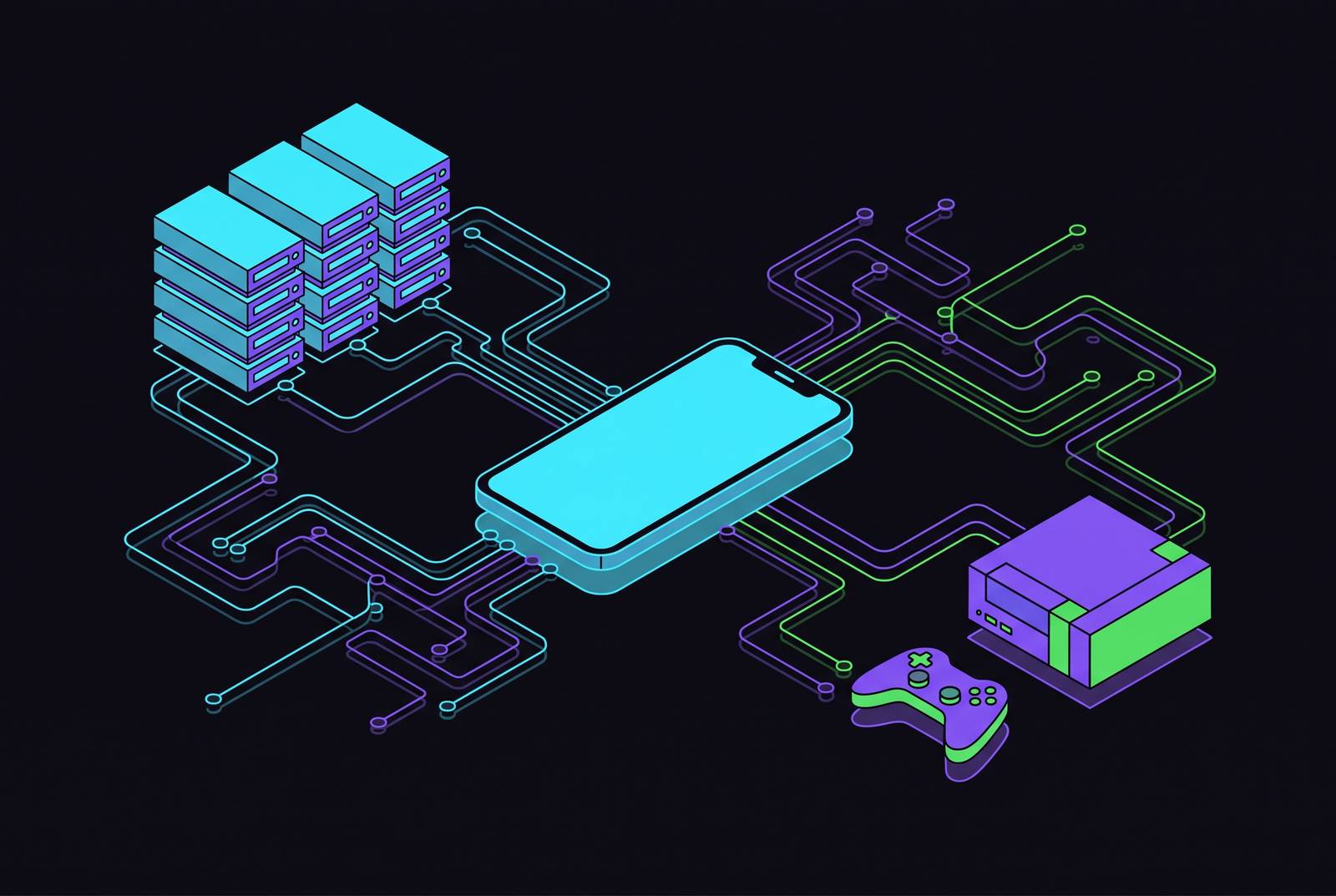
Remote play runs the game on hardware you already own. Your Xbox, PS5, or gaming PC does all the actual computing, and your phone just receives a video feed and sends button presses back. Cloud gaming skips your hardware entirely. The game runs on a server sitting in a data center that could be hundreds of kilometers away, and your phone is just a window into a machine it will never physically touch.
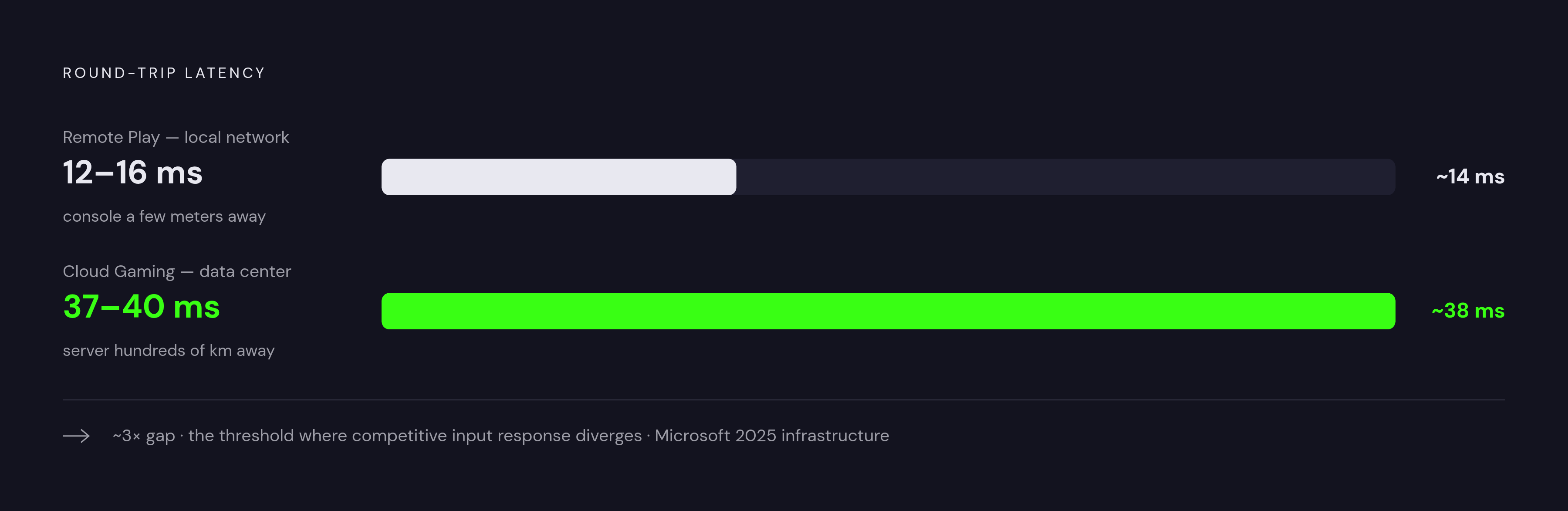
That distance is not a footnote, it's the whole ballgame. On a home network, remote play's round trip typically lands around 12 to 16 milliseconds on a wired connection, because the console is sitting a few meters away, doing what consoles do. Cloud gaming, even after Microsoft's 2025 infrastructure upgrades, still runs a round trip closer to 37 to 40 milliseconds. That gap isn't a rounding error. Anyone who plays fighting games or competitive shooters at a serious level can feel the difference between 10 milliseconds and 40, the same way a drummer can feel a metronome that's a hair off.
Library access splits the same way. Remote play shows you everything installed on your machine: every disc, every mod, every save file you've built up over years. Cloud gaming only shows you what the service licenses, and that catalog moves. Microsoft rotates titles in and out of Game Pass on a regular basis, so a game available today might not be there next quarter.
Cost follows the architecture, too. Remote play through Xbox, PlayStation, or Steam Link costs nothing beyond what you already paid for the hardware. Cloud gaming, because you're renting someone else's processing hardware by the hour (bundled into a subscription), always comes with a bill attached. And remote play carries one hard requirement that cloud gaming doesn't: the console or PC back home has to stay powered on and reachable, or there's nothing to stream from.
How location changes which method wins
On your own home network, remote play wins outright. The console is in the next room, the connection is direct, and the experience gets close enough to native play that most people stop noticing the stream at all. Cloud gaming, meanwhile, gets no benefit from your fast home Wi-Fi, because the bottleneck is your internet connection to the server. The signal still has to travel to that distant data center and back, and no amount of local bandwidth shortens that trip.
Step outside the house but stay in the same city, and the math shifts. Remote play still performs well if your home's upload speed holds up, since the stream depends on how much bandwidth your connection can send, not just receive. This matters because most residential broadband is asymmetric. Providers advertise download speed and treat upload as an afterthought, which becomes the actual bottleneck the moment you're streaming from your phone back to a game running at home. Cloud gaming doesn't care about your home connection at all, since the video source is Microsoft's or NVIDIA's own infrastructure.
Travel further, and the picture flips again. Remote play's latency now reflects real physical distance from your living room, and depending on where you are, it can equal or exceed cloud gaming's numbers. Suddenly that steady 37 to 40 millisecond cloud gaming baseline looks less like a compromise and more like a floor that doesn't get worse no matter where you're standing. Sometimes the data center is genuinely closer to you than your own console is.
Hotel Wi-Fi and airport lounges are the great equalizer, mostly in a bad way. Shared, congested networks hurt remote play harder, because it needs a clean signal on both ends: stable upload from home and clean delivery to wherever you are. Cloud gaming degrades too under those conditions, but its infrastructure was built with exactly this kind of unpredictable public network in mind. As a rule of thumb: remote play is the performance choice at home, cloud gaming is the choice that survives being somewhere else.
Platform by platform: what each service actually offers mobile gamers
Xbox Cloud Gaming, bundled into Xbox Game Pass Ultimate, streams over 400 titles straight from Microsoft's Azure data centers, no console required. Microsoft cut the price of Game Pass Ultimate on April 21, 2026, walking back a steep 2025 increase that had cost the service subscribers. Xbox recommends 10 Mbps just to connect and 20 to 40 Mbps for a stable stream. Touch controls handle casual genres fine, but shooters, fighters, and racing games really need a physical controller. Xbox Remote Play runs alongside this at no extra charge, now browser-only through xbox.com/remoteplay, and it still needs the home console powered on.
PlayStation Remote Play is not a cloud service at all: it requires an owned PS5, and it streams a locally running game to whatever device you're holding. PS5 has sold more than 93 million units worldwide as of mid-2026, and Remote Play is one of its most-used features once people realize it exists. Sony's own numbers, published on the PlayStation Blog in November 2025, put the minimum at 5 Mbps to connect and 15 Mbps for a high-speed, low-lag stream. That same month brought 3D Audio support on compatible devices, a passcode lock, and a dedicated network status screen for PS Portal. The Android app sits at version 9.1.0 as of May 27, 2026, requiring Android 10 or higher, which has quietly locked out a handful of older budget phones. The iOS app, version 8.5.0, needs iOS 15 or later.
PS Portal got its own twist in November 2025: a firmware update added a genuine cloud streaming layer for PS5 games, requiring PS Plus Premium, fully live as of November 5. It reorganized the Portal's home screen into three tabs (Remote Play, Cloud Streaming, and Search), and PS Plus Premium remains the only route to Sony's first-party lineup, Spider-Man, God of War, Horizon, through streaming.
GeForce NOW takes a different approach entirely: bring your own library. Connect Steam, Epic Games Store, Ubisoft Connect, GOG, Battle.net, the EA app, or your Xbox PC library, and the service runs those games on servers equipped with a high-end graphics processor, complete with real-time ray tracing and DLSS 4.0 on a phone screen. Effective January 1, 2026, NVIDIA added a universal 100-hour monthly play-time cap across subscriber tiers. This one's built for PC gamers who already own a library and don't want to leave a desktop running.
Steam Link remains the free option: it streams from a gaming PC over your home network at up to 4K HDR using AV1 encoding, and it runs on practically everything, Android 5.0 and up, iOS, iPadOS, tvOS, Apple Vision Pro on visionOS 11.0 and later, Windows, macOS, Linux, several Raspberry Pi models, Fire TV, and Meta Quest headsets. Valve added native support for Android-based headsets, including a few HTC Vive and PICO models, back in September 2025. Steam Link Anywhere, which has existed since March 2019, extends this across the internet, though it's still bound by whatever bandwidth and latency the away-from-home connection allows. No subscription fee makes it the cheapest entry point going, assuming you already own the games.
Amazon Luna shut down its bring-your-own-library feature entirely in June 2026, with previously purchased games given a brief window to remain playable before access ended. That moved Luna fully into the curated-catalog model, joining Xbox Cloud Gaming and PlayStation Plus Premium rather than competing with GeForce NOW's model. Across the five largest services (GeForce NOW, Xbox Cloud Gaming, PlayStation Plus Premium, Amazon Luna, and Boosteroid), options now range from free ad-supported tiers up through high-end tiers featuring real-time ray tracing on top-tier server hardware. The global cloud gaming audience reached roughly 455 million users in 2025, which suggests the infrastructure has matured past the point of being a novelty.
Matching the method to your game library and play habits
If your games live on a console you already own, remote play gives you all of it: every installed title, every format, your actual save files and mods intact. Cloud gaming only reaches what the subscription catalog happens to include. A modded install, a disc-based purchase from years ago, none of that exists as far as a cloud service is concerned.
If you don't own a console at all, Xbox Cloud Gaming is the only way into that ecosystem without buying hardware, and GeForce NOW fills the same role for PC gamers who own a Steam or Epic library but don't have a gaming PC handy.
Genre matters more than people expect. Shooters, fighting games, and racing games live and die on reaction time, and that 37 to 40 millisecond cloud gaming floor is exactly the kind of delay that decides a match. Indie titles, puzzle games, platformers, management sims, and narrative-driven games don't punish that same delay, so cloud gaming's convenience wins without much of a trade-off.
Mods are a clean dividing line, too. Cloud gaming services run a locked, provider-controlled configuration, no custom files, no ENBs, nothing outside what's officially supported. Remote play streams whatever's actually installed, heavily modded setups included, because it's your machine doing the work.
Session length also plays into this. Cloud gaming has no "keep something running at home" overhead, so picking it up for five minutes and putting it down again costs nothing. Remote play needs the home machine powered on the whole time, which raises a genuine question for anyone hoping to dip in and out casually throughout the day: is the idle power draw worth it?
Why a physical controller is the variable that changes both experiences
Touch controls work, technically, on both Xbox Cloud Gaming and PS Remote Play. They're fine for checking whether a raid finished or nudging a puzzle forward. They are not fine for an hour of serious play, in the same way a phone keyboard is technically a typewriter.
A controller doesn't touch the latency numbers either method produces, that's fixed by the architecture underneath. What it does is remove the friction of touch controls layered on top of a stream, which is often the bigger obstacle to a game feeling native.
A few things matter more than others when picking a controller for this specific job. Wired USB-C connections skip the Bluetooth hop that would otherwise stack extra latency on top of whatever the stream already adds, which counts for a lot in genres where remote play's speed advantage is the entire reason you chose it. Passthrough charging matters just as much: any session running past 90 minutes needs a controller that charges the phone while it plays, especially for cloud gaming away from a wall outlet. Contactless thumbstick sensors, built on Hall effect or TMR technology, avoid the stick drift that eventually creeps into mechanical sticks, a real consideration for anyone buying a controller they expect to use for years. Case compatibility is worth checking too, since a clamping design that fights your phone case defeats the purpose of a grab-and-go setup. And multi-device pairing is not a hypothetical, plenty of players bounce between PS5 remote play, Xbox Cloud Gaming, and GeForce NOW inside a single afternoon.
One quiet convenience: USB-C landing across iPhone 15, 16, and 17 alongside most modern Android flagships means a single controller now works across an entire household's worth of phones, no separate cables, no separate adapters.
Network conditions that determine whether either method is viable at all
The platforms themselves publish minimums, and they're worth taking literally rather than as suggestions. Xbox Cloud Gaming asks for 10 Mbps just to connect, 20 to 40 Mbps for something stable. PlayStation Remote Play, per Sony's November 2025 PlayStation Blog post, needs 5 Mbps to connect and 15 Mbps for a high-speed, low-lag stream.
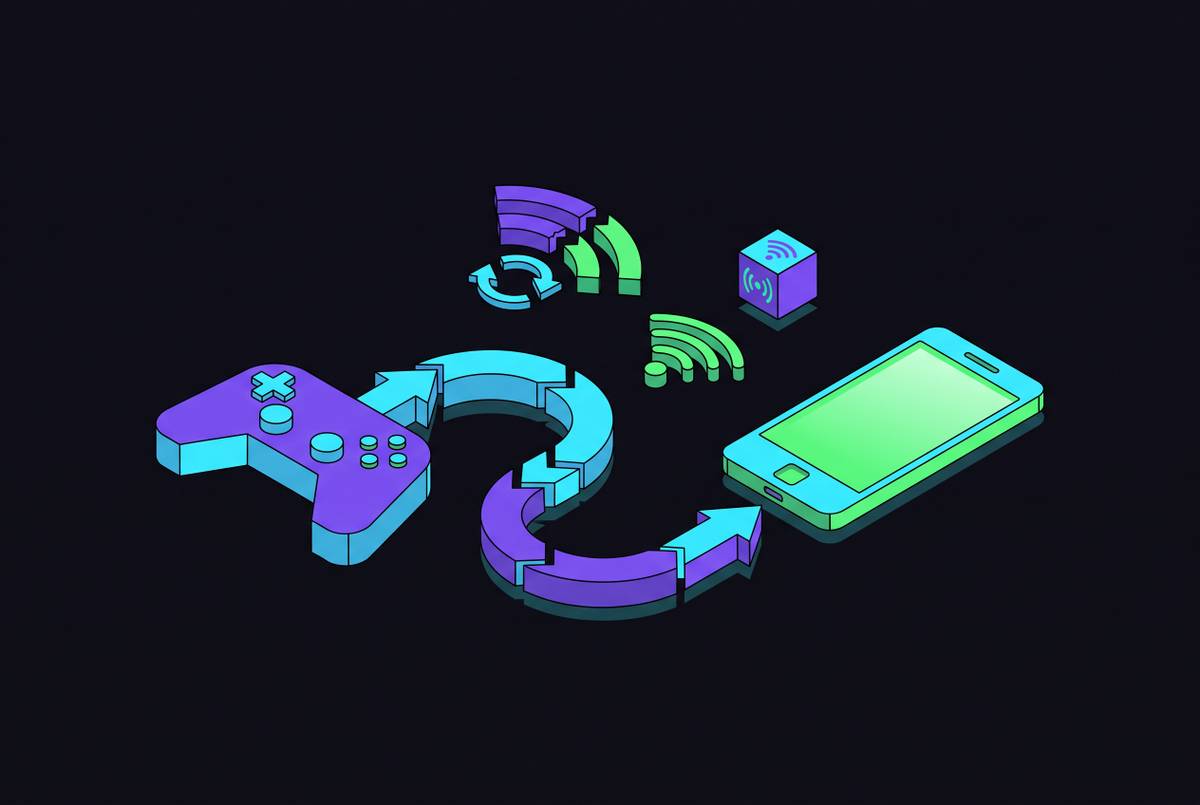
Home upload speed, a figure most people never check, is what actually determines whether remote play works away from home. Most residential connections are asymmetric by design, fast download, modest upload, because providers built them assuming customers mostly consume rather than send. That imbalance is invisible until you try to stream your PS5 from a hotel room and the upload can't keep up.
5G changes the equation, but not evenly. Low-band 5G offers more modest real-world speeds and doesn't move the needle much. Mid-band 5G sustains 150 to 300 Mbps fairly consistently, which is plenty for either method. mmWave 5G can hit 1 to 3 Gbps, but only in specific line-of-sight urban spots, meaning it's a genuine boost when you can get it and irrelevant everywhere else.
Congested shared networks, hotel Wi-Fi, café Wi-Fi, airport lounges, cause packet loss that hurts both methods, though remote play takes the harder hit. It needs a clean signal simultaneously on two ends: stable upload from home and clean delivery to wherever the phone happens to be. Before committing to either method for travel, check your home's actual upload speed rather than the download number on the router box, find out roughly how far the nearest data center is for whichever cloud service you're considering, and test the whole setup on a real 5G or LTE connection before spending money on a subscription or a controller built around it.
Choosing the right combination for your situation
None of this points to one winner, because the two methods aren't actually competing for the same job. Remote play is what you use at home or nearby, where your own upload speed and your own console do the heavy lifting and the experience gets close to native. Cloud gaming is what you use everywhere else, where distance from your living room stops being your problem and becomes the data center's.
The realistic setup for most players is both. Keep a PS5 or Xbox running remote play for the library already owned, mods and all, and keep a Game Pass or GeForce NOW subscription in the back pocket for travel days, hotel Wi-Fi, and the games that never touched a home console to begin with. Add a controller with passthrough charging and a wired connection option, and the choice between the two stops being a decision made in the moment and becomes something already built into the setup, waiting for whichever network shows up.