GeForce Now on Mobile Streaming Quality and Tier Comparison
Mobile gaming on GeForce Now works differently than Nvidia's marketing suggests.
I've been playing Marvel Rivals on a Pixel over hotel Wi-Fi. That's the actual reason this piece exists: picking the wrong GeForce Now tier turns a Tuesday night into a staring contest with a loading wheel, and the tier that sounds best on the pricing page often isn't the one that works on a six-inch screen. So, this breaks down what Free, Performance, and Ultimate each do specifically on a phone, rather than on the 27-inch monitor Nvidia's marketing photos are so fond of. Here's the short version, if you want to skip ahead: the tier names promise one thing, and what actually happens on mobile data is a different conversation entirely.
What GeForce Now actually is and how its tier model works
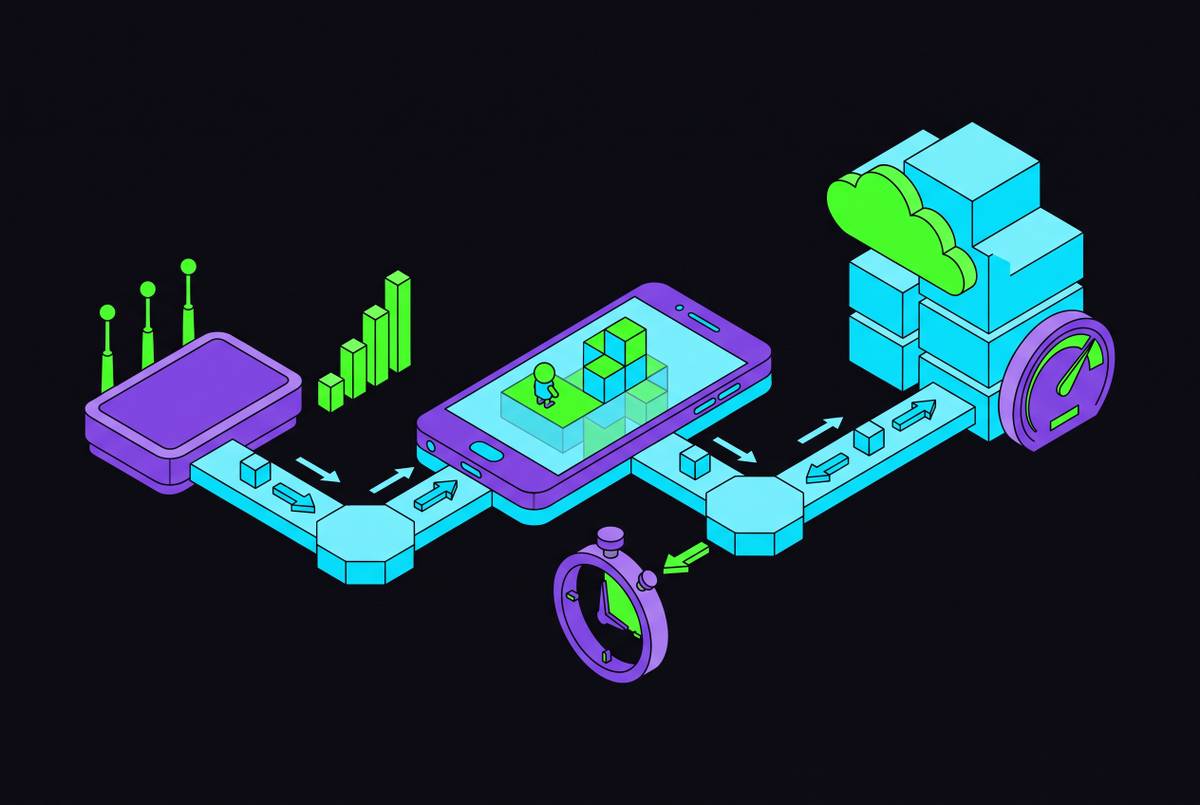
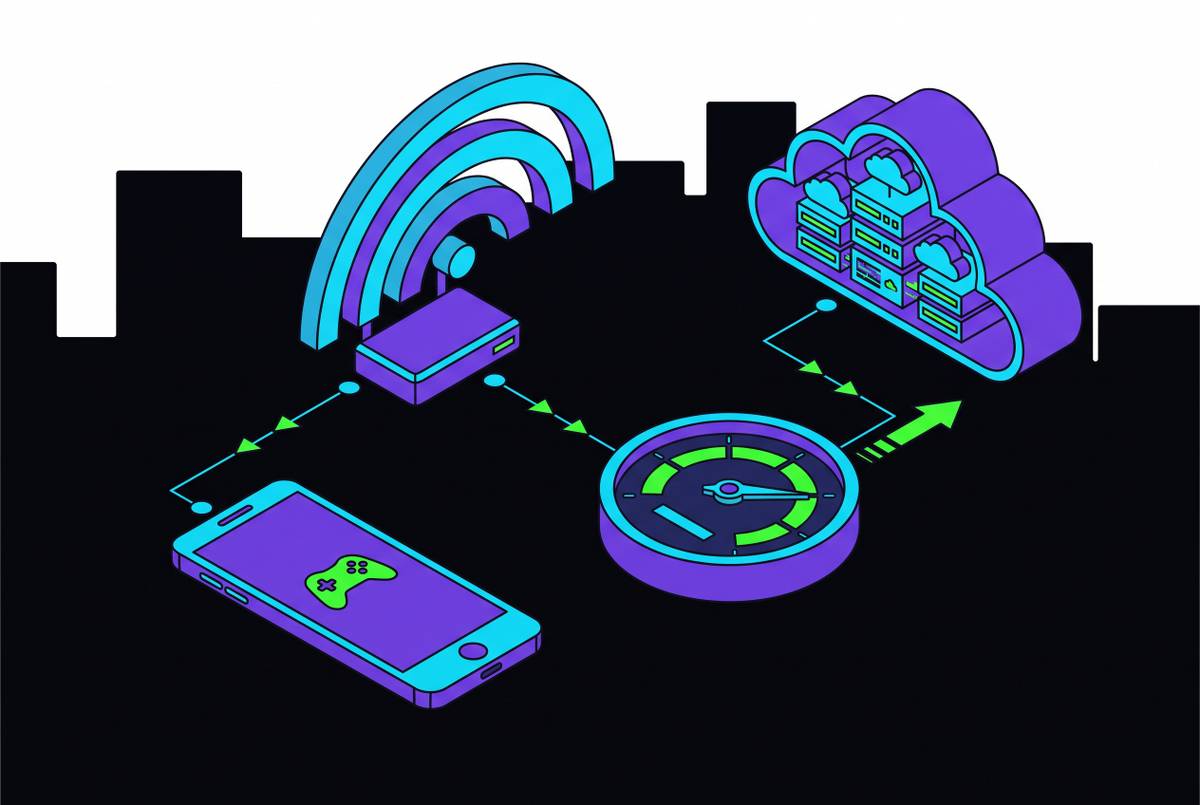
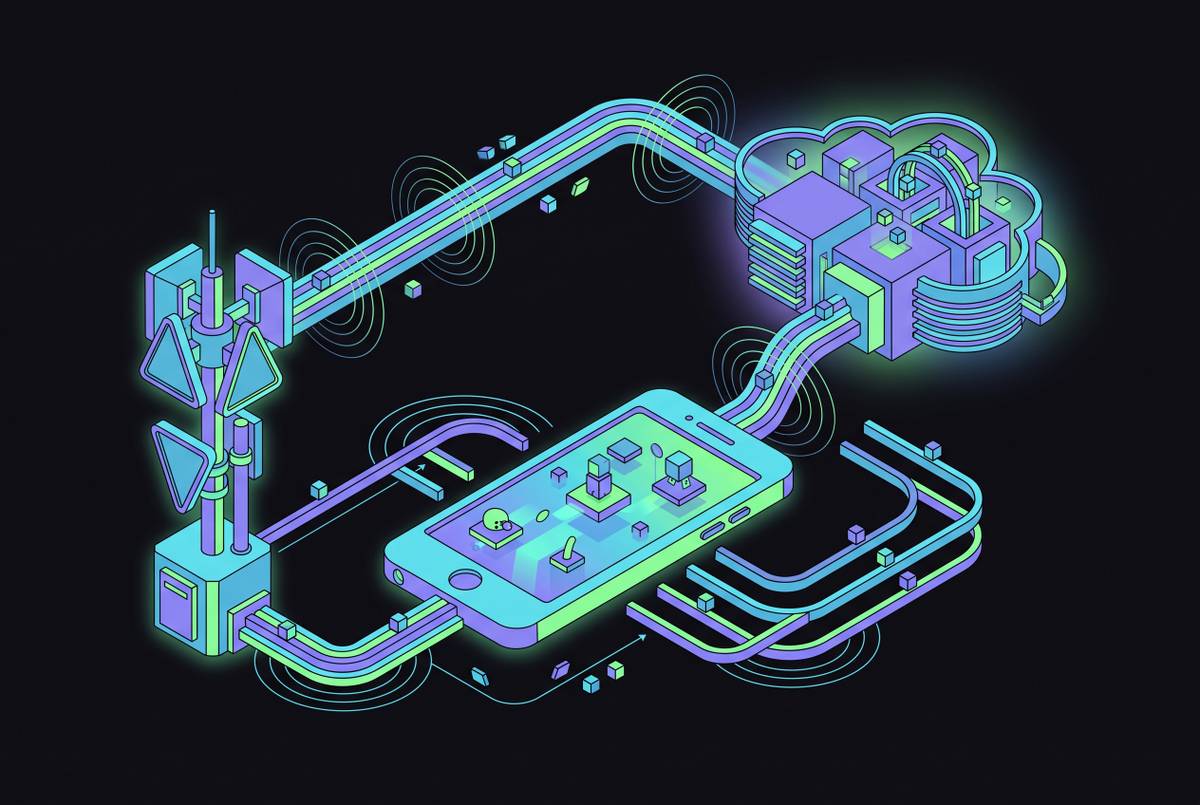
Strip the branding off and here's the mechanism: your game runs on a server somewhere in an Nvidia data center, and what lands on your phone is video, a compressed image piped over the internet in real time. You're renting a graphics card by the month instead of buying one and watching it depreciate in a desktop tower.
Nvidia doesn't own the games, either. It plugs into libraries you already own on Steam, Epic Games Store, and a handful of others, so the money buys server time rather than permission to play whatever's on this month's rotating menu.
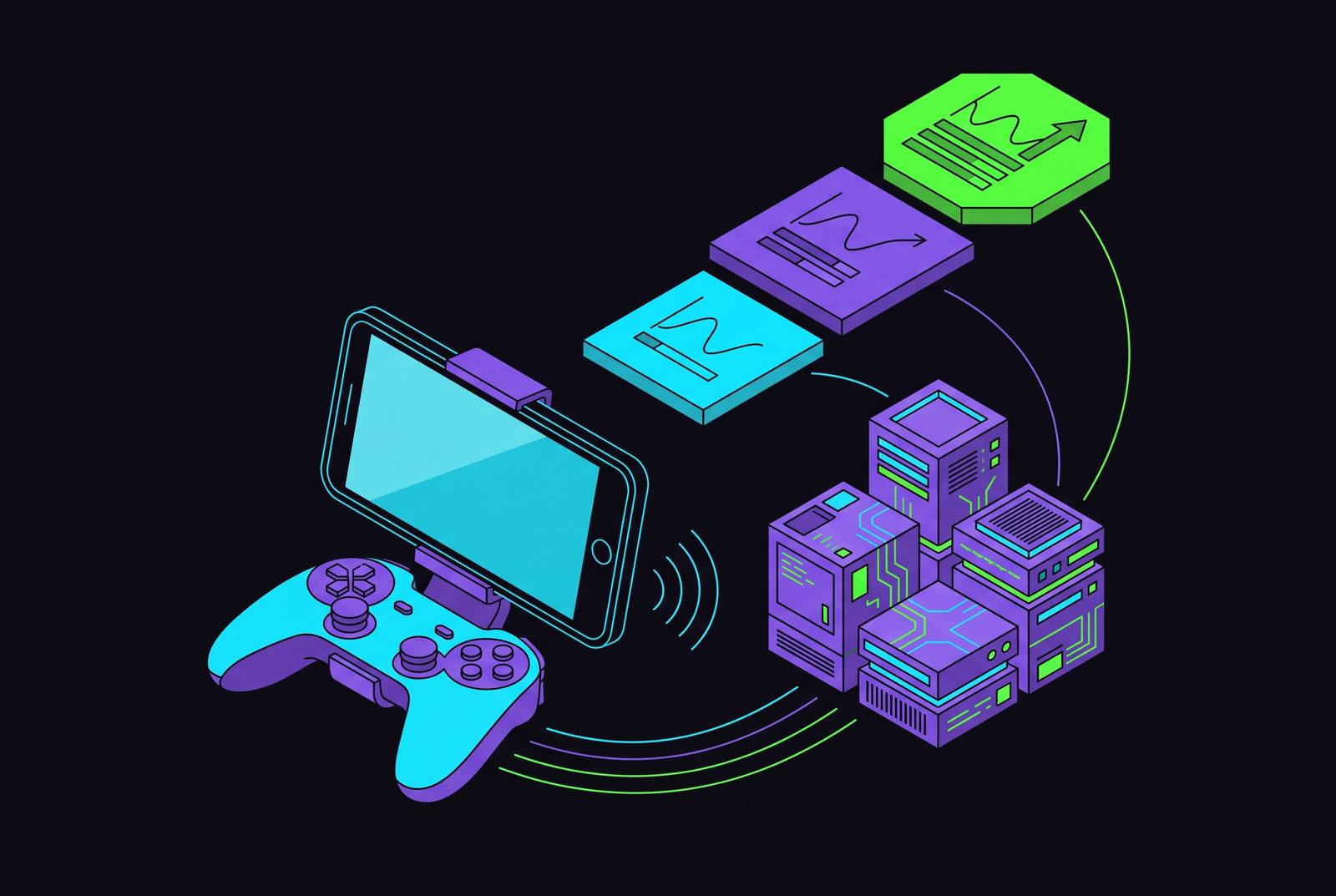
Three tiers exist right now, and they scale from nothing to a real monthly commitment. Free costs nothing, Performance runs about $9.99 a month, and Ultimate sits at roughly $19.99 a month or $199.99 a year. Nvidia renamed the old Priority tier to Performance and handed it 1440p and ultrawide support that used to live exclusively behind Ultimate's paywall. The library grew alongside that change as Nvidia added Install-to-Play support next to the older Ready-to-Play catalog.
On a phone, library size matters less than whether your tier can stream any of those thousands of games without falling apart mid-session. That part gets skipped on the way to the sign-up button.
What the Free tier actually delivers on a phone screen
Free tops out at 1080p, which sounds thin until you remember you're looking at a six-inch panel, not a monitor three feet from your face. Pixel density does a lot of quiet work here, hiding resolution limits that would look genuinely rough blown up on a desktop. The caps that actually bite you live somewhere else.
You get one hour per session, and then you're bounced and re-queued, behind every paying subscriber, every single time. Since March 2024, Nvidia also runs up to two minutes of sponsored video while you wait in that line. It adds up fast if you're queuing more than once a night.
Free answers one question: can your phone and your home connection hold a stream at all, before you hand over a card number? The one-hour cap is the real problem on mobile, because mobile sessions are long and unpredictable by nature. A commute, a waiting room, a couch session that eats into your bedtime whether you planned it or not; getting cut off mid-raid because the clock ran out defeats the entire point of playing on a phone in the first place. Free skips RTX ray tracing, HDR, and any elevated frame rate. It covers the basics and stops well short of what Nvidia's hardware can actually do.
What Performance tier unlocks and where it still falls short
Performance moves you onto RTX-powered servers and lifts the ceiling to 1440p at 60 frames per second, a real jump off Free's floor. Ultrawide support (21:9 and 32:9) shows up here too, though on a phone that's basically wallpaper; few people hold their phone sideways to enjoy a 32:9 aspect ratio during a bus ride. What actually matters for mobile is the resolution bump, and more than that, the session cap: six hours instead of one. Six hours changes how you play, because it means an entire evening without Nvidia's queue tapping you on the shoulder.
Performance also throws in 100GB of cloud storage for Install-to-Play, letting you install games directly onto Nvidia's servers instead of leaning only on the Ready-to-Play catalog.
Here's a wrinkle that showed up in January 2025: new subscribers face a 100-hour monthly cap, which works out to roughly three hours a day if you play every single day without missing one. Nvidia says fewer than 6% of users actually hit that ceiling, and there's slack built in regardless. Up to 15 unused hours roll into next month, and overage runs a few dollars per 15-hour block past that. For most people this rounds to zero dollars added to the bill. For the person gaming four hours a night, every night, it's worth doing that math before assuming the sticker price is the whole story.
Performance falls short in a few places: 60fps is a hard ceiling, no high-frame-rate mode exists at this tier, and RTX ray tracing, DLSS 4, and HDR all stay locked behind Ultimate. A casual player, someone gaming an hour or two most evenings, probably doesn't need any of that. Paying extra for headroom you'll never touch is just paying extra.
What Ultimate tier delivers and what the September 2025 Blackwell upgrade changed
Ultimate is where things get genuinely interesting, and also where the marketing runs a step or two ahead of the fine print.
Historically Ultimate ran on RTX 4080 servers, delivering 4K at up to 240 frames per second, and that's still the floor today. Starting September 2025, though, Nvidia began shifting select titles onto RTX 5080 servers built on the Blackwell architecture. On those specific games, the ceiling jumps to 5K HDR at 120 FPS, or up to 360 FPS at 1080p using DLSS 4 and Multi-Frame Generation. Nvidia's own numbers claim 2.8 times the frame rate of the previous generation, on titles actually built to use it.
Session limits loosen too: eight hours a day, the same 100-hour monthly cap as Performance, overage priced at $5.99 per 15-hour block.
There's also Cinematic Quality Streaming, running YUV 4:4:4 chroma sampling with 10-bit HDR. In a game with dense foliage or a busy UI, this actually shows up: text gets sharper, color banding disappears, shadows hold detail instead of crushing into a flat gray smear. Pair that with Nvidia Reflex, which works to reduce input latency on a clean connection, and the tier is clearly built for people chasing fractions of a second off input lag.
The part that matters more than the headline number: not every game runs on the RTX 5080 hardware. Most titles still sit on the older RTX 4080 servers, and that 5K/360fps figure only applies to a short, specific list Nvidia has migrated so far. Check whether your actual game made that list before you upgrade expecting to see it.
On a phone specifically, 360 frames per second is a number your screen physically cannot render, since most phone panels top out well under that mark. The higher server-side frame rate still improves interpolation and lowers perceived latency even when your display caps the raw number before it reaches your eyes. Real benefit. Just not one you get to screenshot and brag about.
How much bandwidth each tier actually needs on a mobile connection
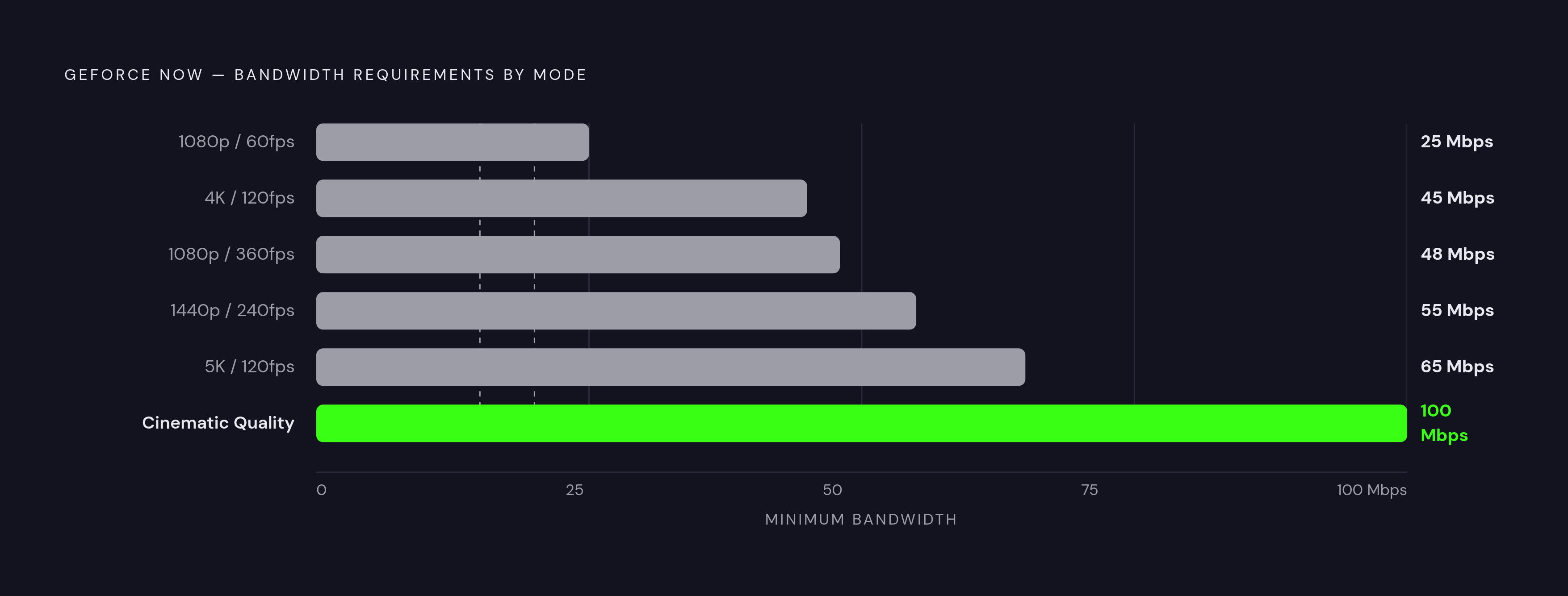
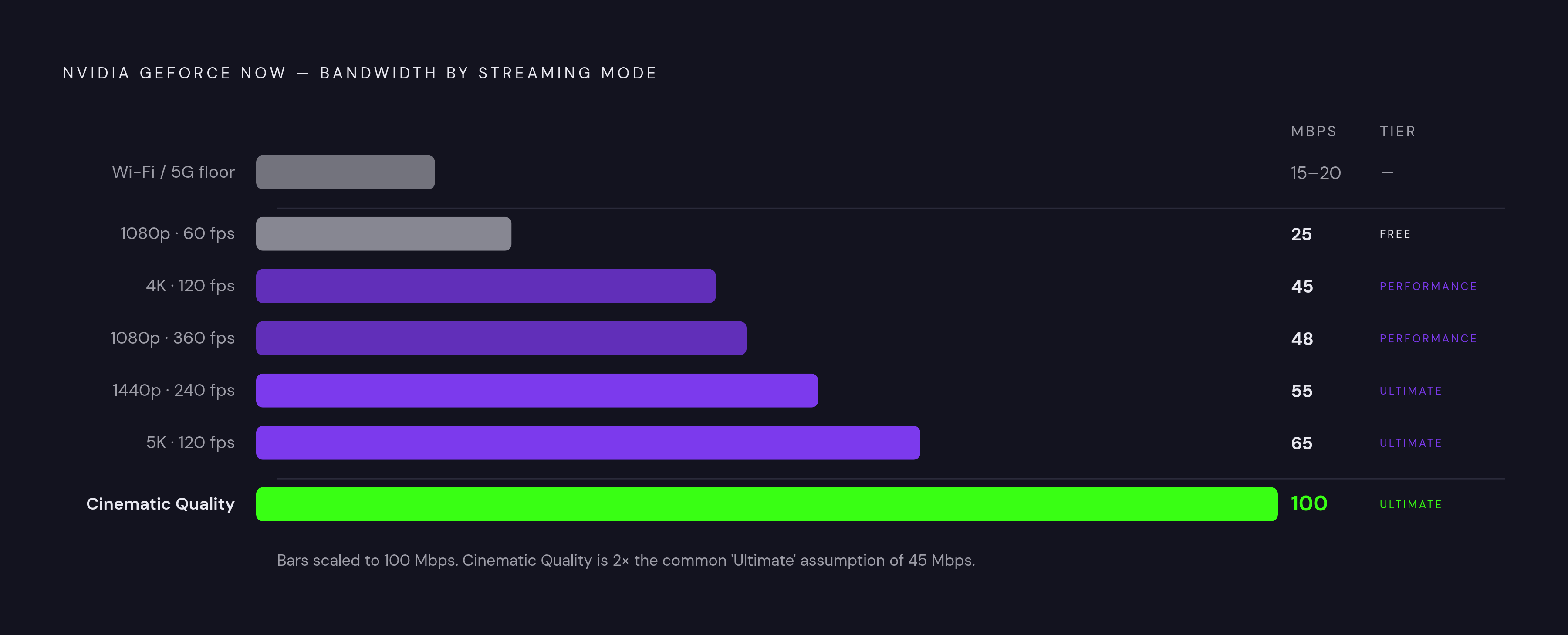
Nvidia publishes bandwidth targets by resolution and frame rate, and lining them up side by side beats guessing blind. 1080p at 60fps, covering both Free's ceiling and Performance's floor, needs about 25 Mbps. 4K at 120fps needs 45 Mbps. 1080p at 360fps needs 48 Mbps, oddly more than the 4K number, because frame rate taxes bandwidth on its own axis, separate from resolution. 1440p at 240fps sits at 55 Mbps. 5K at 120fps needs 65 Mbps. Cinematic Quality Streaming, Nvidia's own top recommendation, wants 100 Mbps for the best result.
On phones, where the resolution ask is naturally lower, stable Wi-Fi needs around 20 Mbps, and over 5G, Nvidia's recommended floor for stable play sits at 15 Mbps.
Free and Performance sit comfortably inside what decent home Wi-Fi or a strong 5G signal delivers without drama. Ultimate's higher settings, Cinematic Quality Streaming especially, push into territory where you start wanting a wired connection or a solid 5 GHz router just to keep the stream from stuttering. Raw Mbps matters, but stability matters just as much; a connection averaging 60 Mbps that drops every ninety seconds performs worse in practice than a steady 30 that never wavers.
For anyone playing off a router rather than a desk-bound ethernet cable, this is a real input into which tier fits, not a spec sheet detail to skim past. Performance's 25 to 45 Mbps range is something public 5G hits consistently. Ultimate's top end is a much tougher ask outside a home network.
How iOS and Android handle the stream differently in practice
iOS and Android don't run GeForce Now the same way, and that's worth knowing before you assume your experience will match your friend's on a different phone.
On iOS, you get to GFN through a Progressive Web App added to your home screen so it behaves roughly like an app icon even though it never touched the App Store. That's Apple's own store policy shaping the outcome, a constraint Nvidia is working around rather than one it chose. Within that constraint the experience runs stable, largely because Apple controls hardware and software tightly enough that performance stays consistent across supported devices. The tradeoff is fewer knobs to turn; customization is noticeably thinner than what Android hands you.
Android runs a native app with far more exposed settings, letting you adjust quality mode, bitrate, and screen behavior with a granularity iOS doesn't offer. The tradeoff there is fragmentation. Android spans an enormous range of hardware, so a stream that looks flawless on a flagship might need manual tuning on a mid-range phone to hit the same result.
Both platforms share streaming presets weighted toward different mixes of resolution, frame rate, and bitrate. The setting most people never touch, and probably should, is the bitrate slider, which requires switching to a custom quality mode to access. That one small setting accounts for a surprising share of the gap between a stream that looks merely acceptable and one that looks like it's actually coming off a console.
Touch controls exist and work well enough. Fortnite is a standout proof of concept, with its mobile availability drawing a substantial base of touch-control players. Still, virtual gamepads remain a limited stand-in for a physical controller, and that tracks. Touchscreen controls without tactile feedback remain a rough stand-in for a real trigger, no matter how cleverly the software maps your thumb to it.
Matching the right tier to how you actually play on mobile
So which one do you actually buy? Less about what sounds impressive on a spec sheet, more about what your evenings actually look like.
Use Free to confirm your phone and network can hold a steady stream before spending a dollar. The one-hour cap and the queue full of paying customers cutting ahead of you make it a bad long-term fit for anyone who wants to play with any regularity.
Performance, at roughly $9.99 a month, is the right call for most mobile players, and it's not close. 1440p at 60fps is more resolution than a phone display needs in any practical sense; six-hour sessions kill the constant interruption that makes Free exhausting; the 100-hour monthly cap is a non-issue unless you're averaging three-plus hours daily without fail. The 25 Mbps floor is realistic on home Wi-Fi and most 5G, which matters if you play outside the house as often as inside it.
Ultimate, at about $19.99 a month, earns its price for a narrower group. Heavy daily players who split time between a phone and a TV or monitor get real value, since the 4K/240fps and 5K/120fps ceilings shine on the bigger screen while the same subscription still covers phone sessions on the bus home. Competitive players chasing the lowest possible input lag get something concrete from DLSS 4, Nvidia Reflex, and RTX 5080 access, something that shows up in match results rather than in a press release. Anyone drawn to Cinematic Quality Streaming's HDR and color work notices it most in slower, visually dense games, less so in a twitchy shooter where your eyes are locked on a crosshair instead of the scenery. Keep the caveat handy: that 5K/360fps ceiling covers a select list of titles, so check your own library before assuming those numbers show up on your own screen.
Worth repeating: the 100-hour monthly cap applies to both paid tiers for new subscribers. Playing more than three hours a day, routinely, means factoring overage into the real cost instead of treating the sticker price as the whole story.
None of the three names on the pricing page tells you which one fits your life. What tells you is whether the bandwidth math lines up with the connection you actually have, and whether the session limits match how long you actually sit down to play in one sitting. Ultimate doesn't win by default just because it costs the most; on a phone screen, a chunk of what it offers is wasted on a panel that can't render it anyway. Pick whichever tier survives your actual Tuesday night, hotel Wi-Fi and all.