Network Requirements for Stable Cloud Gaming on a Smartphone
Latency and jitter matter far more than speed for smooth mobile cloud play.
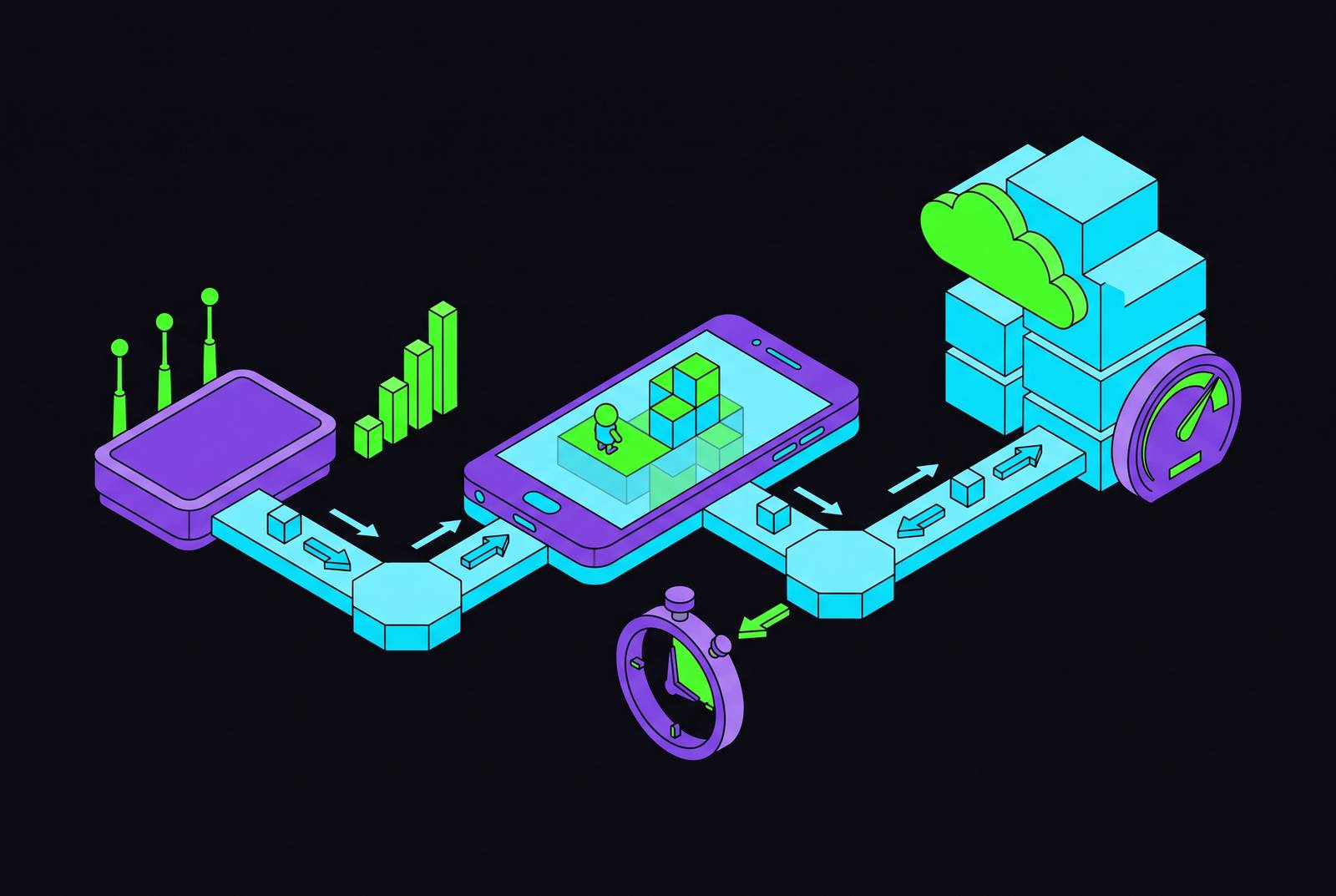
Cloud gaming moves the entire rendering job off the phone and onto a server somewhere else, which means the processor in your pocket matters less than the pipe connecting it to that server. Four measurable things decide whether a session feels smooth or unplayable: speed, latency, jitter, and packet loss. Most people watch the wrong one, and it costs them a match, a K/D ratio, or just an evening of rubber-banding. Speed is the number ISPs print on the bill, so it's the number everyone fixates on. Latency is the one that actually kills sessions, and speed gets blamed for the crime latency committed.
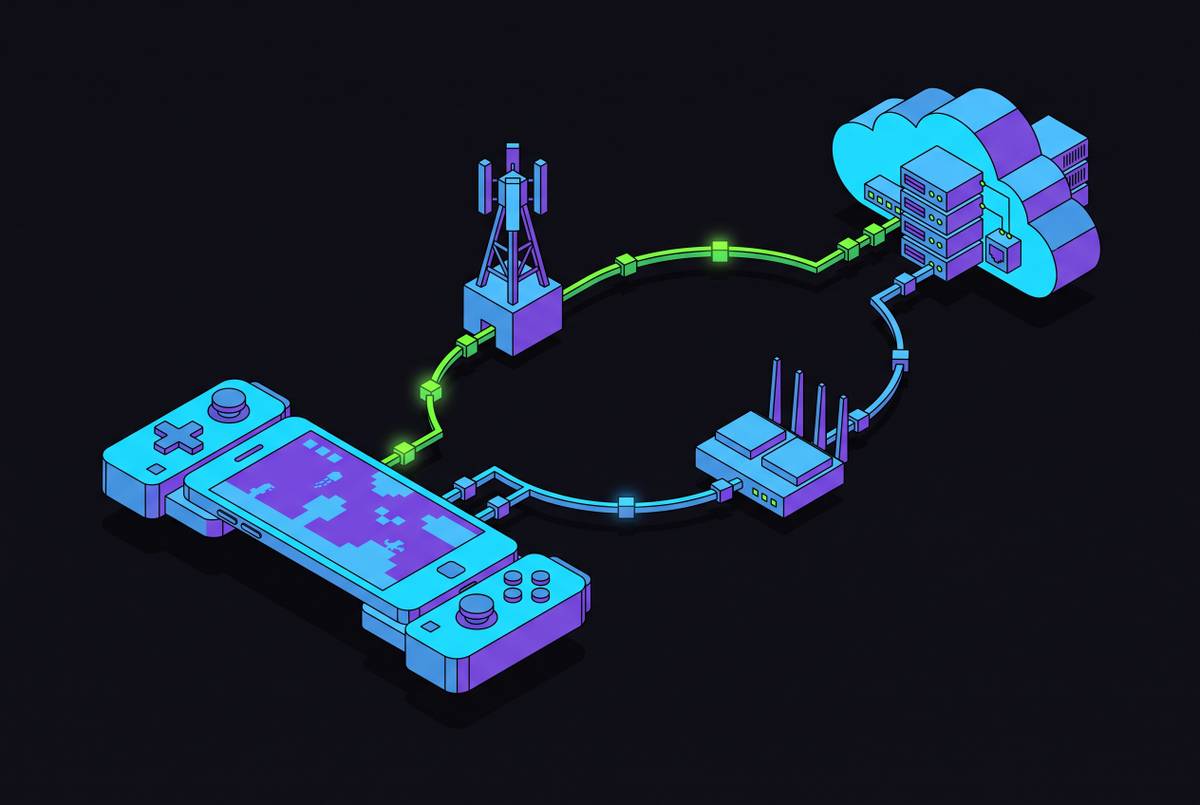
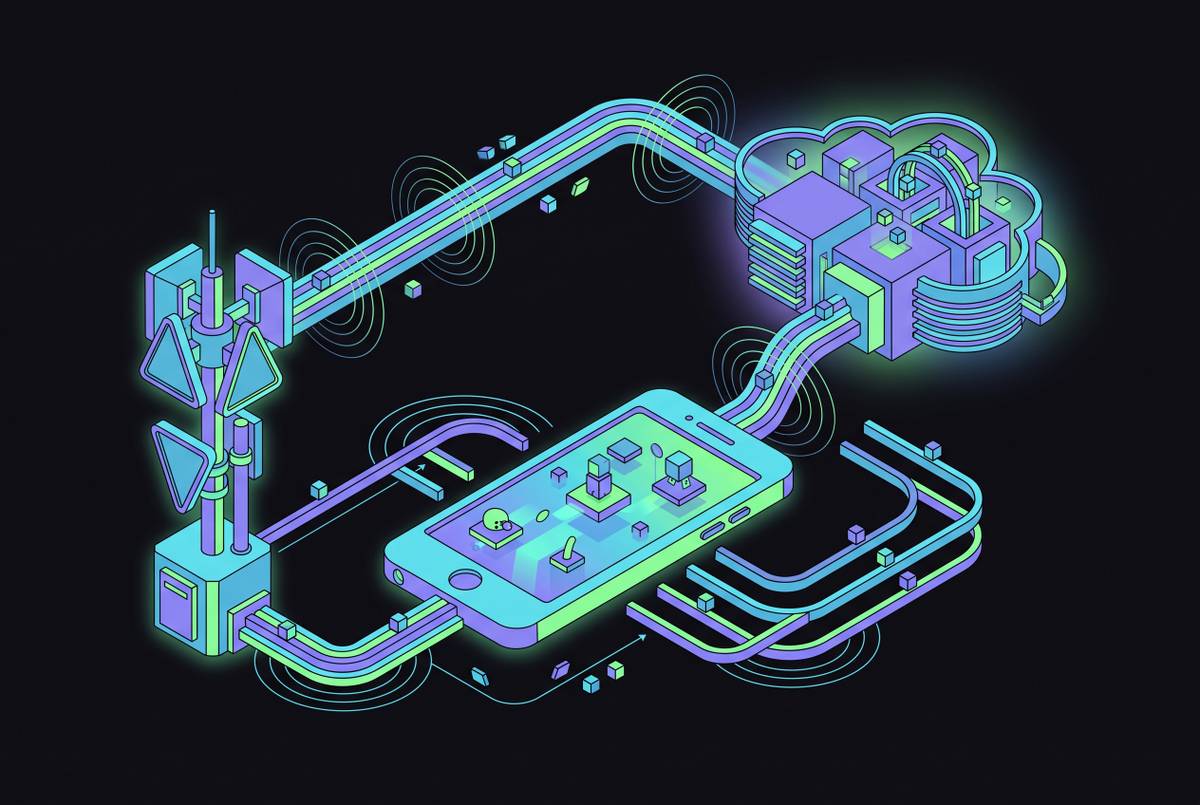
Cloud gaming has an unusual traffic pattern compared to streaming a movie or loading a webpage. What travels down to the phone is a constant stream of compressed video frames; what travels back up is a thin trickle of controller inputs and maybe some voice chat. That asymmetric, latency-sensitive pattern behaves differently from the bandwidth-heavy, latency-tolerant traffic most home networks were built to handle.
What download and upload speed actually need to be for cloud gaming
Speed is the easiest number to watch, which is exactly why it gets watched by people who shouldn't be watching it. It also matters least of the four. Buying more download speed to fix a stuttering stream almost never works, because the stutter is usually caused by something else entirely, and throwing bandwidth at a jitter problem doesn't address the actual issue.
NextGComm puts the practical floor for a consistent, high-quality cloud stream around 20 Mbps download. Below that, expect a stable but visibly compressed, lower-resolution image. Above it sits a comfortable tier, enough for 1080p at 60 frames per second without obvious smearing, and then a future-proofed tier that's less about the game itself and more about headroom for 4K, or for someone else in the house streaming a show at the same time.
Upload almost never causes the problem. The video only flows one direction, so the upload channel just carries button presses, which needs a few Mbps at most. Chasing upload speed when the real issue is jitter wastes money and time better spent elsewhere.
Here's the part speed test apps actively mislead people about: consistency beats peak speed. A connection that spikes to 100 Mbps for ten seconds and then dips to 8 Mbps for the next ten produces more visible artifacts than a connection that just sits steadily at 25 Mbps the whole time. The peak number flatters the connection; the valleys are what show up as blocky, smeared textures mid-match. Worth flagging before it becomes a surprise: 4K cloud streams eat through data fast, and anyone on a capped mobile plan should check what an hour of high-resolution play actually costs in gigabytes before it costs them in dollars.
Latency: the metric that separates playable from frustrating
Latency, or ping, is the round-trip time for a signal to leave the phone, reach the server, and come back. In cloud gaming specifically, it governs the gap between pressing a button and seeing that action register on screen, which is about as close to the definition of responsiveness as a number can get.
Three bands are worth memorizing. Under roughly 40 milliseconds sits what Cloud Loadout calls the gold zone, where most genres feel native and even competitive shooters become playable. Between 40 and 80 milliseconds is the workable middle; most players tolerate this fine in anything that isn't twitch-based. Above 100 milliseconds, the lag becomes reliably perceptible, and competitive play falls apart.
The Ericsson Mobility Report draws the line tighter for fast-twitch genres specifically, putting the quality threshold for first-person shooters and real-time multiplayer at 20 to 30 milliseconds of end-to-end latency. Not every mobile connection clears that consistently, and here's where a lot of subscribers get burned: the network figure staring back at them from a speed test doesn't include render time. The server still has to draw the frame, which adds its own delay on top of the round trip. So the network number needs margin built in, not just enough to scrape by on paper.
Latency tolerance also isn't fixed across all games. It flexes hard by genre, which is exactly what the next section covers.
How much latency each genre can tolerate before the session breaks
Matching the genre to the connection is arguably the single most useful skill a mobile cloud gamer can develop, and it's the one almost nobody bothers with. Most people buy the fastest connection they can afford, then play whatever they want on it, rather than matching the game to the connection they already have. That backwards order of operations is the reason plenty of "bad connections" are really just bad game choices dressed up as a network complaint.
High-tolerance genres sit at the forgiving end: turn-based strategy, card games, RPGs, narrative adventures. Latency in the 80 to 150 millisecond range is largely invisible here, because the pacing doesn't punish a quarter-second of lag. Mobile cloud gaming is genuinely excellent for this category, full stop.
Medium-tolerance genres are platformers, open-world exploration, slower action-RPGs, where 40 to 80 milliseconds feels comfortable and anything past 100 starts to draw attention. Then there's the low-tolerance tier: competitive shooters, fighting games, racing sims, battle royale. Past roughly 40 to 50 milliseconds, the feel degrades in ways that change outcomes, not just comfort. Getting outdrawn in a shooter because of 60 extra milliseconds of round-trip time is a scoreboard problem, not a controller problem.
The correct move, and this is the part worth taking as a rule rather than a suggestion: don't play twitch shooters on mobile cloud gaming unless the connection is genuinely excellent, full stop. Xbox Cloud Gaming and GeForce NOW both carry deep catalogs of strategy and RPG titles that suit exactly the latency conditions mobile connections tend to offer. Save the fastest-twitch titles for a home Wi-Fi session, or for a native mobile build that skips the network round-trip entirely. Playing a battle royale over mid-band 5G on a moving bus rarely ends well, and the scoreboard will confirm that within one match.
PS Remote Play is the odd one out here, and lumping it in with the other two is a mistake worth correcting up front. The PS5 renders locally and streams to the phone over the home network rather than a distant cloud data center, so on a strong home connection, the latency ceiling sits lower than a true cloud service could ever offer. That makes it the better fit for shooters and fighters, provided the home network cooperates.
Jitter: why a steady average matters more than a fast peak
Jitter measures how much latency swings from one packet to the next, not the average ping itself. This is the metric everyone forgets to check, and it quietly wrecks the most sessions while the speed test sitting right next to it insists everything's fine.
High jitter produces choppy gameplay and distorted audio even when average latency looks fine on paper. A connection averaging 30 milliseconds but bouncing between 15 and 90 feels worse in a shooter than a connection holding a steady 40 milliseconds the whole time. Steadiness beats speed here, which runs against instinct if the habit is chasing the lowest number on a speed test.
Standard speed tests report averages, full stop. They don't surface jitter at all, so it's entirely possible to pass a speed test with flying colors and still have a connection that's unplayable for real-time gaming. That gap between "the test says fine" and "the game feels broken" is where most confused, frustrated support tickets come from. On mobile, jitter tends to come from network congestion, from switching between Wi-Fi access points mid-session, from 4G-to-5G handoffs, or just from other devices on the same home network competing for bandwidth.
The target is single-digit millisecond variability. Anything consistently swinging past 30 milliseconds gets felt, not just measured. Some network testing tools report jitter as its own separate number, and running one before a session only takes a moment.
Packet loss: the small percentage that causes disproportionate damage
Packet loss is data that simply never shows up, and unlike a slow connection, there's no waiting it out. A slow line just takes longer to deliver everything; a lossy one drops pieces of it entirely, and no amount of patience gets that data back.
Cloud Loadout puts a number on how little it takes to notice: one to two percent packet loss is enough to cause visible stutter. That sounds like a rounding error until it's happening to a player's character mid-fight.
Here's the mechanism, and it's the detail that explains why this category of software behaves so differently from everything else on the internet. Video streaming services like Netflix buffer ahead, so a lost packet just gets quietly re-requested and slotted back in before anyone notices. Cloud gaming has no such buffer. The frame either arrives in time to display, or it doesn't exist for that moment at all. Most cloud gaming platforms build on UDP rather than TCP for exactly this reason, which trips people up when they hear TCP is the "reliable" protocol. TCP's retransmission would technically recover a lost packet, but by the time it arrives, the moment it was meant for has already passed; data recovered too late is functionally the same as data that never arrived. UDP drops the frame and moves on, trading reliability for speed, and for this specific job, that trade earns its keep. Forward error correction offers a partial fix, since it can reconstruct lost data without waiting on a retransmission. The catch is that it needs to predict loss rates ahead of time, a much harder problem on a mobile connection swinging between cell towers and Wi-Fi bands throughout a session.
The practical target sits close to zero: near-zero packet loss is the goal, and anything meaningfully above that deserves diagnosis before blaming the game itself. On mobile, the usual suspects are a weak Wi-Fi signal at the edge of range, a congested cellular band during peak hours, or a neighbor's network stepping on the same channel.
How Wi-Fi, 5G, and 4G LTE compare as connections for mobile cloud gaming
If a ranking has to be drawn, and it does, because "it depends" isn't useful advice to anyone about to start a match: 5GHz home Wi-Fi first, strong mid-band 5G second, low-congestion 4G LTE third, 2.4GHz Wi-Fi with heavy interference dead last.
Home 5GHz Wi-Fi remains the steadiest baseline available: low latency, low jitter, solid throughput, no data cap looming over a long session. It's the default recommendation for anyone gaming from a couch, and there isn't a strong argument for anything else if a router is sitting in the same building.
2.4GHz Wi-Fi trades reliability for range. It reaches further through walls, but it shares spectrum with half the smart devices in the building, which makes it more prone to interference and jitter. Fine for the tolerant genres; treating it as an acceptable fallback for a shooter session is a decision made by someone who hasn't lost a match to lag yet.
5G, at least mid-band with a strong signal, has crossed a real threshold worth taking seriously. It can now deliver both the bandwidth and the latency cloud gaming asks for, away from any router entirely. Network slicing is part of why: it lets carriers carve out dedicated bandwidth for gaming traffic, which helps consistency during the hours when everyone else's network usage spikes too. That said, 5G performance still varies a lot by carrier, city, and time of day. Indoor penetration is a different animal from outdoor line-of-sight, and mmWave 5G, while fast, has a notably limited range, better suited to dense venues than everyday home use.
4G LTE tacks on roughly 40 to 80 milliseconds of network delay on top of whatever the server render adds, pushing total latency toward, or past, the tolerance line for fast-twitch genres. It's fine for strategy and RPGs, marginal at best for shooters. Carrier choice matters too: RootMetrics testing across carriers in a single metro area found meaningful differences in packet loss, jitter, and latency between them, meaning the "best" network for cloud gaming shifts by market. The carrier that wins in one city might lag in the next one over.
Edge server proximity and why the distance to the data center shapes everything else
Latency has a physics floor baked into it. Data travels at a finite speed no engineering can outrun, so distance to the data center sets an irreducible minimum on how fast a signal can possibly return. A player sitting 50 miles from a server and a player sitting 2,000 miles away are not playing under the same latency ceiling, no matter how good their local connection is. No router upgrade closes that gap, because the gap is a geography problem, and no amount of money spent on equipment buys back a mile of fiber that simply isn't there.
Edge servers placed near population centers push that floor down. This is why checking whether a cloud gaming platform has a data center in-region matters just as much as checking whether the platform carries the games actually worth playing. GeForce NOW offers a network test that makes it worth checking latency to the nearest server before subscribing, not after the first frustrating session.
Worth revisiting periodically, too. Edge expansion is an ongoing arms race between platforms, and a region that's underserved today isn't guaranteed to stay that way in a year.
Platform-specific network requirements across Xbox Cloud Gaming, GeForce NOW, and PS Remote Play
Xbox Cloud Gaming, bundled into Game Pass Ultimate, asks for at least 20 Mbps download over 5GHz Wi-Fi or mobile data. Resolution tiers now track the subscription plan following the 2026 revamp, with Ultimate members getting the top-quality stream. It's also widely regarded as having the most polished touch-control layer on mobile, for anyone playing without a physical controller. The catalog is subscription-curated, which suits players who want instant access over owning individual titles outright.
GeForce NOW states its minimums plainly: 15 Mbps for HD at 60 frames per second, more recommended for 1080p at 60, and considerably more for the 4K at 120 tier. NVIDIA also specifies a latency ceiling directly, under 80 milliseconds from its data center, one of the more explicit thresholds published anywhere in this space. It recommends 5GHz Wi-Fi or Ethernet and cautions against congested 2.4GHz specifically. The model is bring-your-own-library: it connects to Steam, Epic, GOG, and other storefronts, so catalog depth depends on what's already been bought elsewhere. A universal monthly play-time cap arrived at the start of 2026, which heavy users will want to factor into session planning.
PS Remote Play needs just 5 Mbps to connect at all, with Sony recommending 15 Mbps for a low-lag experience per the PlayStation Blog. The PS5 does the rendering locally and streams the result over the home network rather than a distant cloud service, so latency depends on home upload speed and mobile connection quality rather than proximity to a data center. That gives it a lower latency ceiling than true cloud platforms on a strong home connection, making it the better match for shooters and fighters among the three. It also works across every game already owned, matching the breadth of a full personal library rather than a curated slice of one. One catch: the Android app needs Android 10 or higher as of the most recent update, and iOS needs 16 or higher, so an older budget phone might not qualify at all.
Steam Link gets a brief mention mostly for orientation. It's a local-network streaming tool at heart, built for home Wi-Fi rather than genuinely mobile play, and it needs a capable host PC running somewhere on the same network. Network requirements over LAN are low, but the use case doesn't really overlap with cloud gaming proper.
How to diagnose and improve your actual connection before a session
Start by measuring the right things, not just the things a standard test happens to report. A speed test from Ookla's Speedtest or Fast.com covers download, upload, and ping, but that's an incomplete picture, since neither surfaces jitter. Relying on one of those apps alone can leave someone staring at a great download number while their character rubber-bands across the screen. Run something that catches jitter and packet loss too, like Cloudflare's Speed Test or a platform's built-in diagnostic, before drawing conclusions about what's actually wrong.
Then isolate the connection type. Test on 5GHz Wi-Fi, then 2.4GHz, then cellular, one at a time. The gaps between those three numbers usually tell you immediately whether the culprit is the ISP, the router's band, or the carrier itself.
Cut competing traffic next. A video call running in another room, a large download finishing in the background, someone else streaming a show, all of it eats bandwidth and drives jitter up. Pausing those for the length of a session matters more than most people expect, and it costs nothing.
Finally, check physical position. Distance from the router, and the walls in between, are the most common sources of jitter and packet loss in an ordinary home setup. Moving a few feet closer, or picking up a Wi-Fi extender, often resolves what looked like a mysterious speed problem but was really a signal problem the whole time. Four variables, four thresholds, and most of the fixes cost less than a new phone would.