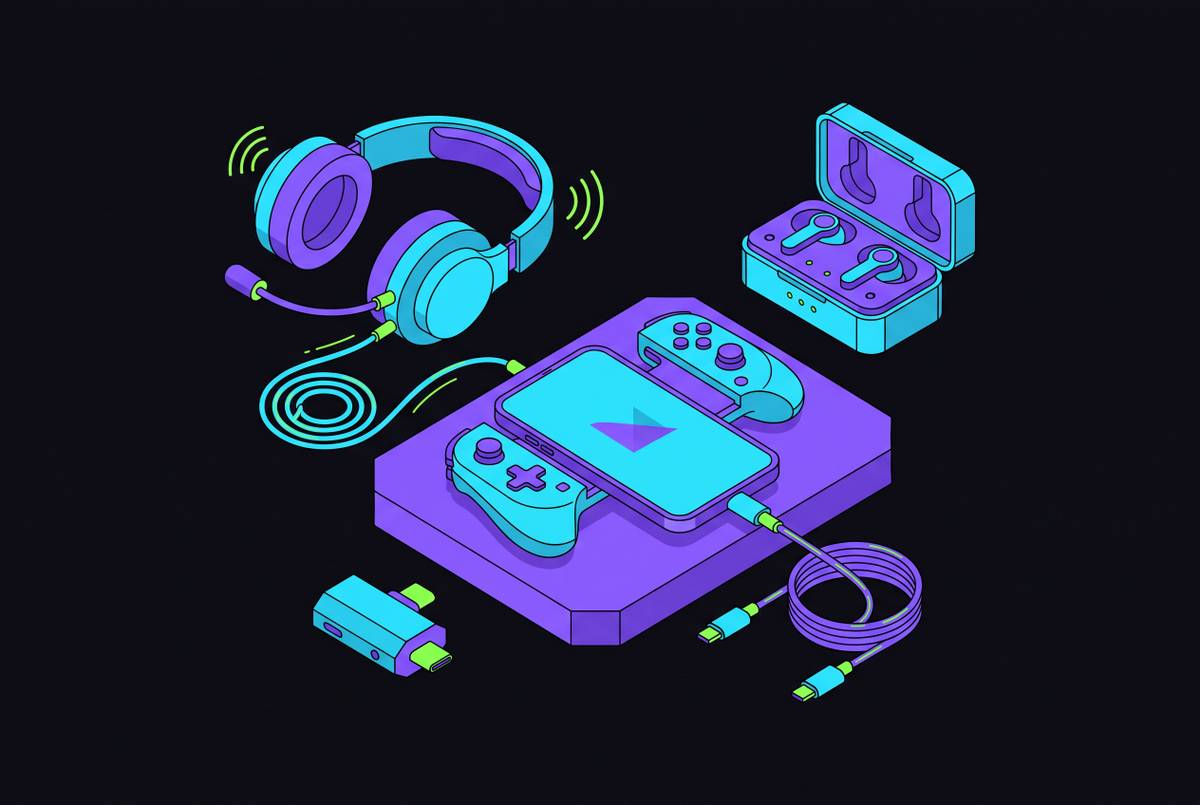
Best Headphones and Audio Setup for Mobile Gaming
Pick the right connection type and headphones to hear competitive audio cues clearly.
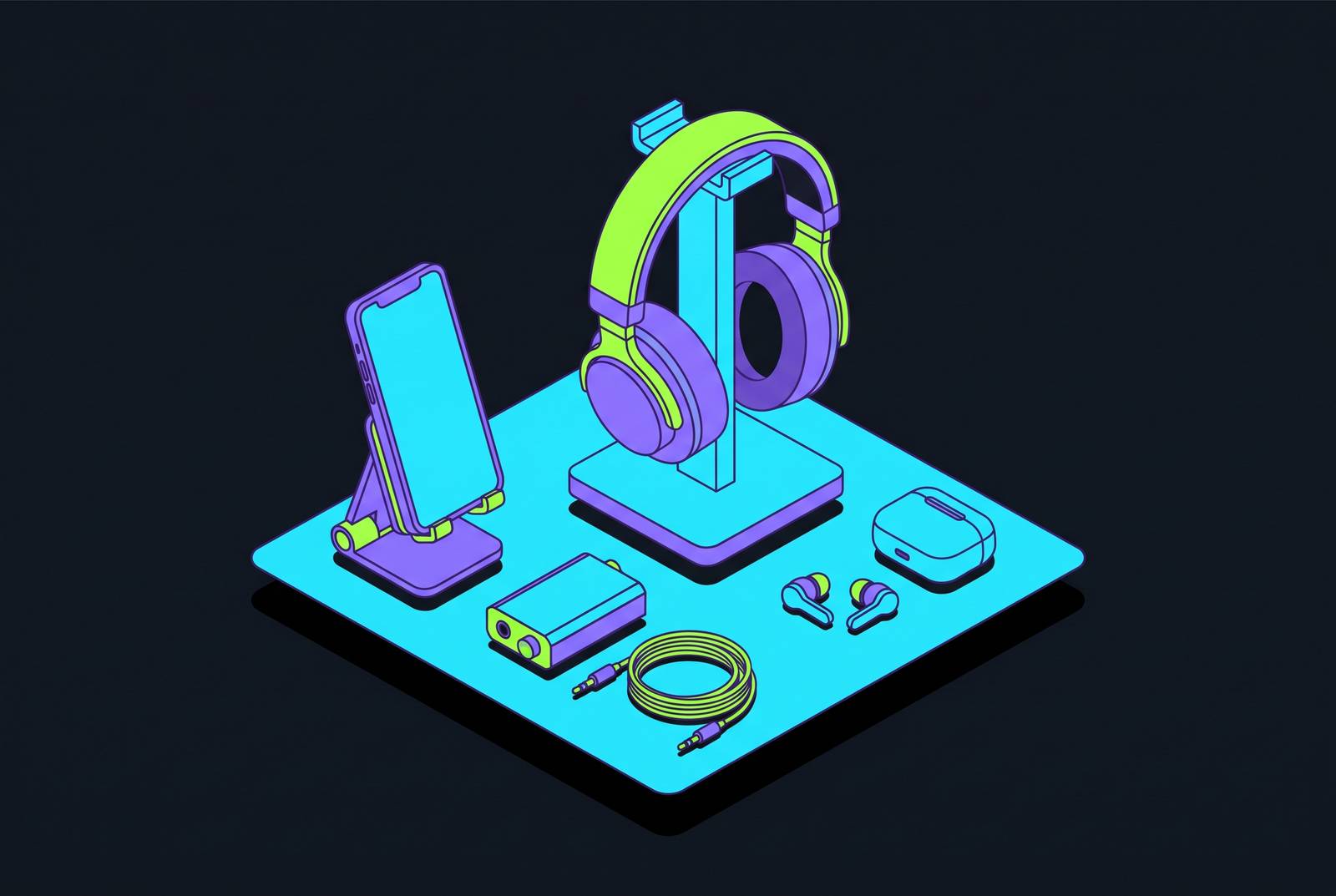
The best headphones for mobile gaming are only as good as the setup around them. Connection type affects sound timing, while headphone tuning and in-app settings affect the usefulness of the sound that arrives. A smart setup therefore starts with the games you play and works through connection, hardware and configuration in that order.
Why audio quality is a genuine competitive variable in mobile gaming, not just a comfort preference
A footstep in PUBG Mobile is more than atmosphere. It is information about an opponent who may not yet be visible. Phone speakers cannot play positional audio well enough for competitive play, so they can lose directional cues from footsteps, reloads and off-screen movement. Dedicated headphones or earbuds bring those cues back through stereo separation and channel isolation, and by sitting close to the ear.
Clarity depends on tuning as well as separation. Bass-heavy sound can make a game exciting while obscuring the quieter details that help win a duel. In single-player games, reproducing spatial depth, musical detail and ambient sound requires drivers that cover a wide enough frequency range and sit close to the ears. Both uses require more than loudness. Before choosing a sound profile, though, there is a more basic question to settle, which is how that sound reaches the headphones.
How the connection type you choose determines latency before any other setting matters
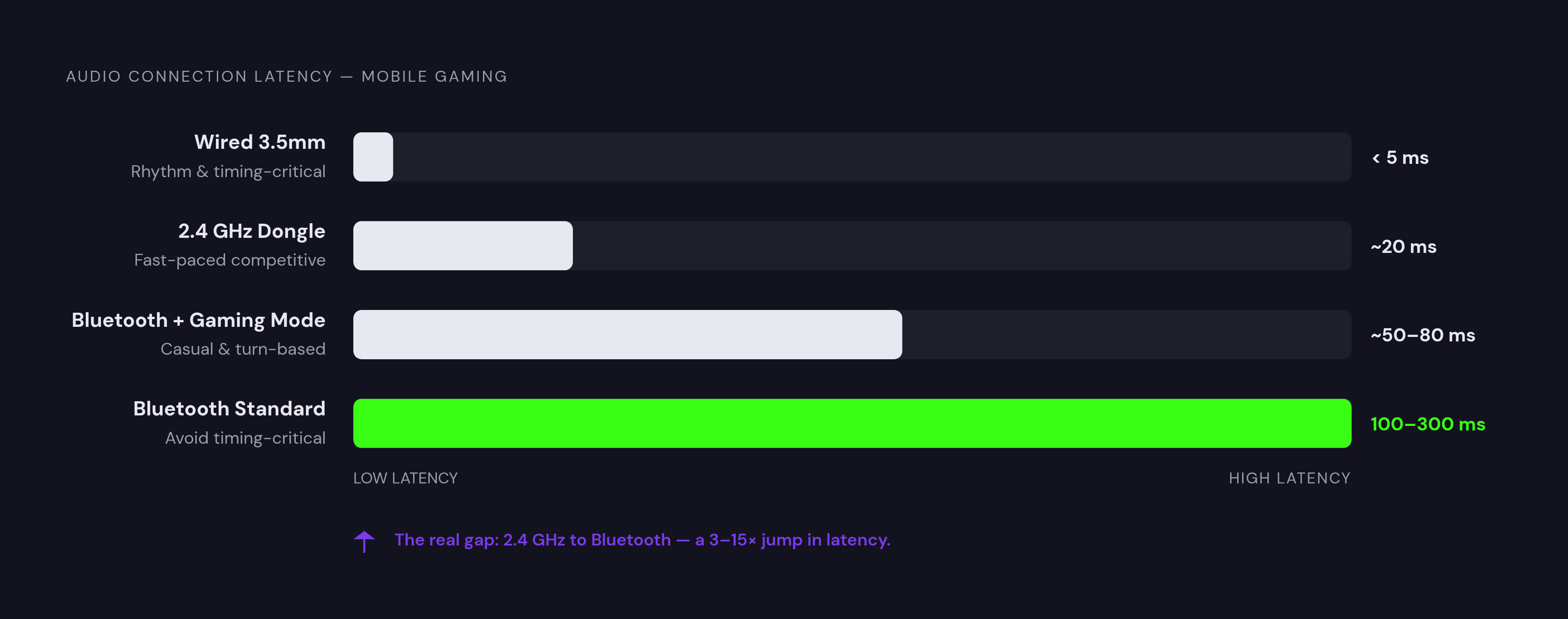
Connection type is the biggest determinant of mobile audio latency. A wired 3.5mm connection provides the reference point, with effectively zero delay from the headphone connection itself. Phones without a headphone jack need a Lightning or USB-C adapter, which adds no meaningful latency but introduces another possible point of failure. For rhythm games, wired remains the clearest choice. Even sub-30ms wireless delay can make a small mismatch a big hurdle when the game scores timing precisely.
A 2.4GHz wireless dongle is the next step. It offers the lowest wireless latency and belongs in genuinely competitive territory for fast-paced multiplayer, without a headphone cable running back to the phone. The requirements are a USB-C port and support for USB audio, which most modern Android flagships provide. Compatibility still needs attention. An iOS user should verify that the particular dongle works with their device rather than treating a matching connector as the whole answer.
Bluetooth is the most available route, but also the least predictable. Codec support, phone-side buffering and the headset’s implementation of a gaming mode all affect the delay you actually hear. A game mode can reduce latency at the cost of sound quality, so the label does not promise a free improvement. For turn-based games and general listening, that compromise can be reasonable. For timing-critical play, though, Bluetooth is the weakest choice because its delay is hard to predict, and streaming adds another reason to be careful.
Why cloud gaming and remote play add an extra layer of latency that makes connection choice more critical, not less
PS Remote Play, Xbox Remote Play and Steam Link stream from your own console or PC, so latency depends mostly on the local network, with less of it due to data-centre round trips. Xbox Cloud Gaming and NVIDIA GeForce Now instead stream from remote servers, where delay varies with region, connection quality and service. The distinction has practical consequences. Steam Link on stable Wi-Fi 6 at 5 GHz can deliver very low latency and stable high bitrates, making it one of the more responsive mobile remote-play options.
What happens when Bluetooth joins that streaming path? Its buffering adds audio delay on top of network latency, potentially separating what you see from what you hear. Positional cues become less reliable, and even a single-player scene loses coherence when sound trails the action. EQ cannot repair a timing fault. Wired headphones or the phone’s built-in speakers can remove Bluetooth buffering from the path, although speakers surrender the positional benefits that made headphones desirable in the first place.
For streaming, the practical rule is to treat wired or 2.4GHz audio as the default. Bluetooth can remain a deliberate compromise, but its sync risk deserves more scrutiny here than in casual local play. Audio hardware also cannot get rid of the game stream’s own delay. Cloud round-trip latency makes it a poor basis for competitive multiplayer decided by reaction time, while remote play to a local device is the more viable streaming route.
What to look for in a mobile gaming headset given these connection and latency constraints
For competitive multiplayer, prioritize wired headphones or a headset with a 2.4GHz dongle that is USB-C native or supplied with a USB-C adapter. For casual and single-player use, Bluetooth with a gaming mode and aptX or AAC support is acceptable, provided the phone supports the relevant codec. Streaming still calls for the care described above, even when the game itself is relaxed. A codec badge alone does not settle compatibility or sync.
Form factor then determines how practical that connection feels. Over-ear headsets provide strong passive isolation and positional audio, but add bulk to a portable setup. They are easier to justify for home sessions than for gaming on the move. Voice chat introduces another physical constraint. Earbud microphones sit at ear level rather than near the mouth, so noise-reduction processing helps, but a boom microphone remains more reliable for clear speech in noisy surroundings.
For sound, look for a fairly flat or slightly mid-forward response instead of bass-heavy consumer tuning, ideally with EQ that can be adjusted. Spatial formats such as DTS:X, Dolby Atmos and THX Spatial Audio can help with positioning in games that support them, but the quality and tuning of the drivers affect how clearly positional cues come through. Premium planar magnetic drivers can play fine detail without distortion, while mid-range dynamic drivers are good enough for most mobile players. Battery claims need context too. With wireless products, the connection mode, any low-latency setting and the headline runtime belong in the buying decision.
Headsets and earbuds that meet these criteria across price tiers
The Razer BlackShark V3 is the strongest overall wireless starting point here for mobile gaming. Razer rates its low-latency wireless mode at 10ms, a directly relevant advantage when using the 2.4GHz dongle. The BlackShark weighs 270g and uses Razer TriForce Titanium 50mm Gen-2 drivers, with extended multi-day battery life. The latency figure earns more attention than the driver branding. Low-latency operation can shorten runtime, so that mode’s battery cost is part of the trade-off.
For a premium audio-first choice, the Audeze Maxwell 2 costs $329 for the PlayStation version, with the Xbox version priced higher. Its 90mm planar magnetic drivers are the main reason to consider the upgrade, particularly for separating footsteps and reloads within busy soundscapes. It also offers an AI-powered microphone and 80+ hours of battery life, with compatibility spanning PlayStation, Xbox, PC, Nintendo Switch 2 and mobile.
The HyperX Cloud III S Wireless is a good fit for players who switch between platforms and connection types. HyperX lists up to 120 hours over 2.4GHz and up to 200 hours in Bluetooth mode, making the chosen connection relevant to endurance as well as latency. A physical switch toggles between its wireless modes. Software support needs a closer look, however. HyperX NGENUITY provides EQ adjustment, microphone monitoring and DTS Headphone:X spatial audio on Windows, so those controls should not be mistaken for a native mobile tuning suite.
For quiet home sessions, the Turtle Beach Atlas Air has an open-back design. Its wider, more natural soundstage can make positioning feel less confined than with closed-back alternatives. Isolation is the price of that openness. The headset leaks sound and admits ambient noise, making it unsuitable for shared or noisy spaces.
The EarFun Air Pro 4+ is the earbud option for players who prioritize portability, while the HyperX Cloud Flight 2 is the spatial-audio pick. Because of where its microphone sits, the EarFun is better for casual chat than for talking during competitive play in noisy places or streaming. Beyond those current categories, the HyperX x Neurable EEG headset points toward another direction for gaming audio hardware. Its pricing and release date have not been announced, although the technology is production-ready from Neurable’s previous MW75 Neuro headset. It provides context for future buying options.
How to configure in-app audio settings once the hardware is connected
With the hardware connected, the next step is configuration. For competitive play, reduce bass, lift the upper mids slightly and preserve treble so footsteps, reloads and voice cues stand out. Use the headset’s EQ controls where available. If its app does not work on mobile, phone-level EQ from some Android manufacturers or third-party apps can supplement or replace it.
Modes such as DTS Headphone:X, Dolby Atmos and THX Spatial Audio simulate a multi-speaker environment through a stereo headset, which can help positioning in shooters and open-world games. They are not universally better. Some players find that spatial processing smears centre-channel detail during competitive play. Toggle it on and off in the same game to choose the setting that makes the relevant cues easier to distinguish.
Then check the game’s own audio menu. Competitive mobile titles including PUBG Mobile and Call of Duty Mobile offer presets such as “Classic,” “Surround” or equivalents, with options intended to favor useful cues over music and effects. Try the competitive preset that fits the game instead of taking for granted that the default does what you need. Balance voice chat, game audio and system notifications as well. For competitive play, set the volume so that a teammate’s callout and approaching footsteps can both be heard without either drowning out the other.
Aim to route game audio, chat and system sounds separately, using a compact USB-C DAC or simple mixer with individual channel control where needed. A boom microphone close to the mouth is the more reliable voice option for streaming or noisy competitive communication. That is a specific reason to choose one, which is optional for casual team chat.
Putting the full mobile audio setup together around a controller-based phone gaming rig
Start the complete setup with its primary use case. Choose wired or 2.4GHz for competitive and streamed play, and consider Bluetooth with a gaming mode for casual use on the go. Then fit the headphones to the rig. Earbuds suit a phone held in a controller grip, while over-ear headsets make more sense for home sessions with the phone on a stand or surface.
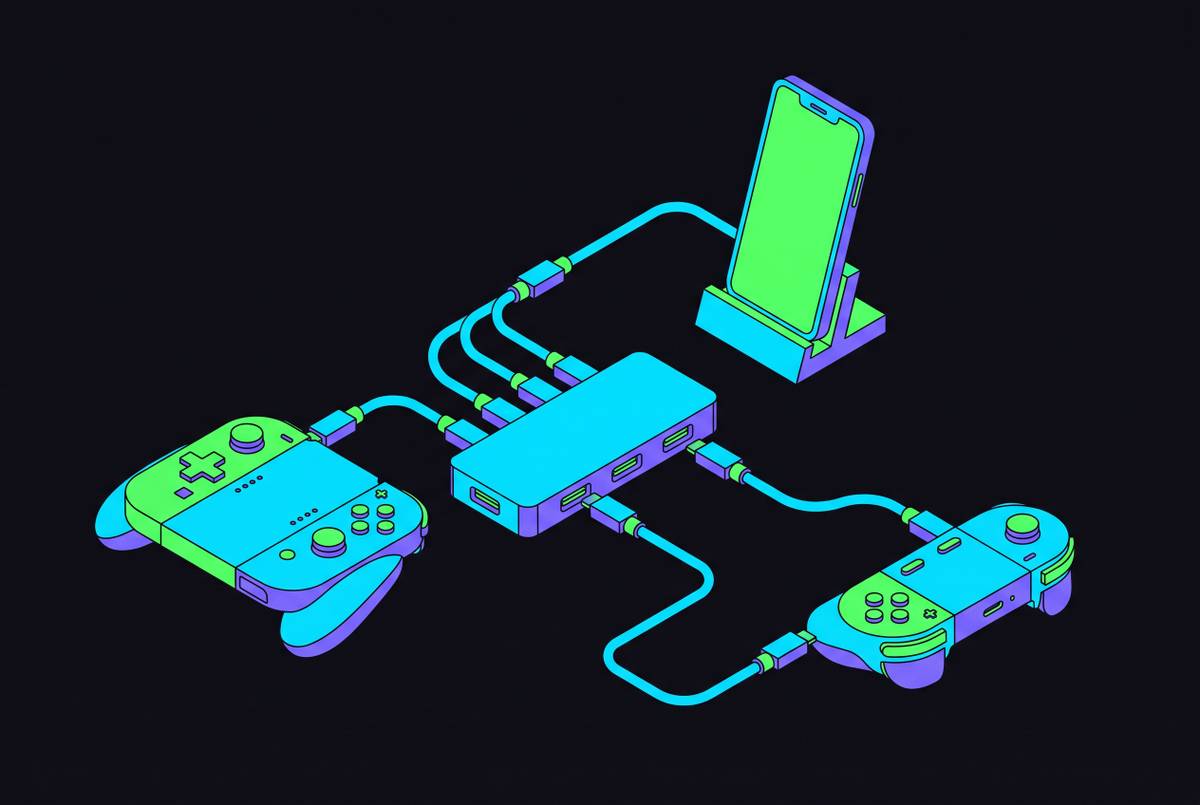
The controller changes the cable question in practical ways. A lead from the headphone jack can get in the way of the grip, while wireless leaves it clear. That makes 2.4GHz particularly attractive when both responsive audio and an uncluttered controller setup are priorities. Use a competitive preset for shooters, try default or spatial-on sound for immersive single-player games, and favor wired audio when avoiding streaming sync drift takes precedence over cable convenience.
A DAC remains an optional addition. Clean USB-C audio gives no reason to add one merely because the setup looks incomplete without another small box. A DAC becomes relevant when the phone’s audio output is noticeably noisy or cannot properly drive high-impedance headphones. For most players, the sensible starting point is a mid-range 2.4GHz wireless headset with solid EQ software, configured for the game they play most. Add hardware only when a specific limitation appears, rather than buying another device to solve a setting that has never been changed.