Mobile Gaming Headsets and Audio Accessories for Phone Gamers
Battery life and port conflicts shape mobile gaming audio choices more than specs alone.
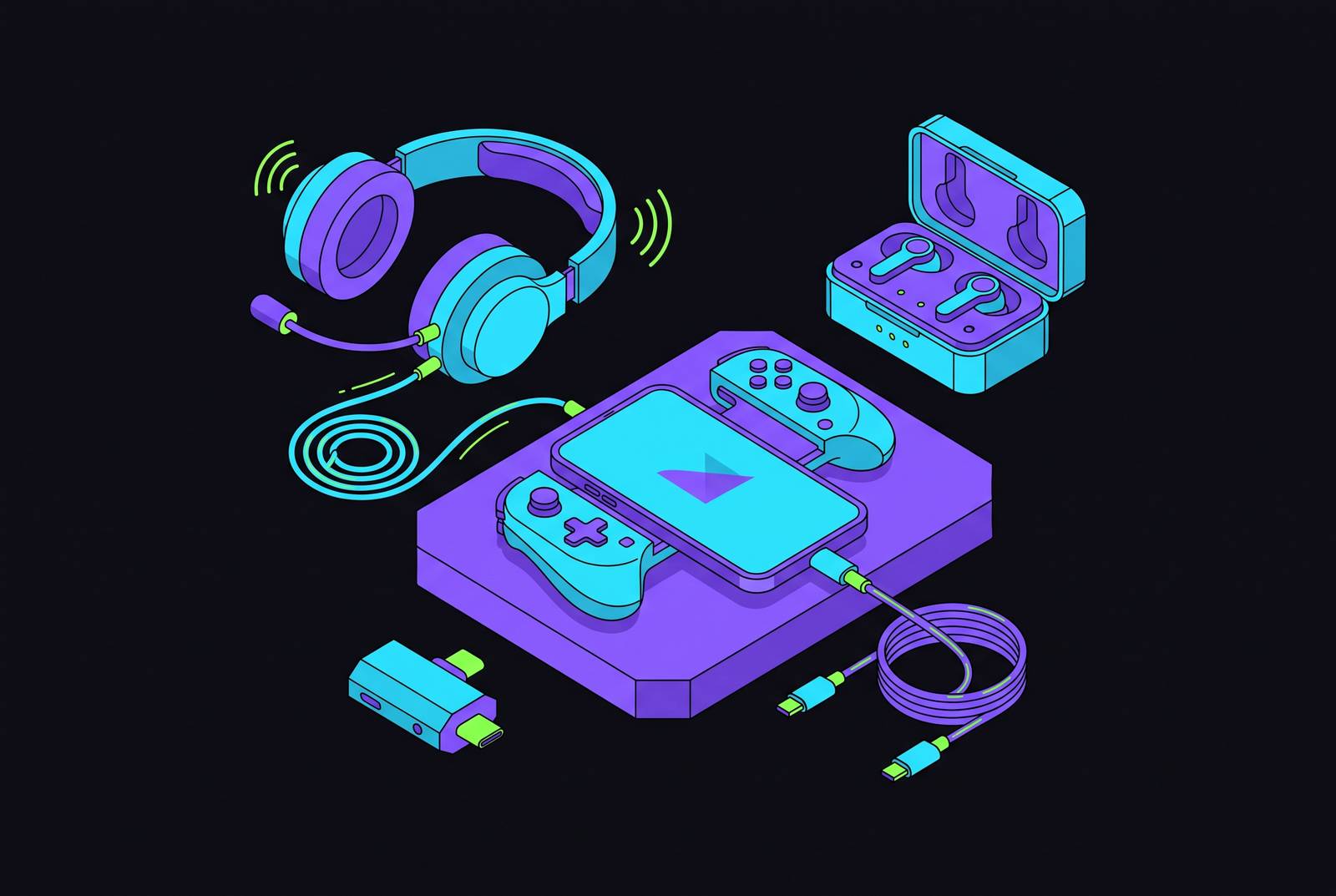
Mobile gaming headsets and audio accessories are best chosen as parts of a phone setup. The right choice depends on how sound reaches the ear, how the phone stays charged, and where the game is played. A mobile-first approach puts codec support, portability, voice chat and platform compatibility ahead of the most impressive specification sheet.
Why audio is harder to get right on mobile than on any other gaming platform
A player taps during a cloud game and sees the action, but hears its sound a little later. The delay breaks the connection between action and response. In mobile gaming audio, the route from game to ear can be as important as the quality of the headset.
A native app needs a prompt audio response to events on the phone, while a cloud game adds a chain running from a remote server to the phone and then to the ear. Standard Bluetooth can introduce an audible delay of its own. In cloud play, that delay compounds what the stream already introduces, so a headset that feels adequate in one setting may disappoint in another.
The phone also has to accommodate the connection physically. Most phones have a single USB-C port, which creates a conflict when wired audio and charging are needed together. Cloud sessions make that choice harder because they accelerate battery drain. A desktop headset guide can concentrate on listening quality and microphone performance, but a mobile guide has to ask another question first. Can the whole setup keep working for as long as the player wants to play?
How Bluetooth codecs and wired connections actually determine what a mobile gamer hears
For wireless mobile audio, the codec is the biggest variable in the listening experience. It also helps explain why two products described as Bluetooth gaming headsets can behave differently. Of the audio routes covered here, standard Bluetooth audio using SBC adds the most delay, while newer options cut that delay by a lot. The Bluetooth label alone tells too little. What counts is the audio pathway the phone and headset can actually use.
Snapdragon Sound’s dedicated gaming mode targets sub-20ms latency, approaching the performance of specialized 2.4GHz wireless dongles. LC3 is part of Bluetooth LE Audio and is another way to get low-latency audio. Both terms are more useful than an unexplained “gaming” badge because they identify the technology behind the claim.
A 2.4GHz dongle takes a different route. The small USB-C transmitter supplied with some headsets bypasses Bluetooth’s codec negotiation entirely, making this the most consistent wireless option. It should not be confused with Bluetooth LE Audio, even when a product supports both. The connection selected is part of the specification.
Wired audio through a 3.5mm jack or USB-C still has the lowest and steadiest latency, with no wireless interference or codec negotiation. The cable wins that particular technical contest. On a phone, however, occupying the charging port can turn that advantage into a practical compromise. Low delay is valuable only within a setup the player can keep using.
How cloud gaming platform choice shapes the audio experience before a headset is even plugged in
Each major platform has its own way of routing audio and setting its quality, and a headset specification sheet does not describe those differences. Even with better hardware, players can only use the settings the service gives them.
Steam Link gives mobile players granular control, including manual bitrate caps and in-app audio settings. It is one of a small number of mobile cloud services with user-facing bitrate controls, though not the only one. Those controls give the player a way to adjust the stream as well as choose its final connection to the ear. The distinction is useful because stream configuration and headset latency are separate parts of the same experience.
Xbox Cloud Gaming announced on September 3, 2026 that every Game Pass tier would have a cap on cloud gaming hours each month starting November 2026. Ultimate receives the highest allowance, Premium a mid-tier allowance and Essential the lowest. That policy makes available session time a finite part of the setup decision.
Battery use adds a more immediate constraint. During a power-hungry cloud session, Bluetooth audio leaves the phone’s charging port available, which can make it preferable to a wired headset despite the latter’s latency advantage. The service and the connection must be considered together. Otherwise, an audio choice that looks strongest in isolation may shorten the session it was meant to improve.
What the right form factor actually depends on when playing on a phone
Where will the phone actually be used? At home, over-ear headsets make sense for long cloud sessions and competitive games because they offer advantages in soundstage, microphone quality and spatial audio fidelity. Their bulk is less of an obstacle there.
For commuting or travel, that balance reverses. Large earcups and cable management work against the portability that makes playing on a phone appealing. True wireless earbuds avoid both the bulk and a cable conflict with charging, while modern low-latency codecs have narrowed the response gap with wired audio. Their remaining compromises in soundstage and microphone quality are more significant for competitive voice chat than for solo or casual play.
Wired earbuds serve a different branch of the decision. They combine the lowest latency with a compact form and the lowest cost, making them a legitimate option for players willing to manage the port conflict. Compact need not mean technically second-best. Players who stream voice communications while gaming can add a detachable boom mic or compact USB-C condenser to the earbuds, though they also have to plan how to connect that extra gear.
Open-back designs further complicate any simple ranking of form factors. The Sony INZONE H6 Air launch in April 2026 illustrates how a previously desktop-focused category is moving into mobile-compatible products. Compatibility, however, is not the same as portability. The useful distinction is between something that connects to a phone and something that suits the circumstances in which that phone is played.
Specific headsets and earbuds worth considering at each price tier for mobile play
Among premium over-ear options, the Sony INZONE H9 II Wireless Gaming Headset suits players who prioritize an at-home setup with active noise canceling and 360 Spatial Sound. Developed with esports organization Fnatic, it uses the same dynamic driver as the Sony WH-1000XM6 and supports mobile devices. Its compromise is the size inherent in the form. The Audeze Maxwell is another premium choice, with planar magnetic drivers and a place as a benchmark for audiophile wireless gaming audio. It is also mobile-compatible, but its over-ear design fits home sessions more naturally than commuting.
The ASUS ROG Kithara takes that audiophile emphasis into wired territory. ASUS ROG describes it as an open-back planar magnetic gaming headset co-produced with HIFIMAN, and includes a charging-port-to-dual-3.5mm adapter for mobile use. That makes it a compelling sound-first option. It remains a practical compromise for phone gaming, however, because its wired-only design brings the charging-port conflict back into the decision.
In the mid-range group, Sony announced the H6 Air on April 14, 2026 as the INZONE brand’s first open-back gaming headset. It gives phone players access to that form factor in a mobile-compatible package, while retaining the portability trade-off of an over-ear design. The Sony INZONE Buds are a smaller choice. Their Glass Purple version came out on the same date, and they use Bluetooth LE’s LC3 codec to connect through Bluetooth. The included 2.4GHz USB-C dongle provides low-latency connectivity for devices without LC3 support by bypassing Bluetooth entirely, but it occupies the phone’s port.
At the budget tier, the EarFun Air Pro 4 supports aptX Lossless and Bluetooth 5.4, with Snapdragon Sound certification, ANC and extended total playtime. EarFun’s official product page lists the codec support and certifications. Earbuds still have a smaller soundstage and pick up voices less well than over-ear options, even when they have capable codecs.
For players who want earbuds instead of a full headset, the Sony WF-1000XM6 has strong noise isolation and can connect through LE Audio using LC3. Sony’s Help Guide lists LC3 support for that connection mode in particular. These are not dedicated gaming earbuds, but their latency is low enough for casual gaming and their isolation is stronger than that of most gaming earbuds. They still require the same caution about integrated earbud microphones for competitive voice chat.
How a physical controller completes the mobile audio setup by freeing the phone's port and improving control
A physical mobile controller changes the port calculation when it handles the USB-C connection and provides passthrough charging. The phone can stay powered through the controller rather than requiring charging to compete directly for its connection. That can reopen the wired-audio option.
For that reason, passthrough charging belongs in the same compatibility check as the intended headset or adapter. A controller occupies a place in the connection chain. When that arrangement resolves the charging conflict, audio can become a more independent choice instead of being dictated by remaining battery power.
A controller also changes the way the phone is used. With the screen held in a physical grip, the setup is closer to a handheld console than to touch-screen play, so the headset options a Switch or Steam Deck player would consider become more relevant. Cloud sessions work especially well when low-latency controller input is paired with low-latency audio. Together, they help close the experiential gap with native console play that Xbox Cloud Gaming, PS Remote Play, GeForce Now and Steam Link seek to bridge on mobile.
A practical decision guide for choosing mobile gaming audio gear
Players can begin with their main setting, then consider the connection that setting permits. For at-home cloud sessions, prioritize Snapdragon Sound or LC3 support, or a 2.4GHz dongle option. Over-ear headsets are practical in this setting. If a controller’s passthrough charging and the way it connects solve the port conflict, players can use wired audio without having to work around the battery’s charge.
For native mobile gaming away from home, choose true wireless earbuds with a gaming mode or low-latency codec. Check explicitly for Snapdragon Sound or LC3 support. The phone must also support the connection the player plans to use. Where a dongle supplies the low-latency connection instead, include its use of USB-C in the charging decision.
For competitive play with voice chat, give as much weight to how well the microphone works as to how good the sound is. An over-ear headset with a detachable boom mic, or earbuds supplemented by a compact USB-C condenser, offers cleaner voice capture than integrated true wireless microphones. Plan how to connect the microphone before choosing the earbuds. Otherwise, the extra gear needed for a small listening setup may make it less appealing.
On a tight budget, put codec support ahead of a big brand name. Even low-cost gear can have Snapdragon Sound certification, while wired earbuds are still a cheap way to get steady, low-latency audio if the player can manage the port conflict. Mobile gaming audio has matured to the point where the limiting factor is usually knowing which products fit the player’s circumstances.