Screen Protectors and Display Settings for Mobile Gaming Clarity
The right protector and display settings work together to sharpen your gaming edge.
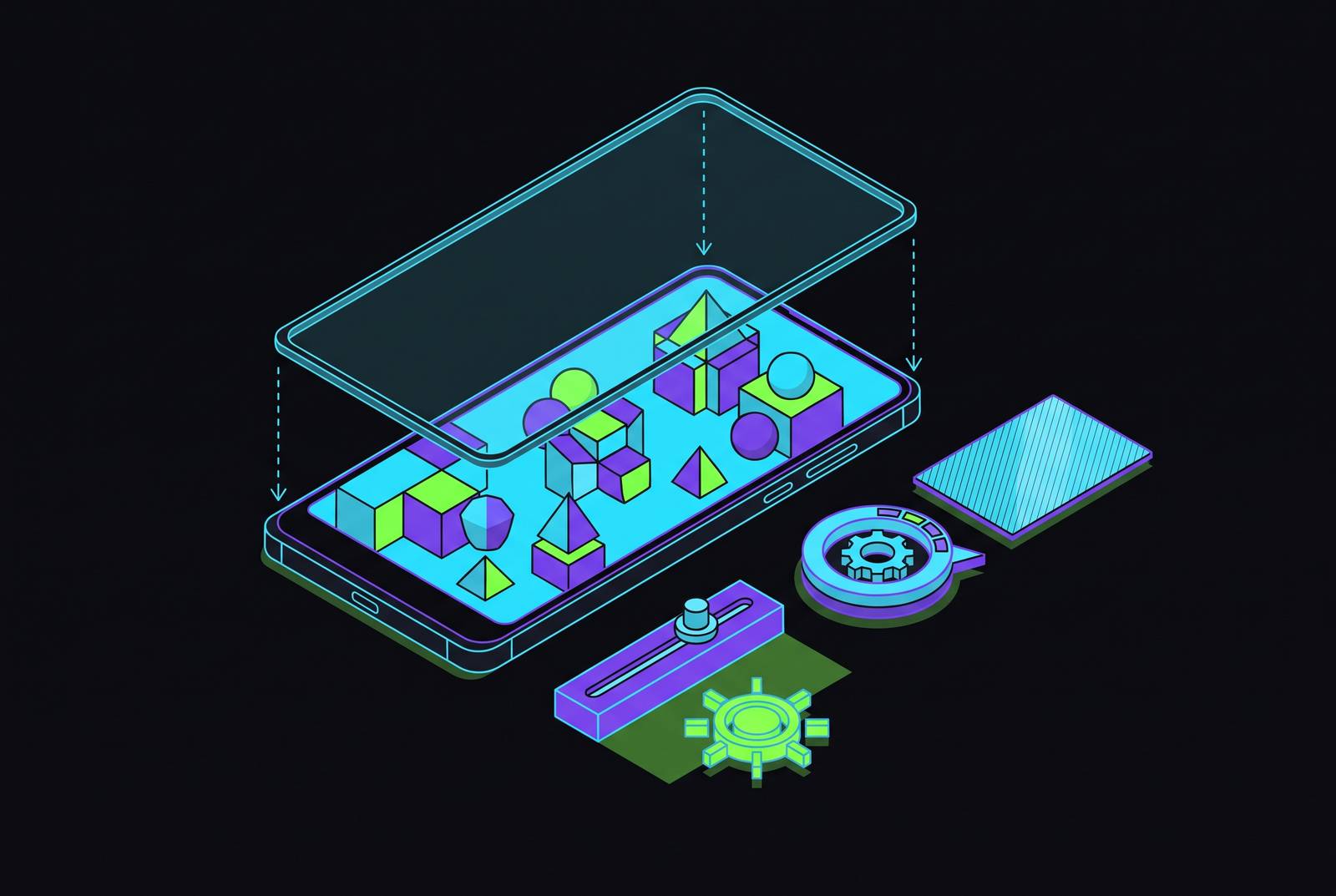
A clearer, more responsive mobile gaming display comes from matching the screen protector to the display settings. The surface under your thumb, the light reaching your eyes, and the heat inside the phone all influence the same game. This guide explains how to tune them together for your device, surroundings, and style of play.
Why the display surface is a performance variable, not just a protection choice
A protector may look like insurance, but it is also part of the controls. Thick or poorly adhered layers can weaken touch responsiveness, while an unsuitable finish can obscure detail or make swipes less predictable. The panel’s configuration then determines how smoothly those inputs appear on screen and how long the phone can sustain that performance. Protection is not a separate purchase decision. A matte surface and a fixed high refresh rate affect the same gameplay moment, so choosing either in isolation leaves part of the problem unresolved. By the end of this guide, nothing about your screen setup should be holding your game back.
What a screen protector actually does to touch input and visual output
A protector changes two paths at once. One runs from the panel to your eyes, where another glass surface introduces reflections that compete with the image. Transparency and coating quality determine how much sharpness, contrast, and color accuracy survive that extra layer. The other path runs under your thumb, where friction affects how well you can control a fast swipe. Sweat can change grip unpredictably on glossy surfaces, making a protector that feels smooth at first less consistent during a long session.
An excessively thick or imperfectly bonded protector weakens capacitive coupling, reducing the detectable change in capacitance when you press. The result can feel like a delayed or missed input. A well-fitted, suitable protector should not noticeably degrade gaming performance, however, so an added layer is not automatically a handicap. A hardness rating tells only part of how well it protects, because hardness describes scratch resistance, while fracture toughness describes what happens on impact. “9H” is not a complete report card.
Choosing the right protector material for your phone's screen shape
Choose the protector’s shape first and its surface finish afterward. A flat screen gives tempered or chemically strengthened glass the best chance of maintaining full contact, with a feel close to bare glass and resistance to daily abrasion. Aalborg University’s 2026 impact research found that glass protectors protect better against sharp impacts because they are stiff, while plastic protects about as well against blunt impacts. Flat gaming phones in the ASUS ROG series and RedMagic range therefore suit glass naturally. The Guizzcg protector for ASUS ROG Phone 8 and 9 series shows how a protector made for the model can keep touch sensitivity and the image clear.
Curved screens change the decision because rigid glass can chip or lift at the edges. Flexible TPU and hydrogel films follow those curves, while hybrids combine a harder touch surface with a flexible backing. The protector needs to fit around camera cutouts, speaker slots, and fingerprint sensors. Flexible protectors also suit the hinge areas of foldable phones, where rigid glass is a poor first choice. With film, watch for lifting edges and changing transparency over time. Liquid coatings preserve the original feel and add almost no thickness, but provide little point-impact protection and wear away faster than a physical layer.
The matte-vs.-clear decision and what it costs on OLED gaming displays
Once the material fits, which finish fits the room? Clear protectors keep the panel’s sharpness, color accuracy, and contrast closest to how they were, with no visible grain. They also feel familiar to anyone used to bare glass. A good oleophobic coating reduces visible fingerprints, so the greasy reputation of clear glass is not equally deserved by every product. For indoor, evening, or controlled-light play, clear is the default recommendation because glare rarely justifies sacrificing image quality.
Matte earns its place when reflections or sweaty hands interfere. Its micro-textured surface scatters incoming light to reduce glare, while friction stays more stable as moisture builds. Fingerprints become less conspicuous across that texture too. The cost appears most clearly on high-PPI OLED panels, where diffusion softens text, slightly reduces saturation, and lowers luminance. Bright or white backgrounds can acquire a sparkling grain, as though a fine texture has been laid over the pixels. Dark scenes can also lose contrast, making shadow detail muddier. Premium matte narrows that gap but cannot erase it, so regular outdoor or commute play is a stronger reason to choose matte than the gaming label on its packaging.
Gaming-grade protector features worth paying for, and the ones that aren't
Benks describes the JoyTouch’s matte anti-glare finish as a smooth surface for precise swipes, illustrating why controlled friction can be valuable in Call of Duty Mobile and Genshin Impact. The Ibywind series for Black Shark 5 Pro has high transparency and a fit made for that model, which keeps the display crisp and helps it bond around the edges. The quality of the oleophobic coating matters too, because constant thumb movement wears it away before the glass itself wears out.
Other extras require a more personal calculation. ZAGG InvisibleShield XTR Glass combines D3O impact protection with filtration of 40% of blue light, but filtration is not an FPS feature. Blue-light-filtering protectors can add a slight color cast, so players who care about accurate color should check whether they can live with the tint before buying. Privacy filters impose a different compromise by reducing brightness and viewing angle, even when higher screen brightness offsets some of the loss. Replacement belongs in the budget as well. With heavy gaming use, it makes sense to replace the protector from time to time, before a crack shows that it has worn out.
Refresh rate, resolution, and Game Mode — the display settings that change competitive outcomes
Phone defaults often favor battery life rather than gaming performance, leaving refresh rate as the first setting to examine. Adaptive refresh can drop to lower rates during play and cause stutters that are easy to see. Where the phone allows it, switching from Auto to a fixed high refresh rate in the Display settings removes that source of variation. Many Android phones also offer resolution scaling there, and reducing a higher native resolution to 1080p can improve FPS while remaining crisp at phone size.
Game Mode addresses a different part of the delay. Samsung calls its feature Game Booster, Xiaomi uses Game Turbo, and OnePlus uses Gaming Mode, with these tools prioritizing gaming resources and reducing competing background activity. Apple’s Game Mode, which came with iOS 18 and is available in iOS 26, cuts back on work in the background too. That benefit becomes especially relevant for cloud and remote play, where the screen is only one link between a button press and its visible result.
Brightness, thermal throttling, and why the screen's power draw affects frame rate
Why can a game begin smoothly and deteriorate later? Brightness can be part of the answer, because the screen contributes heat rather than merely displaying what the processor produces. Extended maximum brightness can help push the phone into thermal throttling, when CPU and GPU clock speeds fall to prevent damage. The visibility dial is also a heat control.
On OLED, dark mode can reduce that load because black pixels are switched off and draw virtually no power. Its benefit depends on the dark content actually displayed in each game. Matte reduces luminance, which can tempt a player to compensate by pushing brightness higher and surrendering thermal headroom. The practical response is to accept some of matte’s optical compromise rather than chase clear-glass brightness through more power. Otherwise, a finish chosen to improve play can prompt a setting that undermines it.
In-game graphics settings and Developer Options — where the biggest FPS gains actually live
System settings are not the end of the adjustment chain. In most mobile games, the largest single FPS improvement comes from the game’s own graphics controls, which work with its rendering pipeline. For players going further, the first step is to disable motion blur and depth of field, since their processing cost offers no competitive benefit in fast-paced play. Lower shadow quality next, where GPU savings come with a reduction that is less conspicuous during action. Then reduce particle effects, especially in games where large team fights make effects peak just when consistent frame rates become most valuable.
This order favors useful information over visual decoration. It also keeps small system tweaks from taking priority over the controls that directly govern the game’s workload. On Android, lowering Window, Transition, and Animator Duration scales in Developer Options can make the interface feel faster and free minor GPU cycles. Those changes are a finishing adjustment. A quicker menu and a steadier team fight are different achievements, and the latter deserves the attention first.
How cloud and remote play change the display-optimization equation
In cloud play, how well the stream reaches the phone becomes the main bottleneck. Latency under 50ms feels responsive, while over 100ms feels sluggish in competitive play, so changes to the display settings cannot make up for every delay before the stream reaches the phone. Xbox Cloud Gaming’s mobile service went up to 1080p/60fps at the time of the research. Its console version received 1440p in February 2026, following the desktop/PC app in November 2025, but that upgrade had not reached mobile. PS Remote Play instead streams from the player’s own console, making home upload speed and the mobile connection central to latency. With a solid setup, latency can be comparable to Xbox Cloud, while the player’s PS5 processing power remains constant regardless of location.
The display still has work to do. A fixed high refresh rate avoids added disruption from adaptive changes, even when the stream delivers fewer frames than the panel can show. At the usual quality of a compressed cloud stream, matte’s fine grain shows less than on a native high-resolution image, so players have more room to choose less glare and touch friction that stays steady. GeForce NOW at 1440p strengthens the optical case for clear because more delivered detail is available to preserve. Long sessions also keep the network radio active, adding to sustained heat from the screen. The earlier advice to use Game Mode matters even more for players who use wireless controllers on iPhone, because its higher Bluetooth sampling rate cuts another part of the input delay.
Putting the system together — a matched setup for your device and play style
For someone who plays competitively indoors on a flat flagship OLED gaming phone, start with clear tempered glass made for that model. Use it with a fixed high refresh rate, Game Mode or Game Booster turned on, brightness at sixty to seventy percent, and OLED dark mode. In the game, disable motion blur and depth of field, reduce shadows and particles, and keep textures high. Detail stays where it helps most.
A commuter or outdoor player has a different priority. Premium matte can be worth the loss in image quality because it cuts glare and keeps friction steady as hands sweat, especially when most play is on a 1080p cloud stream. That finish pairs with Game Mode and a fixed refresh rate where available, with brightness managed to accept some lost luminance. For cloud or remote play with a wireless controller, turn on the platform’s gaming mode, keeping in mind that the Bluetooth benefit applies specifically to iOS Game Mode. Clear has the stronger case for GeForce NOW at 1440p, while Xbox Cloud at 1080p is more forgiving of matte.
Every setup also needs a maintenance plan. Under heavy use, replace the protector periodically before worn coatings make thumb friction a problem and before the glass cracks. The right configuration is one whose protection, image quality, controls, and sustained performance work together.