Mobile Gaming Desk Setup for Home Play Without a TV
Build a phone-focused gaming desk that fits small spaces and beats console setups on footprint.
Mobile phones already carry most of the world's gaming activity, and a desk built around that fact looks nothing like the console-and-TV corner most people still picture when they hear "gaming station." Newzoo's 2025 forecast puts mobile at 55% of the $188.8 billion global gaming market (around $103 billion), which beats console ($45.9B) and PC ($39.9B) combined. This piece walks through building a desk around that reality: the stand, the desk itself, the controller, the lighting, all of it built to serve the phone as the main screen.
What separates a purposeful mobile desk setup from just putting your phone on a table
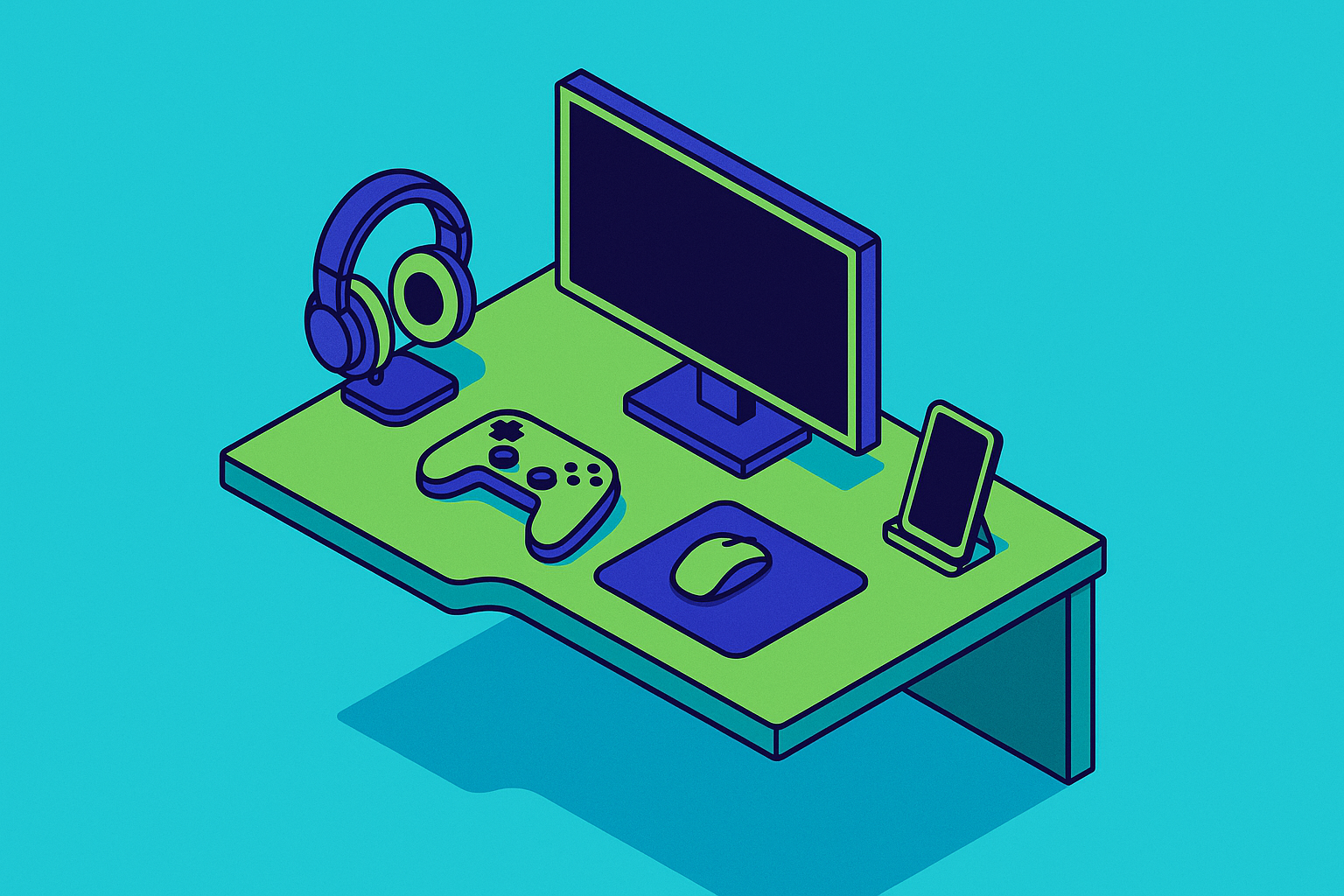
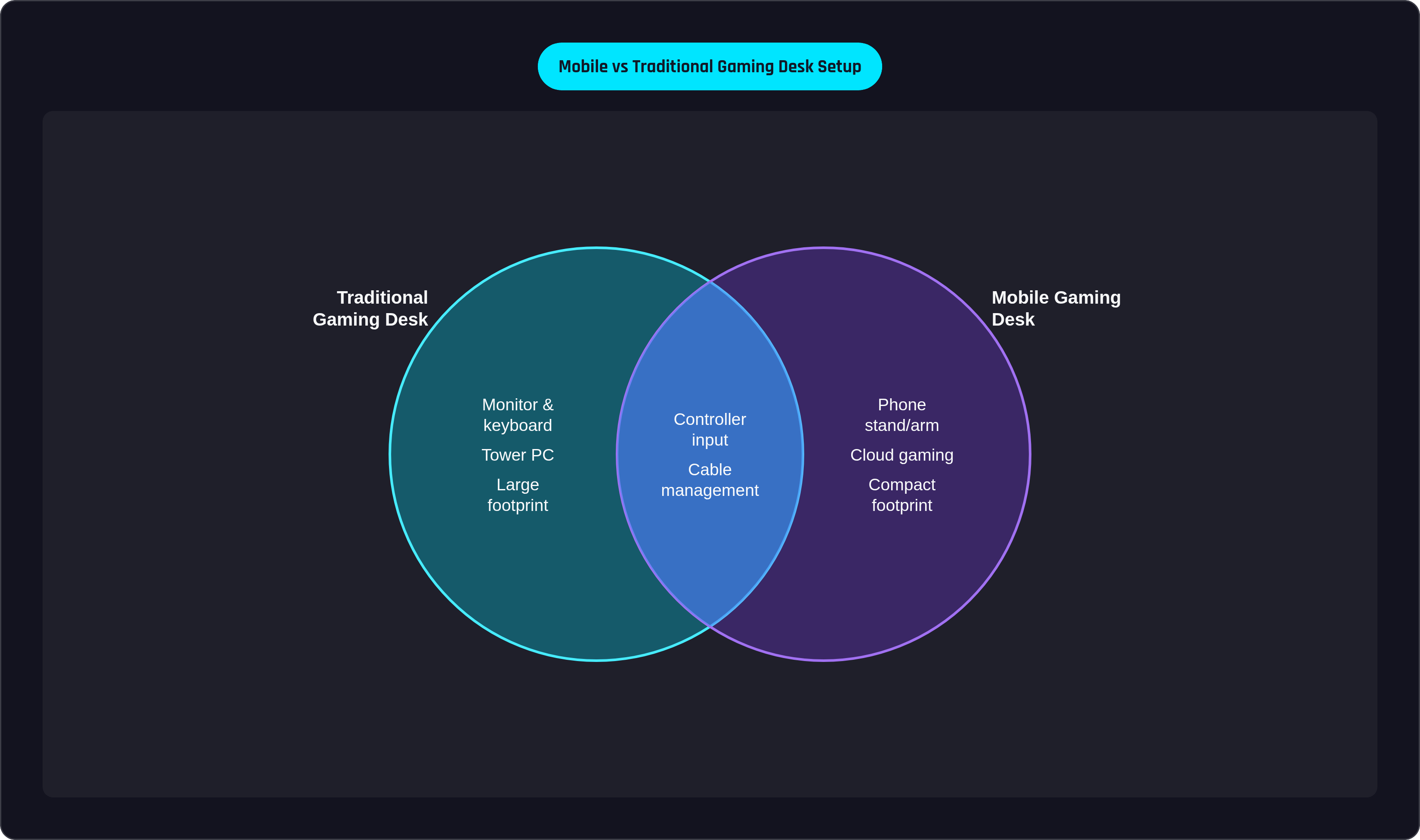
A traditional gaming desk has a monitor, a keyboard and mouse, and a tower doing the heavy lifting somewhere underneath. Swap those out one for one and you get the mobile version: a phone or tablet stand instead of a monitor, a mobile controller instead of keyboard and mouse, cloud servers or the phone's own chip standing in for the tower. Four things make this work. There's the desk surface itself, sized so a controller, a stand, and a charging cable aren't fighting for room, and the mount, whatever holds the phone at eye level so your hands stay free for the controller. There's the controller itself, the piece that actually makes a phone feel like a console. And there's everything else (the lighting and cables and charging gear, the ambient stuff that decides whether hour three feels fine or feels like a mistake).
The phone is the screen here, and that's the whole shift. Every other decision (desk size, mount height, controller pick) follows from that one fact.
Why does this matter so much for someone in a studio apartment or sharing a room? A console-and-TV setup eats real square footage and asks a room to give that space up permanently. A phone-first desk skips the demand entirely, and it's built around how people are actually playing already: roughly 3 billion mobile gamers against 645 million on console, not a small gap.
Choosing a desk that works for a phone-first station
A phone stand takes up a fraction of the footprint a monitor needs, so the desk itself needs less room for the display and more for everything around it. Send that freed-up space toward controller clearance, a stable mount point, and whatever else ends up living on the desktop.
Height and stability still work the way they always have; elbow-level desk height is still the baseline, and there's more on that in the ergonomics section below. Cable management stops being a nice-to-have here, though, and becomes load-bearing. A phone charging cable, a controller charging cable, maybe a lighting strip: all of it needs a route that doesn't turn into a snag hazard mid-match. Desks with built-in cable trays or grommets solve this at the source instead of leaving you to fight it later with a drawer full of velcro ties. Some gaming desks now ship with LED systems and USB or AC ports built right into the desktop, which cuts down the pile of adapters a mobile setup usually needs.
Sit-stand desks are worth considering for anyone logging genuinely long sessions, and prices have dropped enough that the IKEA Utespelare or the Autonomous SmartDesk line put adjustable height within a normal budget. The desk's real job here is to get out of the way and let the controller and the phone do their thing.
How to position a phone stand or monitor arm so the screen actually sits at a comfortable angle
A clamp-mounted phone or tablet arm does the same job a monitor arm does on a desktop rig: lifts the screen off the surface, sets it at eye level, frees both hands for the controller. Simple enough in concept, but where people get it wrong, almost every time, is height.
The instinct is to mount the phone high, at or above eye level, the way you'd hang a TV on a wall. But standard ergonomics guidance says the top of the screen should sit at or just below eye level, not the center, and your natural resting gaze drops another 15 to 20 degrees below that. Fight that angle for an hour or two and you've basically pre-ordered a stiff neck for the credits.
A short checklist covers most of it: top of the phone at or just below eye level when sitting upright, distance roughly arm's length (about what you'd use for a small monitor), a slight backward tilt so the screen faces up toward your eyes rather than straight out at them. When shopping for the arm itself, check clamp compatibility with the desk edge, the weight rating against your phone-plus-case combo, and how much range of motion it gives for quick angle changes between sessions.
Of everything in this setup, the phone arm might be the cheapest fix with the biggest payoff. It solves posture, clears the desk, and turns a phone leaned against a water bottle into something that actually feels like a display.
The ergonomic details that determine whether a long session feels fine or leaves you stiff
A meta-analysis in Sports Medicine Open found esports pain concentrated in the back and wrists, with the neck close behind (the three joints a fixed gaming posture leans on hardest). Sessions have gotten longer too, with time spent in mobile games and the number of sessions both rising year over year. That creeping increase doesn't sound like much until it's the difference between a posture flaw you never notice and one that announces itself partway through a run.
Elbow angle is the underrated variable here. Modern ergonomics guidance treats anywhere from 90 to 110 degrees as fine, so the goal is to set the desk near 90 and let the arm drift naturally through the session rather than locking it at one exact number. Holding a single angle rigid for hours is usually the real cause of the stiffness players blame on "playing too long," and the angle's the culprit more often than the clock is.
Chair setup matters just as much: seat height where feet sit flat on the floor, lumbar support that keeps the lower back's natural curve instead of flattening it. Controller ergonomics deserve their own line, too. Research has found standard commercial controllers often don't account for the range of hand sizes and grip styles people actually have, and that shows up as discomfort and dropped performance over long sessions. That's a hardware problem, and the next section is entirely about picking hardware that doesn't create it.
One more habit worth building in: short movement breaks every 30 to 45 minutes, which is cheap insurance against load stacking up unnoticed.
The controller is the centerpiece. What to look for and which options fit a desk setup
The global gaming controller market hit $4.23 billion in 2025 and is tracking toward $8.66 billion by 2036, and that growth has brought real differentiation in build quality, not just more colors on the box. For a desk setup specifically, two configurations cover almost everyone.
Clip-style controllers hold the phone between the grips, so phone and controller travel as one unit. That's the pick if the same setup needs to move between a desk and a couch. Standalone pads work differently: the phone stays parked in the arm mount, the controller gets held on its own like a console pad, and the phone's weight never touches your hands. For long, fixed-desk sessions, that second setup tends to win out.
A few specs matter more here than elsewhere. Battery life needs to outlast the session, not just survive it; a 40-hour rating turns charging into a once-a-week chore instead of a daily one. Input quality has a real bar now too. Hall Effect sensors, which read stick movement through a magnetic field instead of physical contact, have become a widely sought feature in buyer reporting, to the point where controllers missing them increasingly get called outdated. Latency matters specifically for cloud gaming: Xbox Cloud Gaming supports native controller passthrough at sub-15ms end-to-end, but that number only holds if the controller itself isn't adding lag on top of it. And comfort across grip styles (back buttons, textured grips, trigger travel that works whether you're playing something twitchy or something slow and tactical) decides whether the pad feels good in hour one and still feels good in hour three.
Some controllers built specifically for a phone-first desk offer a 40-hour battery that turns charging into a once-a-week chore and a form factor built around the phone-as-console use case. The Backbone One, a smartphone gaming controller that turns a phone into a handheld console by clipping onto it and pairing with a companion app for mobile and cloud play, is one widely used option in this category. Wired clip-style options also cover the direct plug-in connection for anyone who doesn't need wireless freedom at a desk that isn't going anywhere. And the SCUF Nomad offers a standalone Bluetooth pad designed around the console-style experience, a solid option for the phone-on-stand setup.
Wired still edges out wireless on raw latency for competitive play. For most cloud titles and local mobile games, though, the gap is close enough to be imperceptible, and going wireless at a fixed desk just removes a cable from the mix.
Cloud gaming and remote play turn the phone-first desk into a full-library gaming station
A phone on a stand with a controller in hand is close to the ideal form factor for cloud gaming. The screen sits close, the controller handles input, and the actual processing happens on a server somewhere else, so the phone itself barely has to work.
A handful of services turn that into a real library. Xbox Cloud Gaming streams the Xbox Game Pass catalog and supports native controller passthrough at sub-15ms end-to-end with supported hardware. PlayStation Remote Play streams console titles over a home network, useful when the console itself lives in a different room entirely. Steam Link streams a PC's own library to the phone. And Nvidia GeForce NOW brings high-end PC visuals to a phone screen with no local GPU to speak of.
Connection quality decides how good any of this feels in practice, and a stable home Wi-Fi connection gets cloud gaming close enough to local play that the difference stops being something you notice. This is where the rest of the setup earns its keep: controller latency, screen position, session ergonomics, all of it matters more once the game library stops being "whatever's installed" and turns into "basically everything." Worth flagging too that 2026 is shaping up as the first year controller-supported titles dominate the top download charts on both the App Store and Google Play, per industry reporting, meaning native mobile games are closing the gap with cloud titles on controller support.
Lighting and ambient details that make the setup feel intentional rather than improvised
Bias lighting (a light source placed behind the screen rather than pointed at it) cuts eye strain by softening the contrast between a bright phone display and a dark room, and it's worth caring about given how much home gaming happens after dark.
An LED strip run behind the desk or clipped to the monitor arm is the cheapest version and does the job fine, with a color temperature you can tune to whatever the room needs. An RGB desk lamp doubles as task lighting and ambient light, useful for the swing between a bright afternoon session and a dim one at midnight. As mentioned earlier, some gaming desks now build LED systems directly into the desktop, convenient if that desk is already handling cable routing anyway.
Cable discipline belongs here too, and function comes before looks. A charging cable needs to reach the phone stand without yanking it off-axis, and a controller cable should route off the desk edge so it never gets in the way of your grip mid-game. Cable clips and velcro ties cost next to nothing and head off most of this before it turns into a problem.
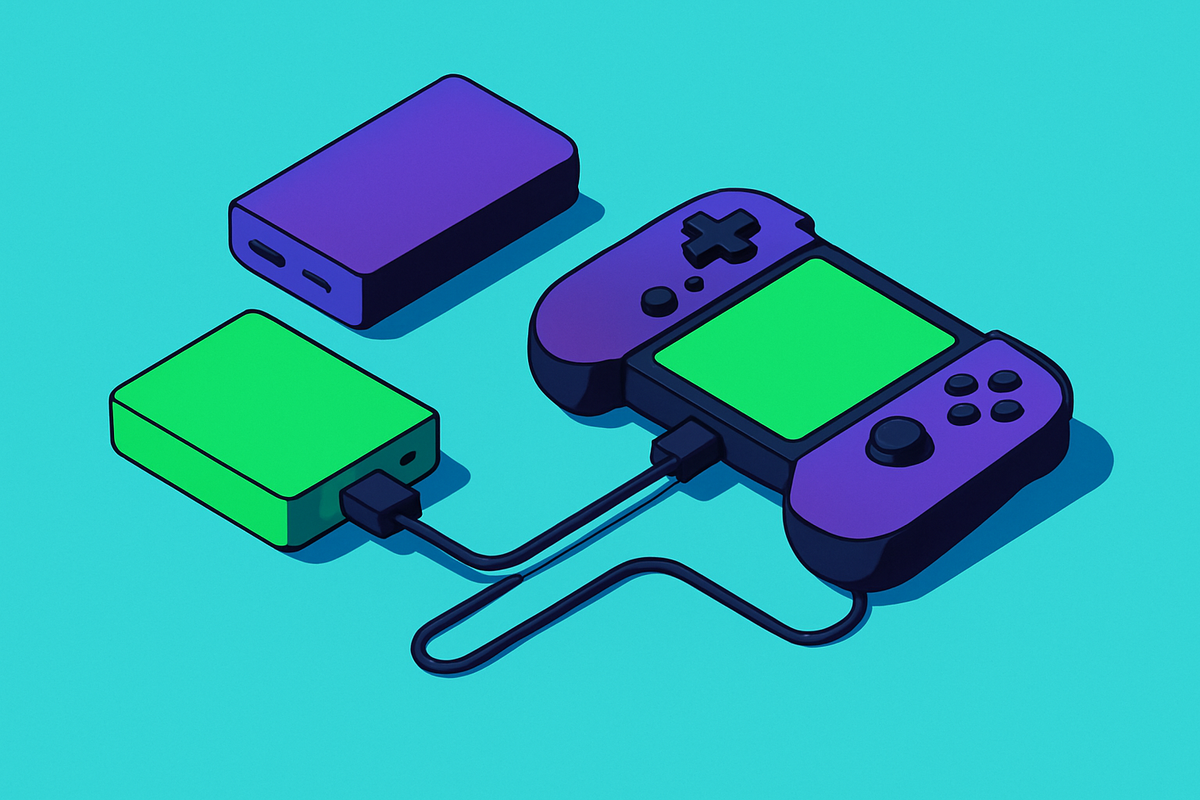
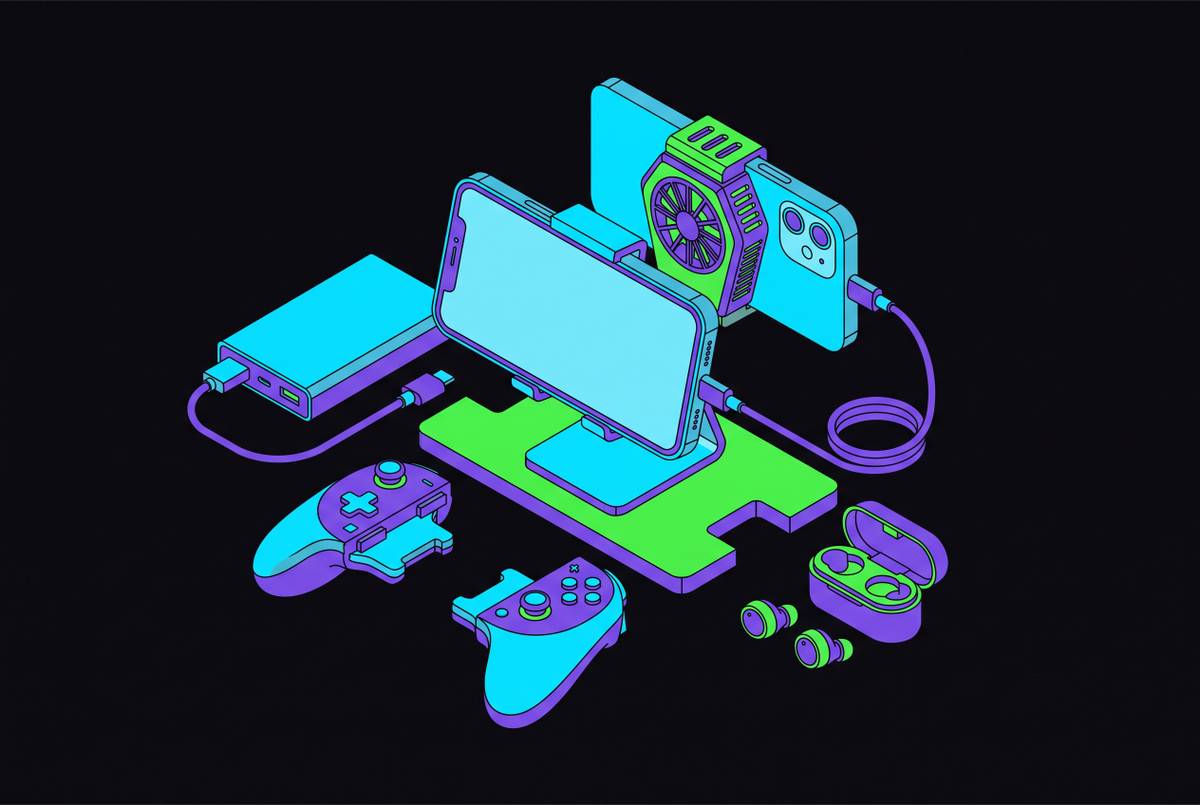
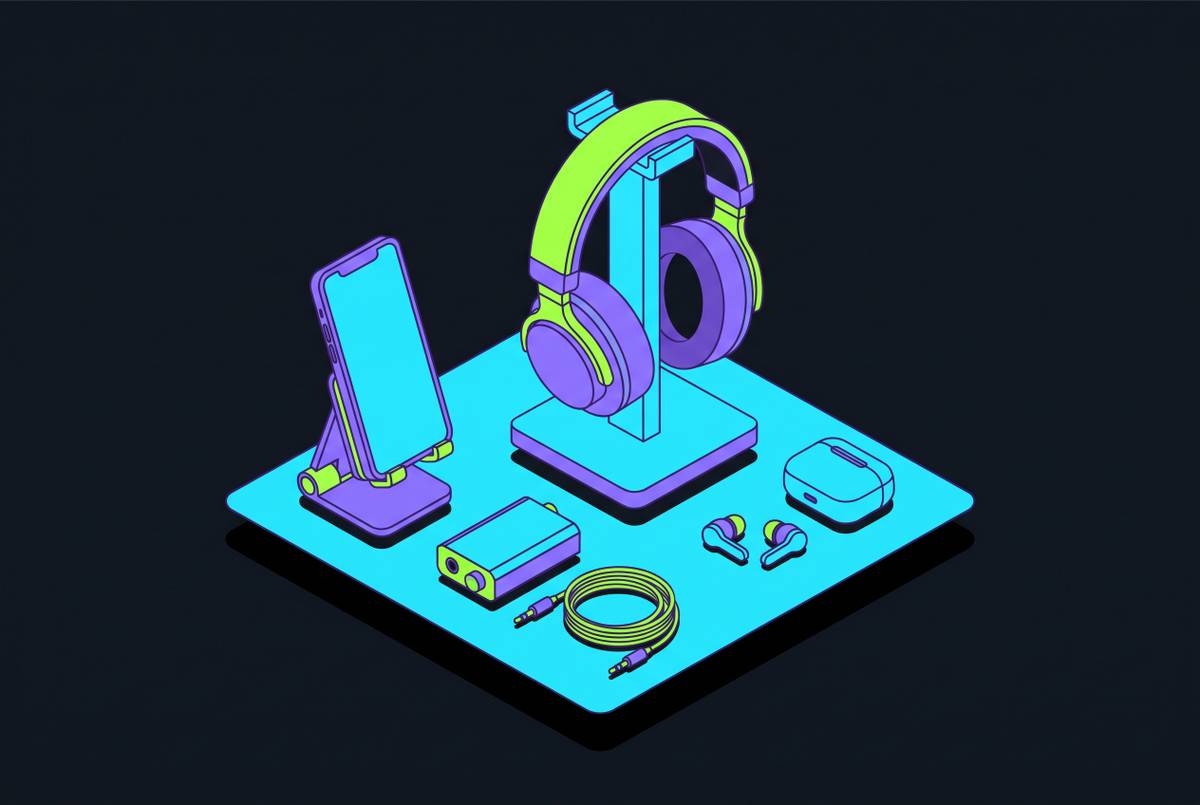
A few smaller add-ons round things out. A phone cooling fan or a passive cooler earns its keep once sessions average 38 minutes and regularly run longer at a dedicated desk, since thermal throttling starts eating into frame rate right around there. A charging pad or external battery built into the desk surface kills the low-battery-cuts-the-session-short problem outright. A small hook or stand for a speaker or earphones keeps that gear off the desk and within reach instead of sliding around next to the controller. Across all of it, the goal is simple: every wire has somewhere to go, every light is doing a job, and nothing on the desk competes with the phone for your eyes.
Putting the full setup together. A practical starting point for different budgets and spaces
Three starting points cover most of the realistic cases. An entry setup uses whatever desk is already there, adds a budget stand, a wired clip-style controller, some cable clips, and a bias light strip; that's a fully working station without much money spent. A mid-range setup steps up to an ergonomic desk with real cable management, an adjustable phone arm, a wireless controller with a 40-hour battery and back buttons, a cooling fan, and an LED desk lamp. A premium build goes sit-stand desk, articulating arm mount, a high-end clip-style or standalone-pad controller such as the SCUF Nomad depending on your preference, full cable management, a proper bias lighting system, and an external battery dock.
Every tier scales off the same one decision, though: treat the phone as the primary screen from the start, and everything else (the desk, the mount, the controller, the lighting) falls into place around serving that screen well.
What this setup actually buys you: it plays anywhere in the home without hauling a console around, it opens cloud libraries across Xbox, PlayStation, GeForce NOW, and Steam through a device already sitting in your pocket, and it scales from a spare corner of an existing desk up to a dedicated station whenever the budget allows. With roughly 3 billion people already gaming on mobile and session lengths climbing rather than shrinking, a phone-first desk is built for where the gaming, the vast majority of it, is already happening.