Wireless vs Wired Mobile Gaming Controllers for Android
Wired controllers offer simpler setup; wireless trades convenience for untethered play.
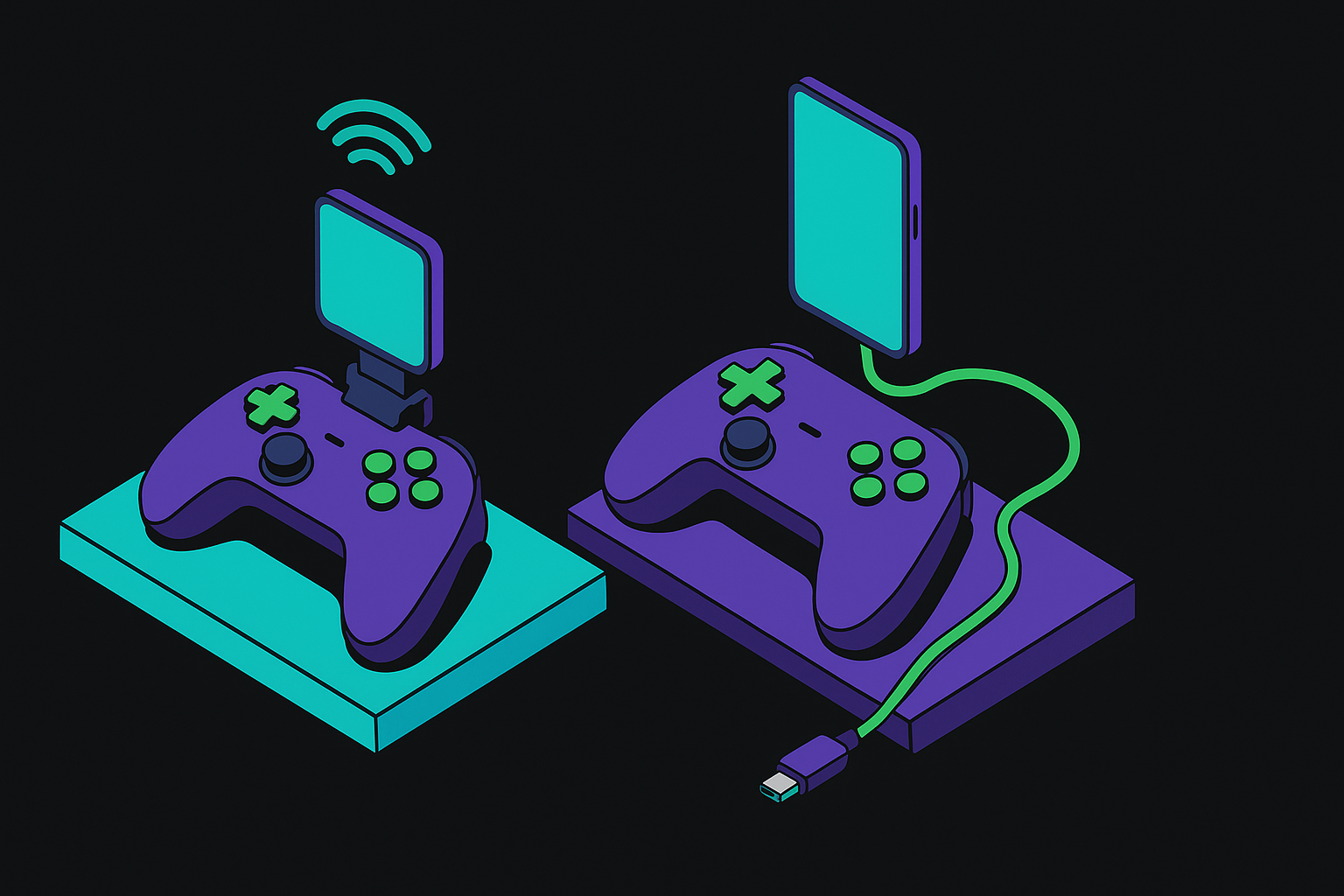
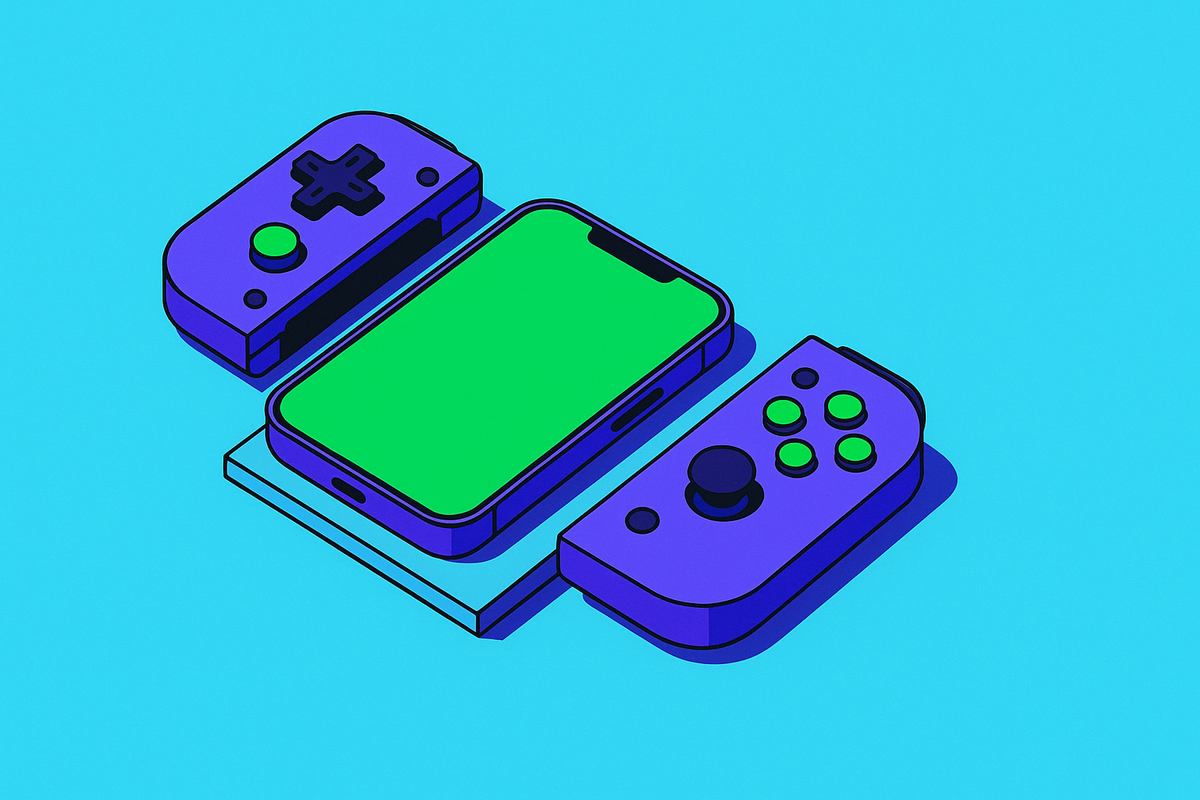
Plug a wired USB-C controller into your phone and Android recognizes it immediately as a standard HID game controller. No pairing sequence, no firmware handshake, no app. Some wired controllers use a clamp design, where the phone slots into the controller body and becomes the screen for a self-contained handheld unit.
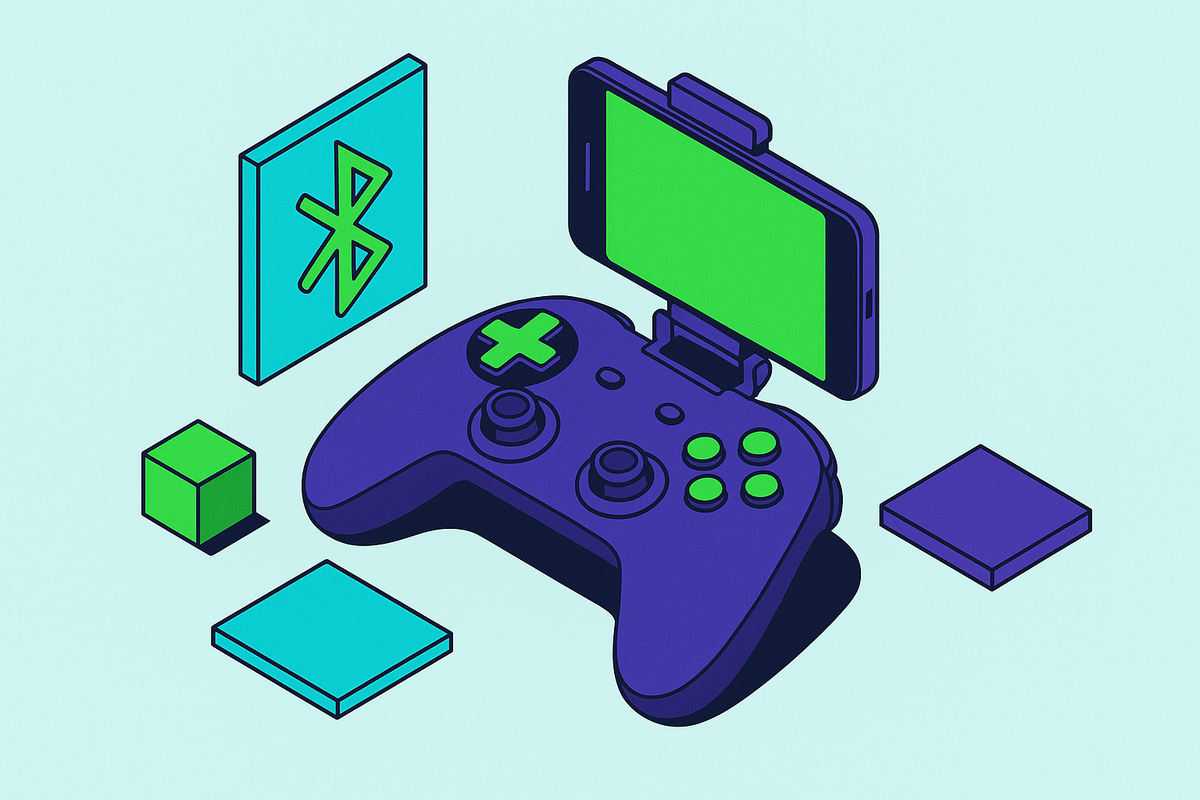
Wireless controllers pair over Bluetooth, typically Bluetooth 5.0 or later on current Android hardware. Full feature parity is a different conversation entirely. Button mapping, analog trigger behavior, and rumble feedback can all drift from expected depending on the controller's firmware and how a given game implements its controller support. "Pairs successfully" and "works correctly" are not the same sentence, and most buyer regret traces back to conflating them.
Some wireless controllers offer a 2.4GHz USB dongle alongside Bluetooth, which reduces latency but occupies the USB-C port. That detail partially collapses the wired-versus-wireless distinction in terms of signal path. Which raises a structural question worth addressing directly: if both connection types can share the same port, and both approximate each other's latency under the right conditions, is "wired versus wireless" even the right framing for this decision?
It is, but not primarily for signal reasons. The form factor consequences that follow from each approach matter at least as much as how the data actually travels.
The Latency Gap Between Wired and Wireless, and When It Actually Matters
Wired USB-C delivers among the lowest achievable input latency for controller-to-phone communication. Bluetooth latency has improved substantially across successive protocol versions, but a measurable gap versus wired persists. The question worth asking is whether that gap matters for how you actually play.
For most genres, it does not. RPGs, open-world games, strategy titles, casual platformers: none of these are stress-testing the gap between intention and response at the millisecond level. A competent Bluetooth controller is entirely adequate, and anyone insisting otherwise is either a professional or performing expertise.
Competitive shooters, fighting games, and rhythm games are different. These genres punish small latency differentials, and experienced players often feel the difference before they can articulate it. For local play in those genres, wired has a real, defensible edge.
But here is where the argument gets more complicated. Cloud gaming introduces a separate latency source, the network round-trip, that dwarfs anything the controller connection contributes. Streaming through Xbox Cloud Gaming, PS Remote Play, GeForce Now, or Steam Link, your Wi-Fi signal is the bottleneck. The controller cable is scenery. So the latency conversation splits depending on how you play, and conflating them leads people to optimize for the wrong variable entirely.
Wired is the cleaner choice for latency-sensitive local play. For cloud and remote play, the more consequential variable is your router.
What Battery Life Means Differently for Each Connection Type
Wireless controllers carry their own battery, which means two charge cycles to manage: the phone's and the controller's. A controller dying mid-session is a hard stop, and it has a reliable habit of occurring at the worst possible moment.
Wired controllers draw power from the phone rather than carrying their own, which accelerates battery drain during play. That is a legitimate concern for gaming on a commute or a long flight without a charger nearby.
Some wired controllers include a USB-C pass-through port so the phone can charge while the controller is in use. That feature largely dissolves the battery disadvantage, but it requires deliberate verification before buying. Assume nothing about its presence.
One workaround with wireless is to charge the phone by cable while using a wireless controller simultaneously. That works, technically, but then you have a cable running to your phone, which partially undermines the untethered freedom that made wireless appealing in the first place.
The more useful question is which battery constraint maps onto your actual habits. Someone who charges the phone every night but forgets to charge accessories will find wireless battery management more burdensome than they anticipated, and it is worth being candid with yourself about before buying.
Android Compatibility Is Not Guaranteed, and It Plays Out Differently for Wired and Wireless
Android's openness is a real advantage for gaming. It also generates the kind of fragmentation that a closed platform sidesteps by design. Not every controller works with every phone, every Android version, or every game without friction, and the friction is unevenly distributed.
Wired USB-C controllers generally have stronger out-of-box compatibility. The connection standard is universal, Android's HID recognition is reliable, and there is no pairing variable to chase. It either works or it does not, and usually it works.
Wireless Bluetooth compatibility is more variable, and the variability compounds across layers. Pairing usually succeeds. Whether analog triggers behave correctly, whether rumble functions as intended, whether button mapping holds in a specific game on a specific cloud platform: those are separate questions with less predictable answers. That layered uncertainty is what makes wireless a harder recommendation for someone who simply wants things to work without a troubleshooting session.
It is also worth considering that controllers designed primarily for console use, Xbox and PlayStation controllers that run on Android as a secondary platform, were not engineered around mobile. They pair. They do not mount the phone. They require a surface, a stand, or a dedicated mount for the screen, which creates an ergonomic gap that no specification sheet captures.
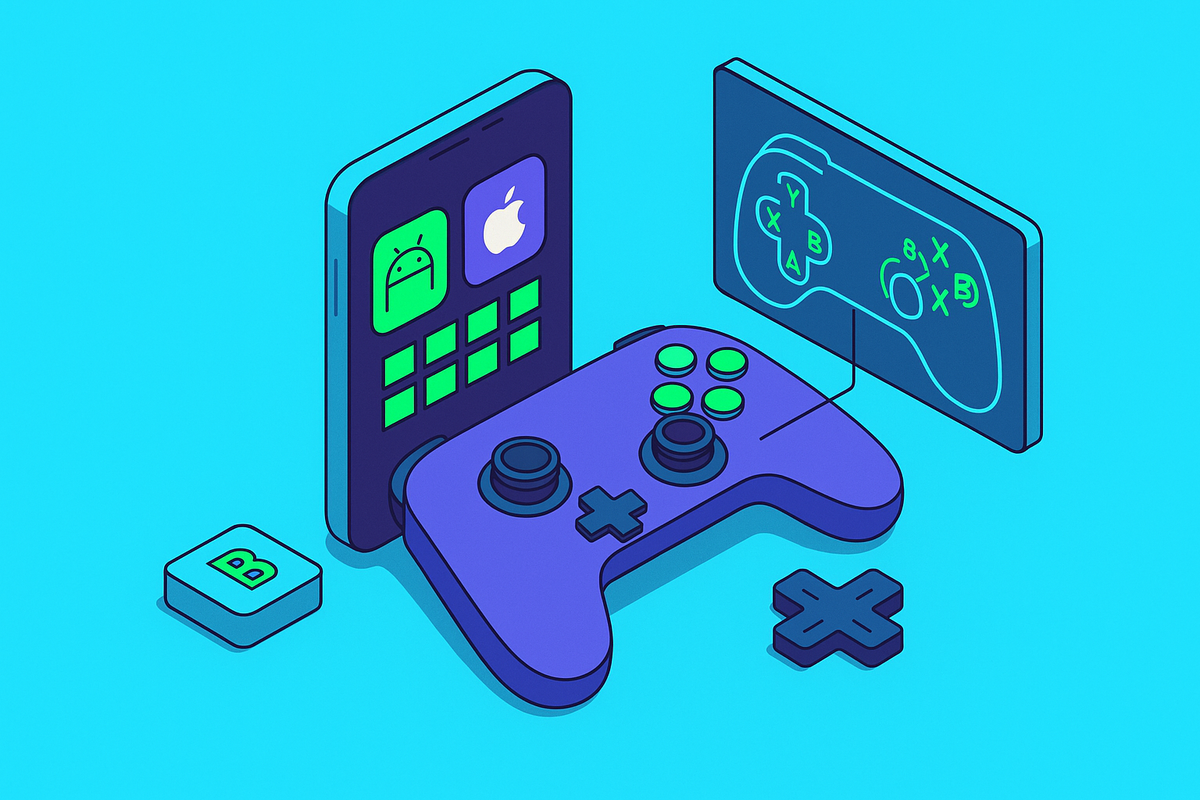
Xbox Cloud Gaming officially supports a curated range of Bluetooth controllers. PS Remote Play on Android works well with DualSense and DualShock controllers over Bluetooth and with compatible third-party options. GeForce Now and Steam Link are broadly compatible with whatever Android recognizes natively. Wired connections work across all of these platforms, assuming USB-C support. Verify compatibility with your specific Android version and primary platform before buying, as this matters considerably more for wireless than wired.
How the Physical Form Factor Shapes the Experience Beyond Connection Type
This is the dimension that marketing consistently underweights, and it is frequently the one that determines whether a controller gets used or spends its life in a drawer.
Wired clamp controllers create a unified handheld device. The phone sits between the grips, weight is distributed symmetrically, and nothing needs to be propped or stabilized. For commute play, travel, or any context where a surface is not available, that integration is a prerequisite.
Wireless standalone controllers require the phone to live somewhere else. A table, a mount, something. That works well at a desk or on a couch with good furniture. In motion, it becomes awkward quickly.
Grip depth, trigger travel, thumbstick tension, and button feel are engineering decisions that exist independently of connection type. But clamp controllers carry an additional design constraint: the hardware must physically accommodate the phone without compromising hand feel. That is a harder problem, and the quality of its solution varies considerably across manufacturers. Some clamp designs feel like the phone was an afterthought. A few feel well integrated.
Long-session players should weight ergonomics at least as heavily as latency specifications. A controller that causes hand fatigue at forty minutes is the wrong controller, regardless of what the benchmark says.
Matching the Connection Type to How You Actually Play
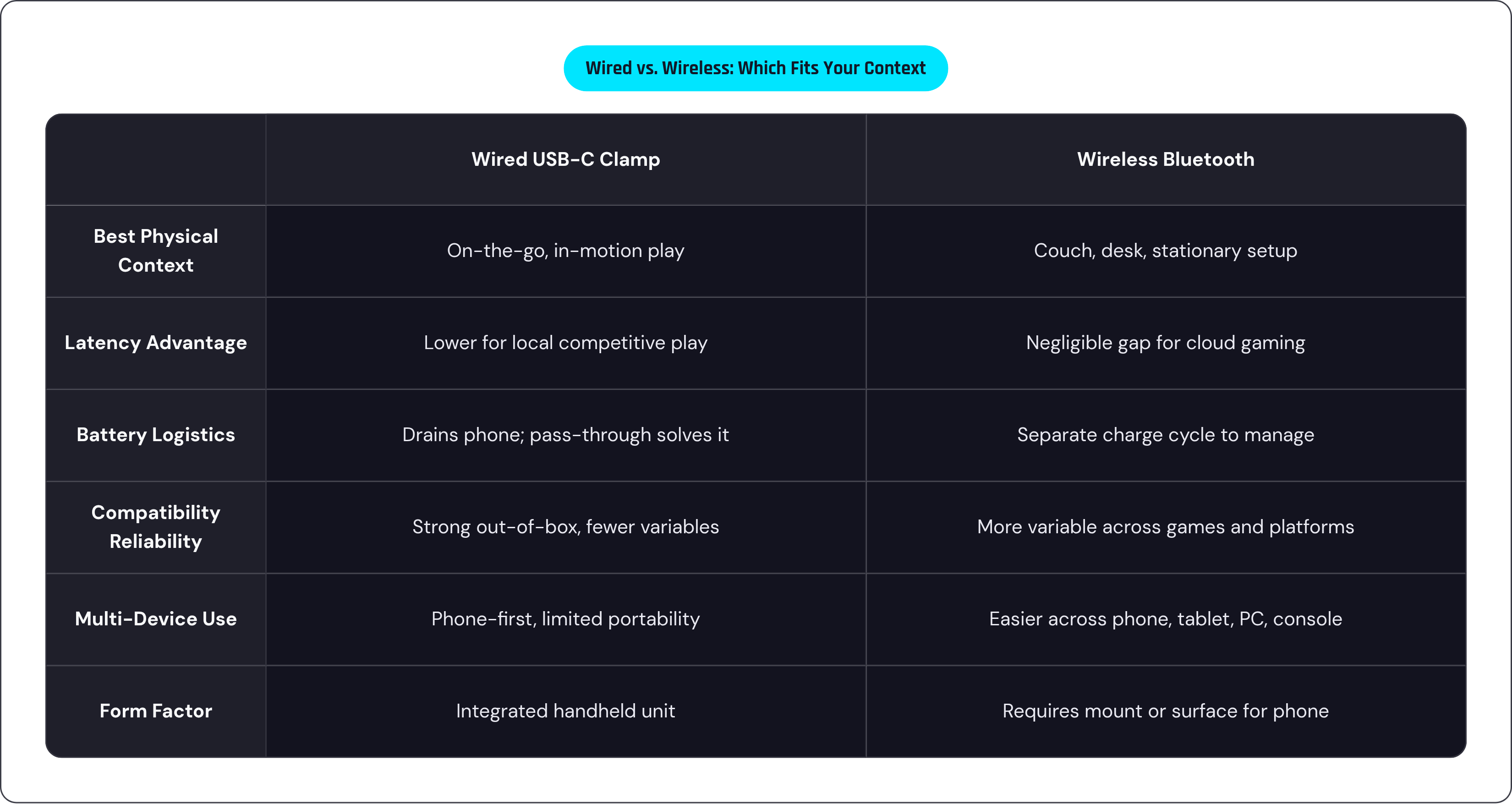
Wired is the stronger fit for competitive or reflex-dependent games played locally, for gaming in transit where an integrated handheld form beats a controller-plus-mount arrangement, for situations where simplicity and immediate functionality are priorities, and for players who want pass-through charging to eliminate battery logistics entirely.
Wireless is the stronger fit for couch or desk play, for cloud gaming where the controller's latency is not the binding constraint, for players who already own a quality controller and want to extend it to Android, and for anyone who needs one controller to work across multiple devices: phone, tablet, PC, console.
These connection types are optimized for different physical contexts, not different tiers of quality. Wired clamp controllers are built for the phone-as-primary-device scenario, held in hand and in motion. Wireless standalone controllers are built for the phone-as-one-node scenario, sitting in a mount while you play from a distance.
Plenty of serious Android players end up with one of each. That is not indecision; it is an acknowledgment that the two use cases are distinct enough that one controller rarely serves both well.
Where Backbone One Fits Into This Decision for Android Players
For players whose primary context is mobile-first, on-the-go gaming, Backbone One fits squarely in the wired clamp category: USB-C connection, no Bluetooth pairing, no separate battery to manage, phone slots into the controller body. The Backbone Pro adds Bluetooth connectivity alongside the wired option, which serves players who want the integrated form factor for commutes but wireless flexibility for desk or couch sessions. Both are designed for compatibility with Android's major cloud platforms.
Whether that combination of features justifies the price relative to alternatives is a fair question and worth researching carefully. What Backbone One represents in the category, a wired clamp with pass-through charging and cloud platform support, is worth understanding as a reference point regardless of which controller you ultimately buy.
The Practical Checklist Before Buying Either Type
Verify that a wired controller physically fits the phone's USB-C port orientation. Top-port and bottom-port phones interact differently with clamp designs, and this matters before the box is opened.
Check Android version compatibility. Some controllers specify minimum Android versions for full feature support, and that information is usually buried in the spec sheet.
Identify the primary play context before anything else. On-the-go versus couch or desk play points strongly toward wired clamp or wireless standalone, respectively, and that decision should precede any conversation about features.
Identify the primary games and platforms. Competitive local play favors wired latency. Cloud gaming is more forgiving of wireless. If the answer is "both," buying one controller and expecting it to serve both contexts well is probably optimistic.
For wireless buyers: verify explicitly that the controller is listed as compatible with the target platform, whether Xbox Cloud Gaming, PS Remote Play, GeForce Now, or Steam Link. "Works on Android" does not mean "works with this platform."
Evaluate battery logistics carefully. How reliably will you maintain two charge cycles? If the answer involves any hesitation, a wired controller with pass-through charging is probably the more practical choice, even if wireless looked more appealing on paper.
Consider whether one controller needs to serve multiple devices. If yes, wireless with broad platform support is easier to justify.
Finally: ergonomics are not a bonus feature. Hold the controller before buying if at all possible. No latency benchmark compensates for a controller that feels wrong in your hands after thirty minutes.