Mobile Gaming Controllers for iPhone 13 and Later Models
Connection type and stick technology are the two decisions that actually matter.
Connection type filters out a surprising number of otherwise-fine controllers, and it's where most buyers stumble first. Before the product comparisons ahead, walk through the actual decision variables, because they stack on each other in ways the spec sheet skips entirely.
iPhone 13 and 14 use Lightning; iPhone 15 and later use USB-C. A wired controller plugged directly into either port delivers the lowest achievable input lag, draws no battery of its own, and skips the Bluetooth pairing ritual entirely. Bluetooth introduces latency in the range of tens of milliseconds, requires separate charging, and picks up interference in crowded wireless environments. That gap surfaces in specific, genre-dependent ways covered in the wired vs. wireless section below.
MFi certification is Apple's official hardware badge, and it carries more practical weight than it sounds. A certified controller contains an authentication chip that unlocks deeper iOS features: firmware updates through a companion app, full button remapping natively on the system, and tighter integration with game APIs. Non-certified controllers work fine on day one, then quietly forfeit those features over time. For wired USB-C MFi controllers specifically, iPhone 15 or later is required, full stop.
Stick technology is where long-term reliability lives. Traditional analog sticks use physical potentiometers, resistive sensors that wear down through contact over time, and that mechanical degradation is the origin of stick drift. Controllers that felt precise at launch start fighting you six months later because of it. Hall Effect sensors use electromagnetic fields instead of physical contact, so there's no wear surface to degrade. If you're logging daily sessions of any real length, check which a given controller uses before buying.
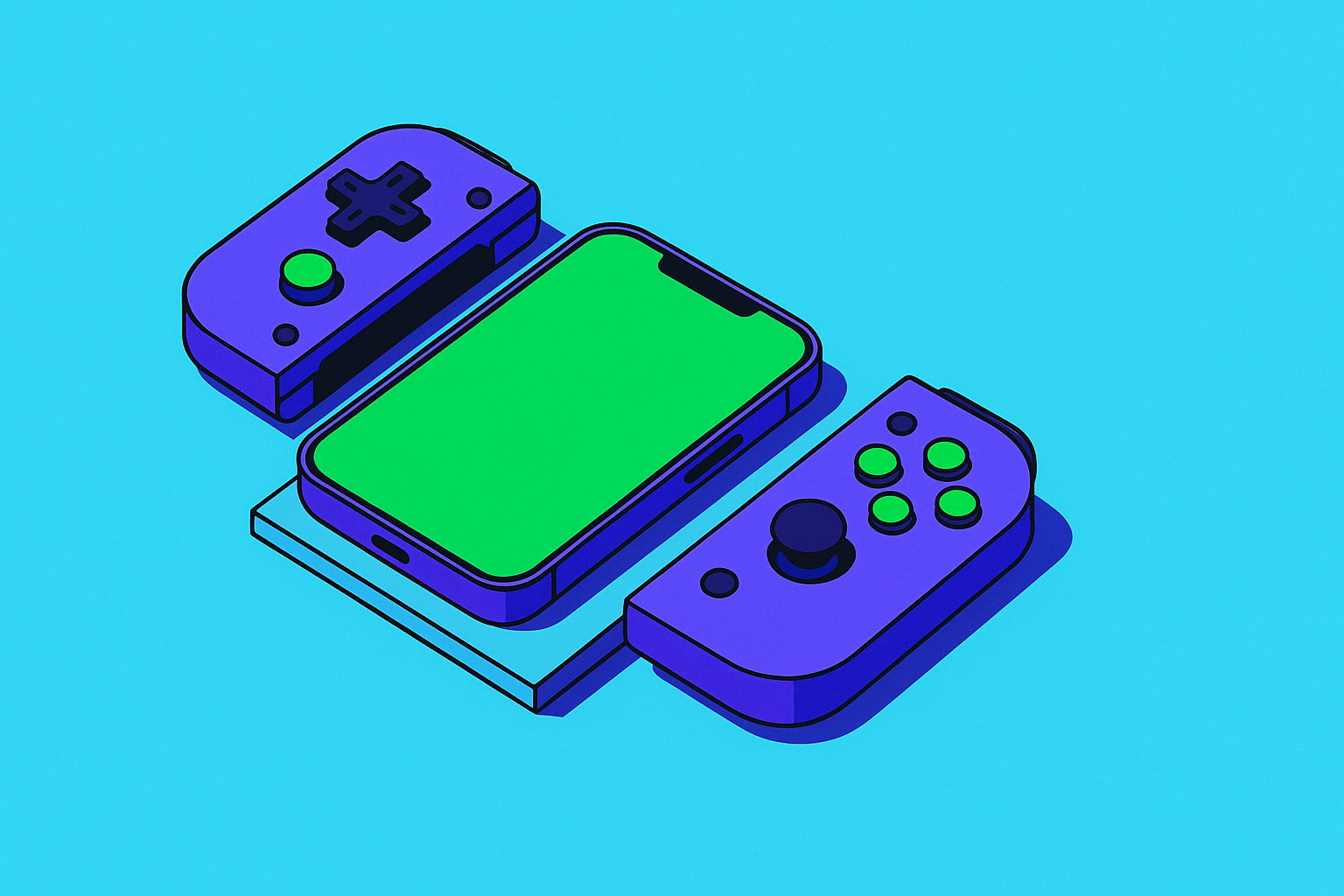
Form factor governs the carrying and using experience simultaneously. Integrated clamshell designs slot the iPhone into the controller body: compact, no pairing required if wired, pocketable. Clip-and-pad designs attach a full-size controller to a phone mount, which gives better ergonomics for extended sessions at the cost of comfortable portability. A commuter and a couch player have opposite needs, and no single form factor serves both equally.
Trigger depth, button actuation force, grip shape, and weight distribution when a phone is mounted all compound across a two- or three-hour session in ways that become impossible to ignore. A front-heavy controller once the phone is attached creates wrist strain that accumulates fast. Back buttons solve one specific problem well: they let you keep your thumbs on the sticks while still accessing additional inputs, which matters far more in practice than it reads on paper.
Cloud gaming compatibility is the last variable a surprising number of buyers skip, then regret. The compatibility gaps tend to show up in pairing quirks and browser-based streaming friction you won't find anywhere in the product listing. More on that in the cloud gaming section.
The Best Controllers for iPhone 13 and Later, Compared
These five options cover the genuine spread of iPhone 13+ use cases, not every controller on the market. They map to the criteria above and to the player profiles at the end of this piece.
Backbone One (2nd Gen) comes in both Lightning and USB-C versions, covering every iPhone from the 13 through the 16 without a dongle or workaround. The wired connection eliminates Bluetooth latency and controller battery maintenance simultaneously. The clamshell form locks the phone into the grip body, pocketable and naturally balanced, without requiring a clip. The companion Backbone App serves as a game library hub, enables session recording, and surfaces Xbox Cloud Gaming and other streaming services in one tap. Backbone cites over 50 patents and more than 10,000 part iterations behind the ergonomic design; the feel in hand makes the case for that independently of whatever went into the press release.
Backbone Pro is the wireless entry in the same lineup, aimed at players who want Backbone's build quality without the wired tether. Bluetooth connectivity, back buttons, and additional customization options are all present, but the tradeoff is the same one that applies to any Bluetooth controller: latency overhead, battery management, and interference susceptibility in busy RF environments.
ELO Vagabond earned the top overall ranking from GamesRadar in 2026, praised specifically for consolidating the strongest attributes of competing designs into one package. It carries MFi certification, works across both smartphones and small tablets, and the manufacturer's focused product line shows in the execution. Companies making fifty products rarely obsess over any one of them the way a company making three or four is forced to.
Scuf Nomad takes the integrated clamshell concept and adds symmetrical analog sticks and two back buttons, priced around $100. For competitive play, those back buttons shift the calculus by delivering extra inputs without thumb repositioning. The stick layout mirrors what competitive console players already expect from higher-end pads.
Xbox Wireless Controller with a phone clip suits players who find clamshell designs cramped and want full-size console ergonomics. Bluetooth works with iPhone 13 and later, and service compatibility is wide: Xbox Cloud Gaming, GeForce NOW, Steam Link, and PS Remote Play all recognize it. This controller won't slip into a jacket pocket, and the Bluetooth latency overhead applies here the same as any wireless option.
How Wired vs. Wireless Performance Actually Plays Out in Practice
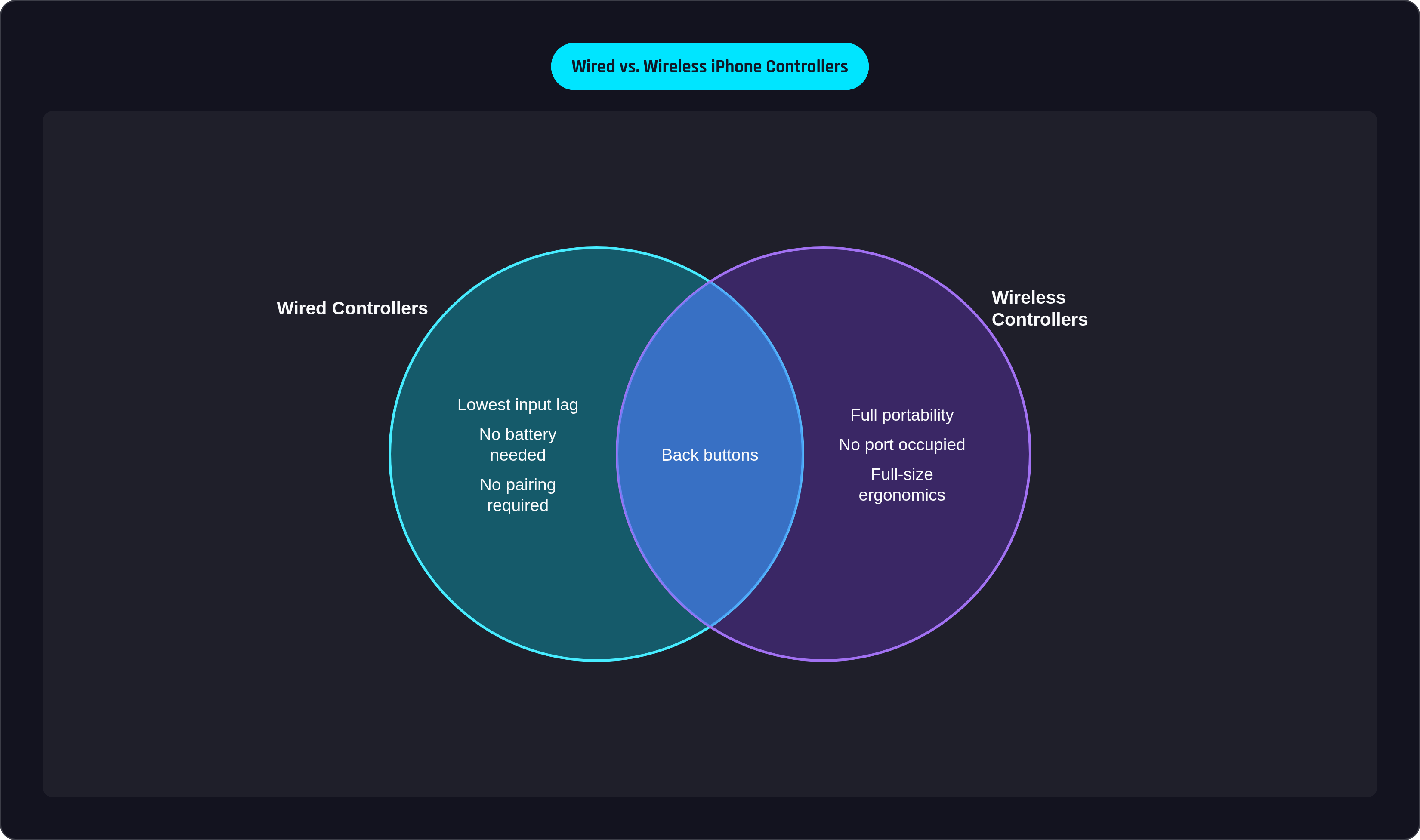
Input latency sounds like a nerdy abstraction right up until you've dropped three consecutive parries in a fighting game and spent ten minutes convinced you were just bad. Spoiler: sometimes the controller is bad, and you are fine.
Wired USB-C and Lightning connections minimize input lag to the floor of what's physically achievable. Bluetooth sits above that floor by a meaningful margin, and the perceptibility of that gap depends almost entirely on genre. Fighting games, shooters, and rhythm games surface the difference: a missed parry, a late shot, a dropped note all arrive looking like player error when the actual culprit is the signal chain. RPGs, turn-based strategy, and slower-paced adventures rarely register the gap, so wireless convenience wins in those contexts because there's no cost the game actually charges.
Cloud gaming introduces a layer worth understanding separately. Xbox Cloud Gaming on a 5G connection delivers streaming latency already in the range of tens of milliseconds under good conditions, before the controller enters the equation. A wired controller removes one variable from that stack; fewer compounding variables generally produce a more stable experience, though the game and your sensitivity to latency ultimately determine whether the removal matters.
For iPhone 13 and 14 users specifically, there's a practical wrinkle. The Lightning port is also the phone's charging port, so a wired Lightning controller occupies it. Some wired Lightning controllers include a pass-through charging feature that solves this directly, which reads as a minor engineering detail until you're two hours into a session and your battery hits 11%.
On the network side, NVIDIA GeForce NOW requires 15 Mbps for 720p at 60fps and 25 Mbps for 1080p at 60fps. Both thresholds are reachable on a strong 4G LTE connection, but 5G on iPhone 13 removes the uncertainty. The A15 Bionic handles the processing load without bottlenecking the stream; the network is typically what determines quality, not the chip.
Using an iPhone 13+ Controller with Xbox Cloud Gaming and Other Streaming Services
Apple's App Store restrictions block native cloud gaming apps from iOS, so Xbox Cloud Gaming and GeForce NOW both run through Safari on iPhone. You open the service's website, sign in, and optionally add it to the Home Screen for something approximating a native app experience. This is a deliberate workaround, not a bug either Microsoft or NVIDIA is racing to patch.
Xbox Cloud Gaming at xbox.com/play requires no App Store download. Microsoft has added native touch controls to over 200 games, but a controller unlocks the full library and makes most titles actually playable at a level touch controls don't reach. Any MFi-certified or Bluetooth controller pairs with iOS Safari; wired USB-C and Lightning controllers connect without pairing at all.
GeForce NOW on iPhone operates the same way, browser-based. NVIDIA's higher bitrate requirement relative to Xbox Cloud Gaming generally produces a sharper image and fewer compression artifacts on a phone screen, which is noticeable when you're holding the display eight inches from your face.
PS Remote Play has a native iOS app and streams from a PlayStation console, locally or remotely. Steam Link, also a native iOS app, streams from a PC on the same network or over the internet. Both work with any of the controllers in this guide.
But what if you want all of those services without digging through browser tabs every time you sit down to play? Some companion apps surface Xbox, PlayStation, and PC streaming services directly, one tap, hardware and software functioning as a unified system. Otherwise, service-specific compatibility varies more than spec sheets suggest, and the friction usually appears in pairing quirks or browser session instability you won't discover until you're already sitting down to play.
Which Controller Suits Which Type of iPhone Player
The criteria are mapped and the products are laid out, so the remaining question is genuinely personal. That said, a few clean matches are worth stating plainly.
The iPhone 13 or 14 player who wants one controller that handles everything: Lightning wired connection, compact clamshell, MFi certified. A wired Lightning clamshell controller covers all three. ELO Vagabond works as an MFi-certified alternative, though it uses Bluetooth, so check your tolerance for wireless latency before committing.
The iPhone 15 or later player who wants the same simplicity with USB-C: a wired USB-C clamshell option or ELO Vagabond. Both are compact, both skip Bluetooth, and neither requires setup beyond plugging in.
The competitive player who needs back buttons and faster inputs: Scuf Nomad's symmetrical stick layout and dual back buttons serve this profile at the $100 tier. A wireless option with back buttons and customization is available for players who want wireless flexibility alongside those features.
The player who games primarily at home and wants full-size ergonomics: Xbox Wireless Controller with a phone clip. Console-grade feel, Bluetooth to iPhone, wide compatibility across every major streaming service, with portability as the genuine trade-off.
The cloud gaming-first player: Wired controller, companion app integration, 5G on iPhone 13 or later. A wired clamshell controller paired with a companion app provides the shortest path from controller in hand to cloud game running, and removing latency variables matters more here than it does for locally installed titles.
iPhone 13 and later already carries the hardware: 5G, a fast chip, a high-refresh display. Touch input is where that capability hits its ceiling, and a physical controller is the thing that raises it. Picking the right one is a bigger decision than the accessory aisle makes it look.