MFi Certification and What It Means for iPhone Controller Buyers
Certified MFi controllers undergo rigorous testing that unlicensed alternatives skip entirely.
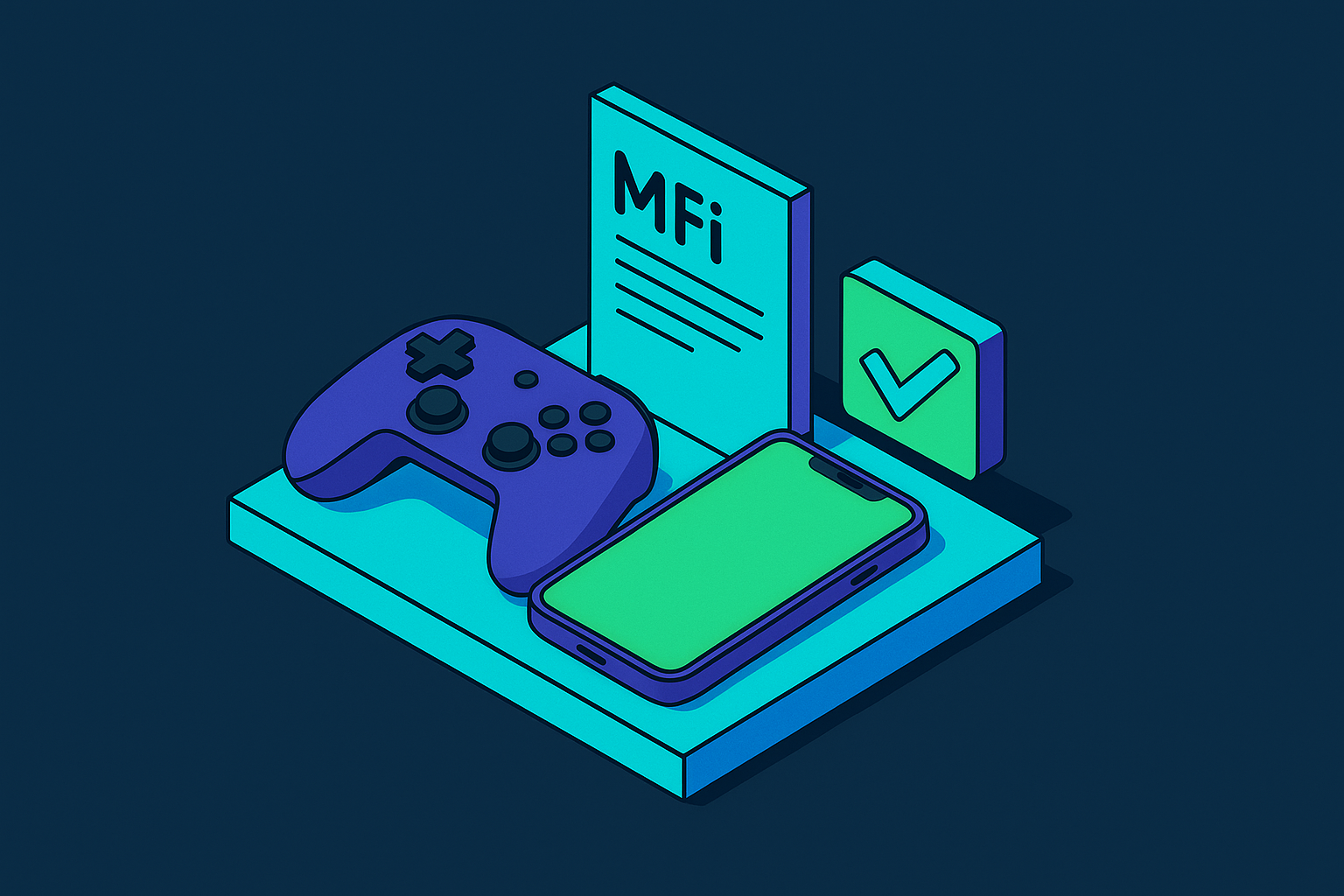
MFi certification is Apple's licensing program for third-party accessories, and for anyone buying an iPhone controller, it's the closest thing to a promise that the product works today and keeps working after your next iOS update. The badge sits on packaging everywhere, and most people skim past it, which is a mistake worth correcting. Behind that little logo sits a real testing process, a factory audit, and a cryptographic handshake that fires every time you plug the thing in.
Game controllers joined the MFi program in 2013, alongside the release of iOS 7 and Apple's first Game Controller SDK. That combination was what turned the iPhone from a device where players jabbed a virtual joystick into one that could talk to real, physical hardware over a certified, standardized connection.
MFi stands for "Made for iPhone, iPad, and iPod." Apple started the program back in 2005 to police iPod accessories, back when docks and speaker cradles counted as cutting-edge gadgetry. It grew alongside Apple's hardware line, picking up iPhone and then iPad. Game controllers joined in 2013, right alongside iOS 7 and Apple's first Game Controller SDK, the moment the iPhone stopped being a place where you jabbed a virtual joystick with your thumb and started being an actual gaming device. The program now covers cables, hearing aids, smart home gear, fitness equipment, speakers, and more, but for a controller shopper, one branch of that tree is what matters. With well over a billion active Apple devices in people's pockets, this stamp has quietly turned into infrastructure.
Apple only hands out the license after a manufacturer survives its own testing gauntlet, and that gauntlet is worth walking through in some detail, because it explains everything that follows.
When did game controllers join the MFi program, and what made it possible?
Three stages, and each one thins the herd a bit more. First, the license application, where Apple digs into the company's finances and identity to confirm it's a real business with a track record. Second, a factory audit, where Apple's own inspectors walk the manufacturing line in person. Third, per-SKU testing: every single model gets checked on its own, not one unit sampled out of a batch and waved through.
Most applicants don't clear all three. Sweet-talking a factory audit isn't an option, and bluffing a compliance chip into passing a signed challenge it wasn't built to answer isn't either.
Every certified accessory needs Apple's proprietary authentication chip inside it, bought straight from Apple, no side-loading from a cheaper supplier and no clever substitute. When the accessory connects to an iPhone, the phone sends a cryptographic challenge, and the chip has to answer with a signed response that checks out against Apple's keys. Fail that handshake and the accessory gets locked out. That's the whole mechanism, and it's a small piece of engineering doing a lot of work inside a fifteen-dollar controller.
Manufacturers also sign IP agreements and pay ongoing licensing fees, so this isn't a one-time stamp, it's a relationship with strings attached for as long as the product stays on shelves. Clear all of it and the product lands on Apple's public MFi Licensed Accessories page, searchable by anyone with a browser and a few minutes. For controllers specifically, testing covers joystick accuracy, button responsiveness, latency thresholds, and whether the firmware can be updated later on.
What the certification actually tests in a game controller
Joystick accuracy and button responsiveness get measured against numbers Apple sets, not numbers a manufacturer types into a spec sheet and hopes nobody checks. There's a real gap between a self-reported figure and a threshold an outside tester actually enforces.
Latency is where this stops being abstract and starts mattering to your thumbs. A certified controller has to hit Apple's benchmark before it ships, which matters more now that newer iPhones push 120Hz screens. A non-certified controller can suffer polling latency that caps its real-world responsiveness well below what that screen can actually show you. So you end up with a gorgeous 120Hz display and a controller quietly throttling half of it.
Firmware updates over USB-C are required too, so a certified controller can adapt as iOS changes instead of turning into a paperweight the moment Apple ships a system update. Certified hardware also gets native access to Apple's Game Controller framework, which means button remapping and system-level navigation mid-game, the kind of feature you only notice the day it's gone. Apple's recent OS updates tightened this further: non-certified controllers now fail at basic things, like opening Settings or the App Switcher mid-match, while certified ones keep working the way they did the day you bought them.
What actually matters is whether the controller still works right six months from now, after an iOS update you never saw coming. Whether it pairs on day one is the easy part.
How the program has evolved with USB-C and what that means for buyers today
The iPhone 15 finished the move off Lightning, and by 2025 every current iPhone and iPad runs USB-C. That makes Lightning-era MFi controllers a legacy category. They still work, sure, but they're not what you should be shopping for anymore.
The updated MFi rules require firmware delivery over USB-C, something Lightning never really handled the same way. Safety requirements tightened too: thermal control, overvoltage protection, and power monitoring are mandatory parts of certification now, not extras tacked on for marketing copy. That tightening lines up with something else moving fast, which is counterfeit enforcement. There have been large seizures of fake Apple-badged accessories in recent years, and that's exactly what makes the authentication chip worth the trouble. It's the one thing standing between a real product and a convincing knockoff.
There's a sustainability piece built into the current standard as well. Manufacturers now have to line up with Apple's Supplier Code of Conduct, covering recyclable materials and lower-impact manufacturing. Not the flashiest requirement on the list, but it's part of the deal now, whether a manufacturer wanted it to be or not.
Spotting an MFi label isn't enough to call it settled. Confirm it's certified for the current USB-C standard specifically. A dusty MFi badge from the Lightning years tells you a lot less than you'd assume.
Why "MFi compatible" and Bluetooth console controllers are not the same thing as MFi certified
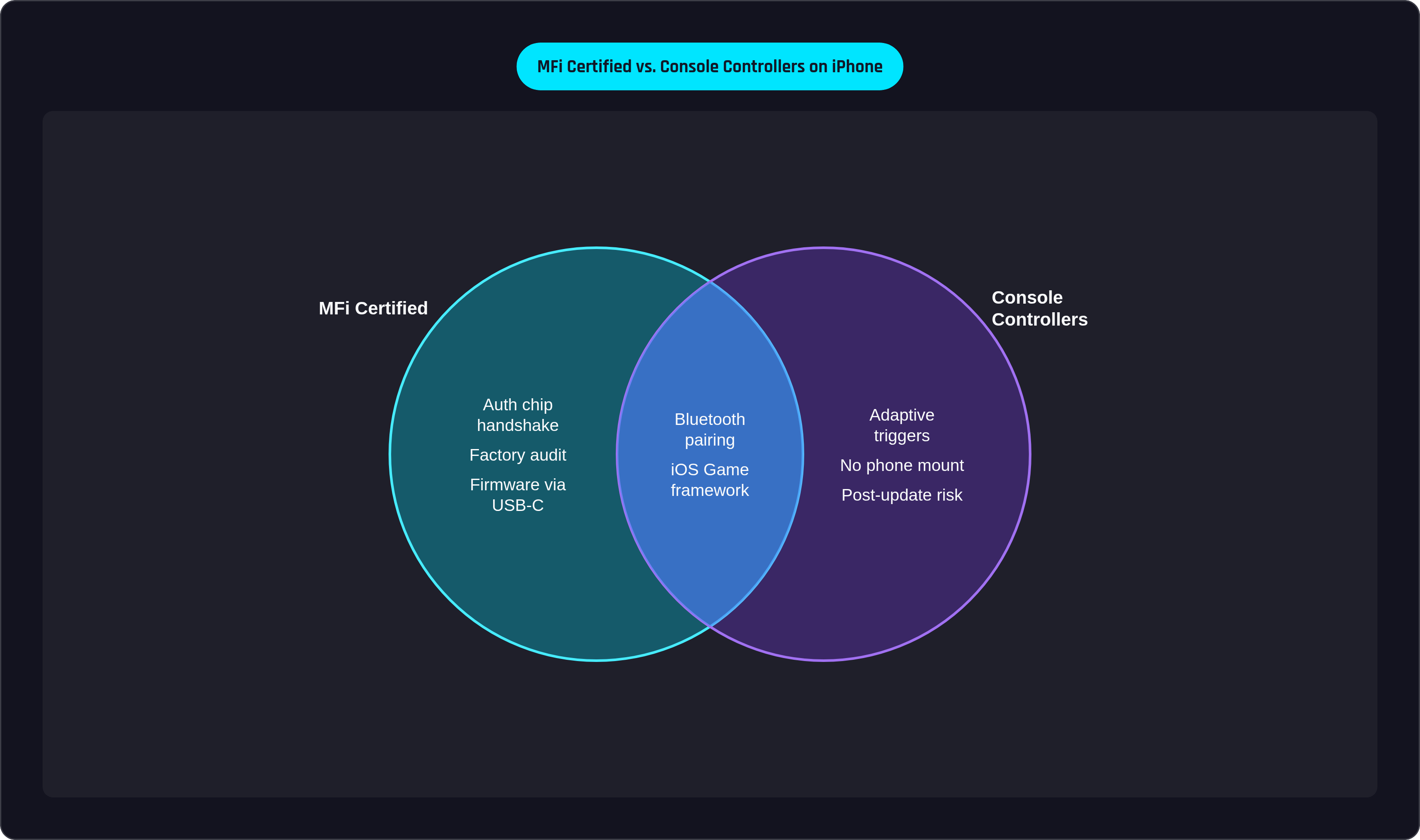
This is where wording does a lot of quiet damage. "MFi compatible" is a phrase any manufacturer can print on a box, and it means nothing, legally or technically. No testing backs it up, no chip, no audit. Only "MFi certified" or "Made for iPhone" paired with the actual licensed badge carries any weight. It looks like a small distinction buried in tiny print, but it's the line between a product Apple actually put through the gauntlet and a product that just borrowed Apple's vocabulary.
Counterfeit and uncertified listings on third-party marketplaces copy real brand names constantly, and some slap the badge on with zero authorization. The only place that actually settles the question is Apple's public licensee portal, not the paragraph sitting three inches above the "Add to Cart" button.
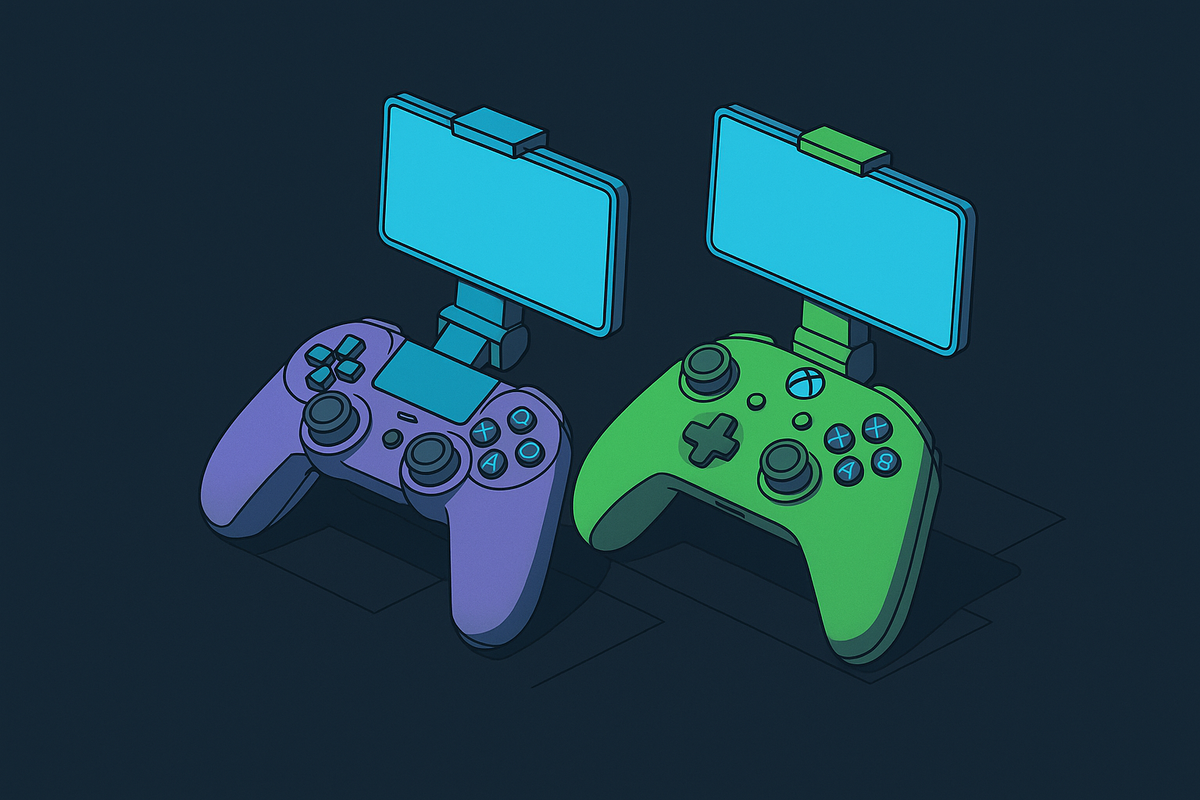
Then there's the console controller question, which comes up a lot because plenty of people already own one. Xbox Wireless controllers have paired to iPhones over Bluetooth since iOS 13, and Sony added DualSense support in iOS 14.5. The layout's familiar, build quality is generally solid, and Bluetooth pairing itself works fine across platforms.
Here's why that's not the full picture: there's no MFi chip inside, so there's no access to MFi-exclusive features, even though iOS 14 and later gives basic Game Controller framework access natively. Battery reporting in iOS can be spotty, there's no phone mount so you're propping your phone against a water bottle or a stack of books, and inputs can just stop working after an OS update with no fix coming. The DualSense's haptics and adaptive triggers are genuinely great on a PS5. On an iPhone, without the native integration MFi provides, that texture mostly gets lost on the way over.
For cloud gaming (Xbox Cloud, PlayStation Remote Play, Steam Link, GeForce Now) a console controller gets the job done well enough. An MFi-certified controller with a real phone mount gives you a tighter setup on top of that, and the gap shows up most during long handheld sessions, the kind where your arm starts complaining before the game does.
The failure mode worth watching for isn't dramatic, it's just quiet. Uncertified controllers tend to work fine at launch, then stop working right after an iOS update, with no firmware fix coming because there's no certified path to deliver one. "Universal" controllers promising broad compatibility with zero MFi certification are the riskiest of the bunch; input drops and post-update breakage show up again and again with these.
The certified controllers worth considering in 2025, and what separates them
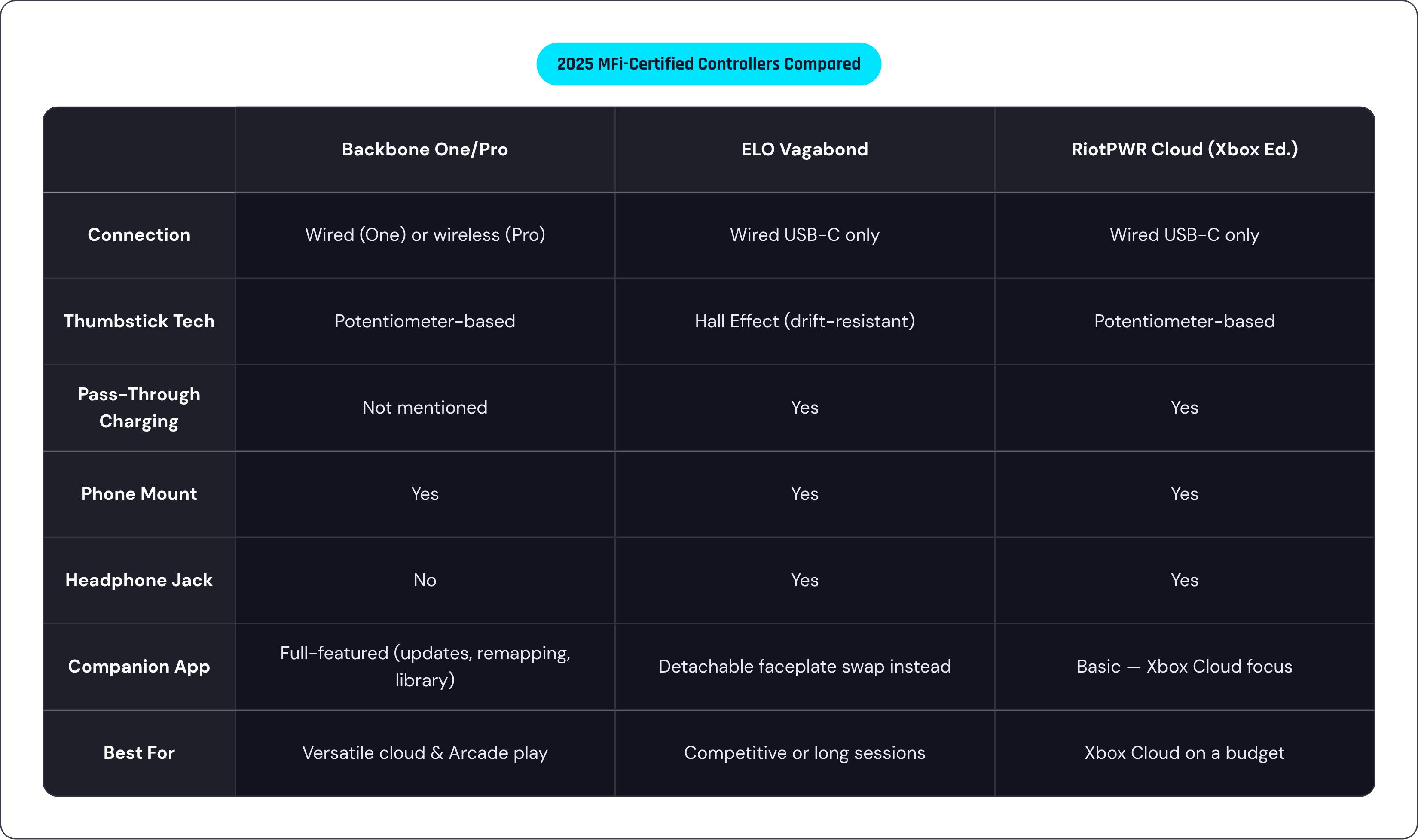
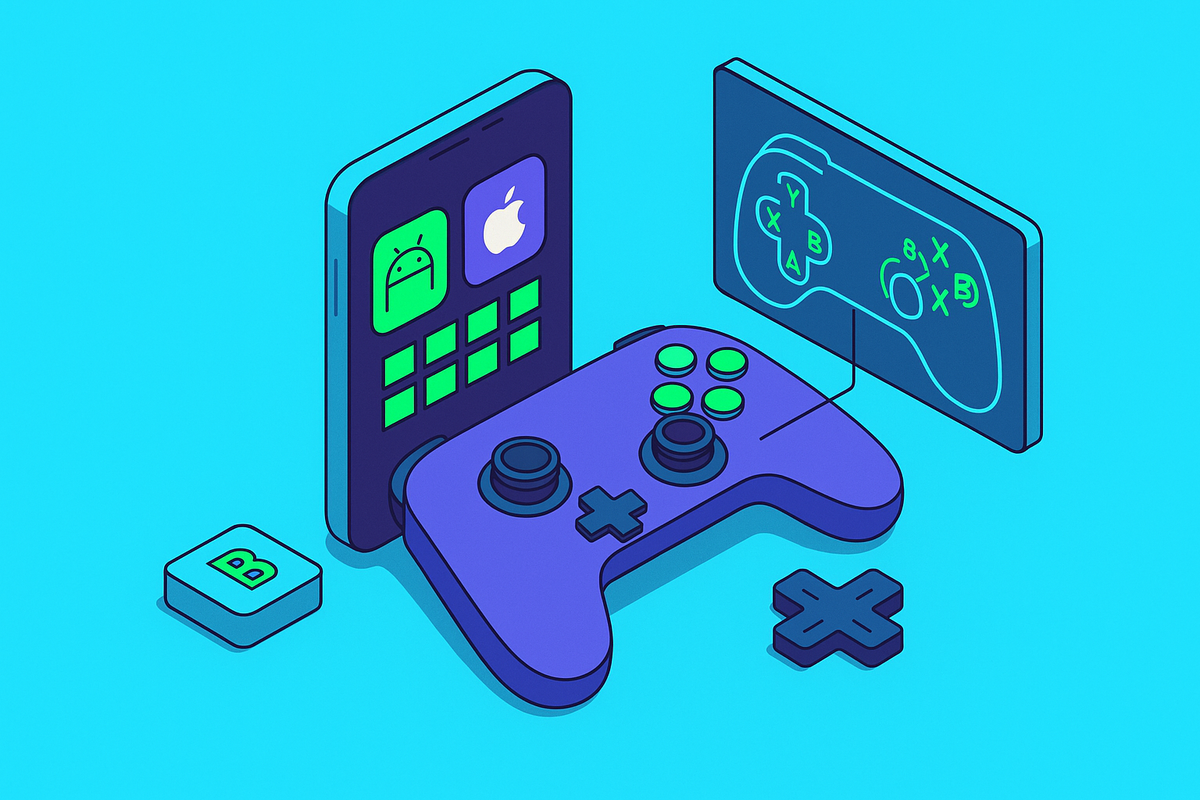
One MFi-certified option offers a standard wired entry point and a wireless, pricier tier. What sets it apart isn't just the hardware, it's the companion app, which handles firmware updates, button remapping, and game library sorting in one spot, turning the iPhone into something closer to a handheld console. The controller works across Xbox Cloud, PS Remote Play, Steam Link, GeForce Now, Apple Arcade, and Google Play, which matters if cloud gaming is most of what you actually play.
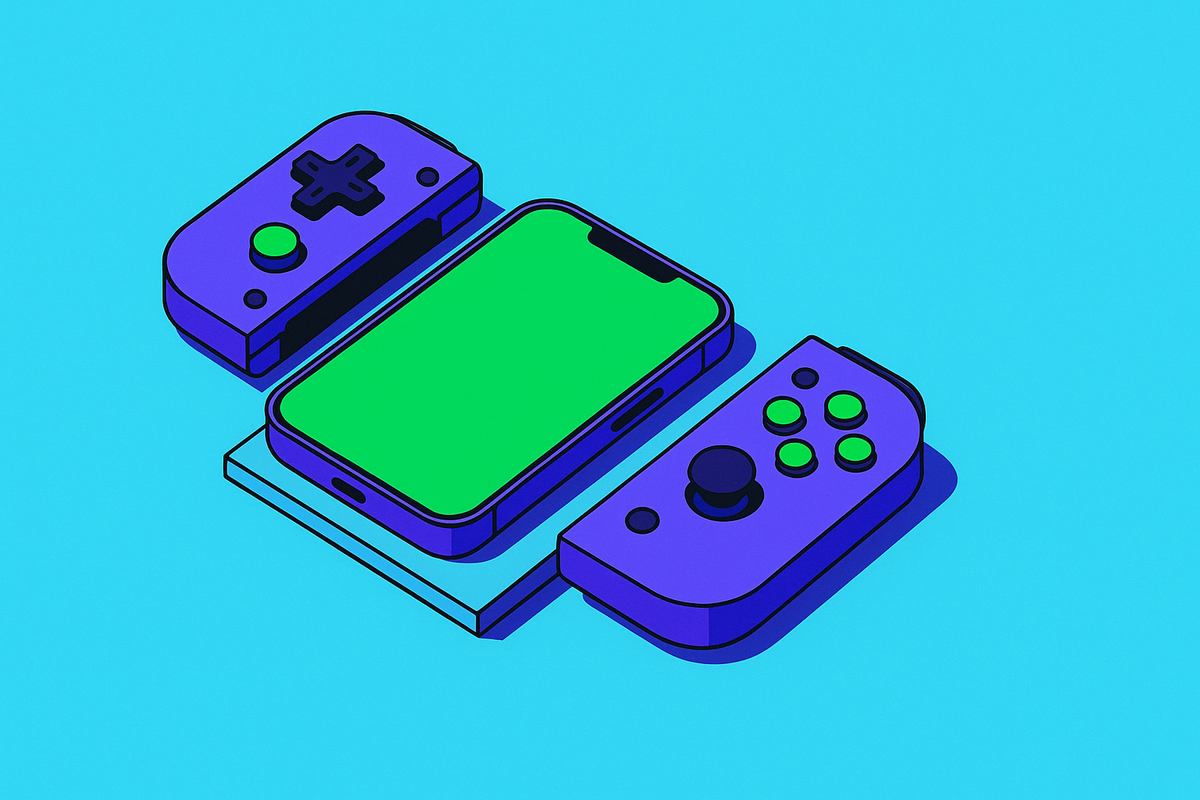
The ELO Vagabond goes a different direction: wired-only over USB-C with pass-through charging, so there's no battery to babysit and no wireless connection to fuss with, which keeps the price down while staying fully MFi compliant. Its standout feature is Hall Effect sensors in both thumbsticks and the triggers, the same magnetic sensing tech that keeps stick drift from creeping in the way it does on potentiometer-based sticks after enough hours of use. It also has a detachable magnetic faceplate that lets you swap thumbstick position and button layout, a feature not found on every competing certified controller, and it kept the 3.5mm headphone jack, which matters if you're the type who skips Bluetooth audio to shave off latency in competitive play.
The RiotPWR Cloud Gaming Controller, Xbox Edition, is MFi certified and built with a dedicated Xbox button for jumping straight into Xbox Cloud Gaming. It's wired, with pass-through charging and a headphone jack, and it often shows up discounted well below its original price, which makes it a reasonable entry point if Xbox Cloud is basically all you play.
Line the three up and the real comparison is Hall Effect sticks versus potentiometer sticks, wired versus wireless, phone mount or no phone mount, how good the companion app actually is, and whether there's a headphone jack. None of them wins across the board. Figure out which one of those five things you actually care about before you buy, not after the return window closes.
How to verify a controller is genuinely MFi certified before buying
Start by looking for the exact phrase "MFi certified" or "Made for iPhone" sitting next to Apple's licensed badge. Treat "MFi compatible" or "works with iPhone" as marketing copy, because that's precisely what it is.
Then go check the manufacturer directly on Apple's MFi Licensed Accessories portal at mfi.apple.com. That's the only source that actually settles anything; retail listings can and do carry badges nobody authorized. Confirm the certification is current, meaning USB-C certified for iPhone 15 and later, rather than Lightning-era stock that's been sitting in a warehouse since 2019. And check that the product shows up under the right accessory category on the portal, since controllers are listed separately from cables and audio gear.
Weigh seller descriptions and "as seen with" branding accordingly. A compatibility claim that isn't backed by an actual listing on that portal is only a guess dressed up as a fact.
MFi certification is one of the few signals in this whole category that's genuinely hard to fake, because the authentication chip, the factory audit, and the public licensee record all sit behind it together. That's a lot of infrastructure propping up a controller that often costs less than dinner for two. Check it before you buy, not after your thumbstick starts drifting mid-match and you're left wondering whether it's the controller's fault or yours.