Mobile Gaming Controller Cases and Travel Accessories for Portability
Protect your controller from damage and pack smarter for portable gaming sessions.
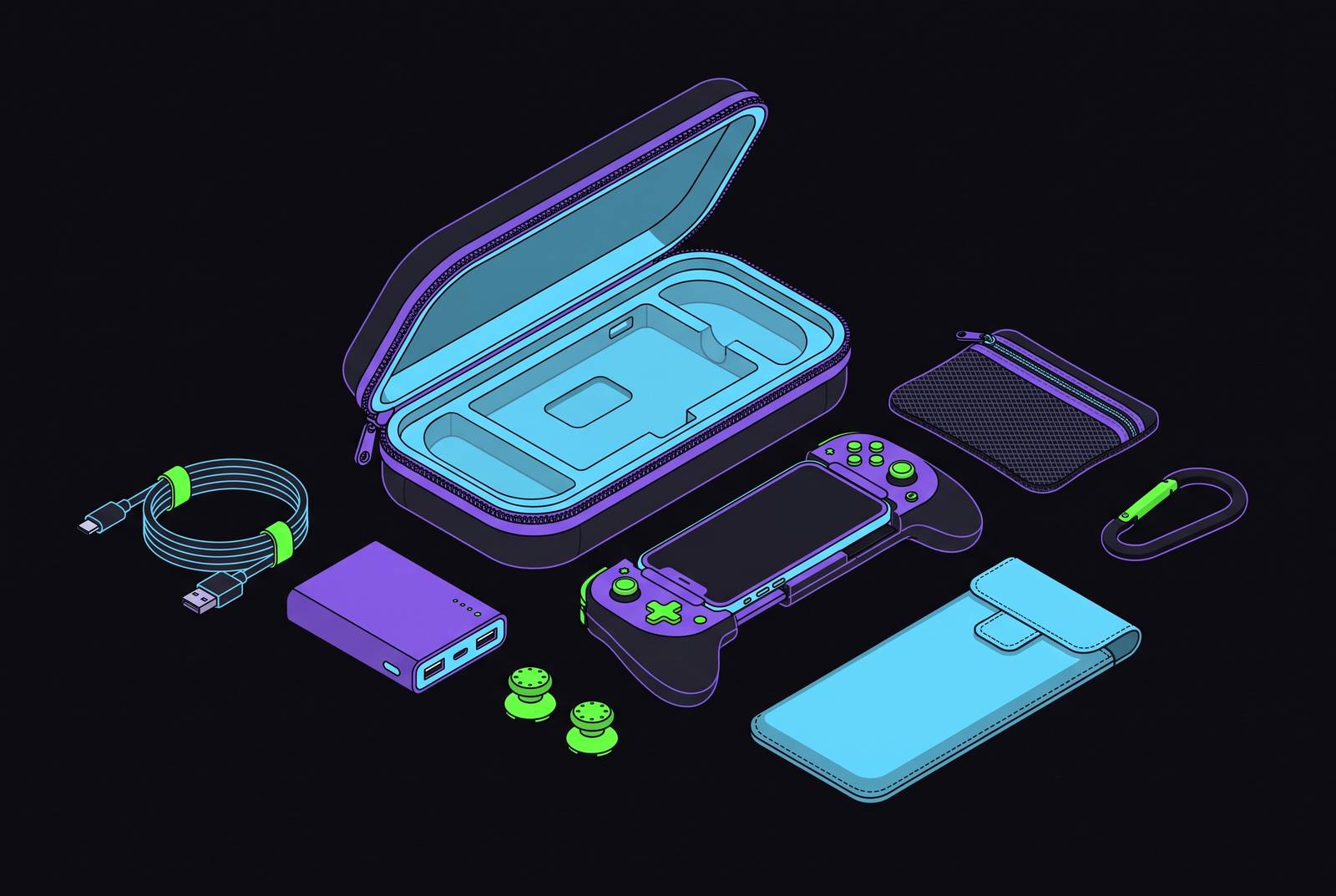
Taking a mobile gaming setup on the road means protecting more than a controller and packing more than a charger. The right case keeps delicate controls clear of pressure, while a compact set of accessories keeps power, connectivity, and the screen ready for play. Portability comes from making those parts work together.
Why your controller is the part of your travel kit most likely to get damaged
A laptop or water bottle pressing against an analog stick can keep pressure on a delicate control for the whole trip. Triggers and buttons are exposed to the same crowded-bag problem, making the controller the most physically vulnerable part of the setup. A drop is not the only concern. Even when the controller looks safely tucked away, the way it is packed can put more weight on precision components than they were made to bear.
That pressure risk should not be confused with a complete explanation of joystick drift. iFixit identifies mechanical wear in the potentiometer, including wear from the wiper moving along a resistive track, as a cause of drift. Debris and contamination are also recognised causes. The practical reason to protect the sticks is to avoid unnecessary contact and loading. With premium mobile and console controllers ranging from $60 to $180 or more, protecting them is a modest precaution against a costly replacement.
What a controller carrying case actually does and how its construction determines protection quality
A controller case has two distinct jobs, which are absorbing external impact and immobilising the controller inside it. Hard EVA shells are common because they are hard to crush and add little weight to a travel bag. But the shell is only half the defence. If the controller rattles inside, or the lid presses against its sticks, the case has failed to hold it securely without putting pressure on its controls.
How the case fits inside matters more than how sturdy it looks outside. A fitted cavity should hold the controller securely while leaving its joysticks and triggers untouched. The lid’s clearance needs to be checked with the case fully closed.
The choice between universal and fitted designs follows from that tension. Universal cases accommodate several controller shapes, but cannot hold each one as precisely as a cavity designed around a single model. For someone who always travels with the same controller, a fitted case is the sensible default. Universal designs need a physical fit check. The controller and its cable should fit without either pressing on the sticks or triggers, including after the lid closes.
The closure and accessory storage complete that protective system. Two-way metal zippers hold up better than plastic zippers when opened and closed over and over under pressure from the bag. A mesh or fabric pocket inside also holds cables away from the controller. Small details can undo a sturdy shell. A useful case keeps its contents separated as well as enclosed, so the charging cable does not become an uninvited piece of packing hardware.
Six cases worth carrying in 2026, matched to how and what you travel with
The Venom Universal Gaming Controller Carry Case suits a household that plays on more than one platform and takes different controllers on trips. It accommodates PS5, Xbox Series X|S, PS4, Xbox One, Nintendo Switch, and Stadia controllers, plus many third-party models. A padded interior, firm outer shell, and mesh cable compartment cover the main protective requirements, while a reinforced handle makes it easy to grab separately. Very large third-party pads still need checking before travel because the universal cavity is less form-fitting than a moulded one.
For a Switch 2 Pro owner, the sisma Carry Case for Nintendo Switch & Switch 2 Pro Controller is made to fit that controller. Its fitted design and dual-layer protection work well for someone who packs the same controller each time. That specialisation is the reason to choose it. It is not a sensible substitute for a universal case when several differently shaped controllers rotate through the travel bag. The buying decision turns on consistency of use, rather than the number of devices a case can accommodate.
For the official PS5 DualSense, the sisma DualSense Protective Case makes control clearance an explicit design feature. The sisma official site states that its raised inner lid means “nothing presses on the analog sticks or face buttons”. It also has a semi-hard EVA shell, a 1680D Oxford fabric exterior, two-way metal zippers, and a removable wrist strap. This is a controller-first case. Its specified fit does not extend to oversized third-party pads, and it is not intended for packing extensive extras.
The 8BitDo Classic Controller Travel Case is a small, good-value option with a hard EVA shell that measures 167 x 124 x 60 mm inside. The 8BitDo shop lists compatibility with SN30 Pro+, Pro 2, Switch Pro, PS5, PS4, and Xbox One controllers. Its mesh pocket can hold Joy-Cons, an adapter, or a cable. The design is deliberately simple, but anyone with an unusually large controller should measure rather than treating broad compatibility as a promise of unlimited room.
For someone moving between a desk and a travel bag, the 8BitDo Ultimate Controller Travel Case with Charging Dock keeps the charging arrangement together. It is designed to hold the Ultimate controller with its dock attached. The dock is ready to use on arrival without being unpacked from another compartment. This case suits a traveller who wants the same setup at home and away and cares about more than how little space the case takes up.
For local multiplayer or a spare controller, the Younik Dual Controller Carrying Travel Case holds two pads in one water-resistant case. It measures 10.63 x 2.56 x 5.51 inches on the outside, so travellers can judge how much room it needs in a bag. Budget positioning makes it a practical option for routine two-controller travel. The second pad has a defined place. That is a different requirement from carrying one controller and a charging dock, so the choice depends on what the second piece of hardware actually does for the trip.
What a mobile-first setup needs that a console case guide won't tell you
Clip-on and slide-in designs create a combined unit whose width and exposed screen fall outside the shape of a standard controller case. The phone is now part of the load. Will the controller travel attached to the screen, or will the two parts travel separately.
For designs that detach cleanly, separating them allows the controller to go in a suitable case while the phone travels normally. Reassembly happens at the destination. Keeping them attached instead calls for a larger pouch or padded sleeve sized for the full phone-plus-controller width. A compact wireless or foldable design offers another route by disconnecting from the phone and fitting into a standard case pocket.
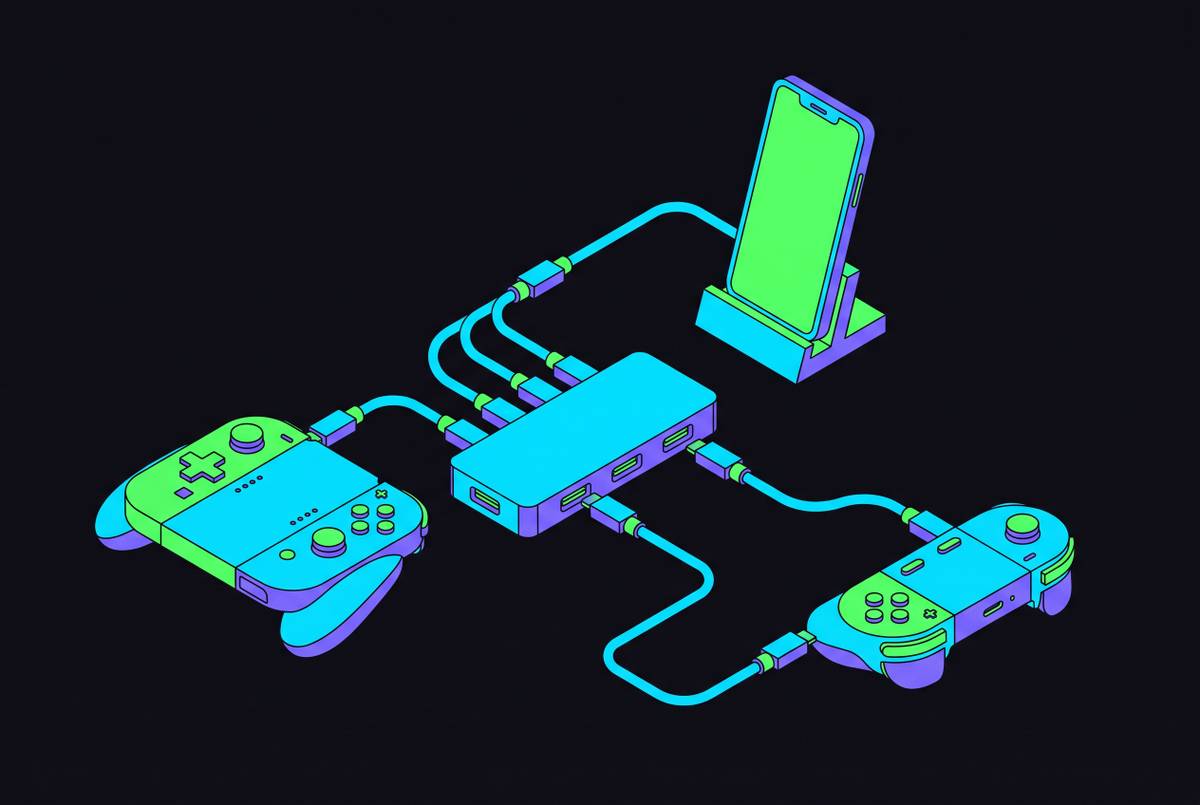
Mobile controllers often charge through the phone’s port, so protection that blocks the required Lightning or USB-C connection can create a battery problem during the trip. Joystick clearance remains just as important here. A wider sleeve is not automatically a better sleeve if its sides or lid load the sticks. For genuinely portable use on planes, trains, and in hotel rooms, the controller, phone, power bank, and cable should fit within a single bag pocket or small organiser.
The rest of the travel kit: what keeps a mobile gaming session going away from home
Power is the first requirement beyond physical protection. A power bank needs enough output to increase the phone’s charge while a game is running. A charging symbol is not the whole story. If the bank cannot keep up under load, a long session can still end with an empty phone. Pass-through charging capability is also useful for an overnight arrangement that lets the bank replenish from a hotel outlet while remaining connected to the device.
A charged phone, however, does not guarantee a playable connection. Xbox Cloud Gaming, PlayStation Remote Play, NVIDIA GeForce Now, and Steam Link depend on stable, fast internet access. Hotel Wi-Fi can be the weak link because congestion introduces latency regardless of the service’s server-side performance. For travellers who depend on cloud gaming, a mobile hotspot or a plan with adequate data is often the practical alternative to relying entirely on hotel access.
A short USB-C or Lightning cable rated for data belongs in the kit because a charge-only cable cannot serve the same role for wired controller connections. It also allows quick charging without the need to pack a full cable roll. Keeping that cable in a mesh pocket or organiser separates its ends from the controller and makes it available when the battery or connection demands it.
Handheld play works with the screen held in the controller, but longer sessions on a plane tray table, hotel desk, or bedside surface call for a stand. A small foldable phone stand or a controller with a built-in kickstand attachment holds the phone up without adding much weight. A matte screen protector cuts glare on glossy phone displays without changing touch sensitivity, so it is easier to play in airports and on outdoor patios.
These accessories need a home of their own. A small cable organiser or tech pouch keeps them from tangling and scratching one another or the controller, especially when the controller case lacks an internal pocket. A self-contained gaming pouch can leave the carry-on and reach a playing surface without a search through the rest of the luggage.
How to pack the full mobile gaming kit so everything survives the journey
To turn those choices into a repeatable routine, pack the controller case last so it sits on top of the backpack or carry-on contents. That position avoids burying it beneath items that could shift and press against it during transit. It also lets the case come out first at security. Put cables and accessories in a separate tech pouch rather than leaving them loose beside the case, because a stray cable end can press through soft-sided protection. A case should not have to defend the controller from its own charging equipment.
For a phone travelling attached to its controller, use a padded sleeve sized for the combined width and store the assembly screen-side up. This keeps the display from resting against a hard surface. Keep the power bank accessible in the carry-on too. TSA guidance requires power banks to travel in carry-on bags but does not generally require their removal for screening, while China requires separate inspection. Accessible packing accommodates that variation without forcing a hurried excavation that risks dropping the controller case onto the belt.
Fully charge the controller, update the cloud gaming app, and sign in while still on home Wi-Fi. For Xbox Cloud Gaming, GeForce Now, PS Remote Play, or Steam Link, completing that preparation at home avoids spending the first session waiting on hotel or airport Wi-Fi. If downloading games for offline play, make enough room for them on the phone before leaving.