Best GBA and SNES Emulators for iPhone After App Store Rule Changes
Apple's April rule change finally brought GBA and SNES emulators to the iPhone App Store.
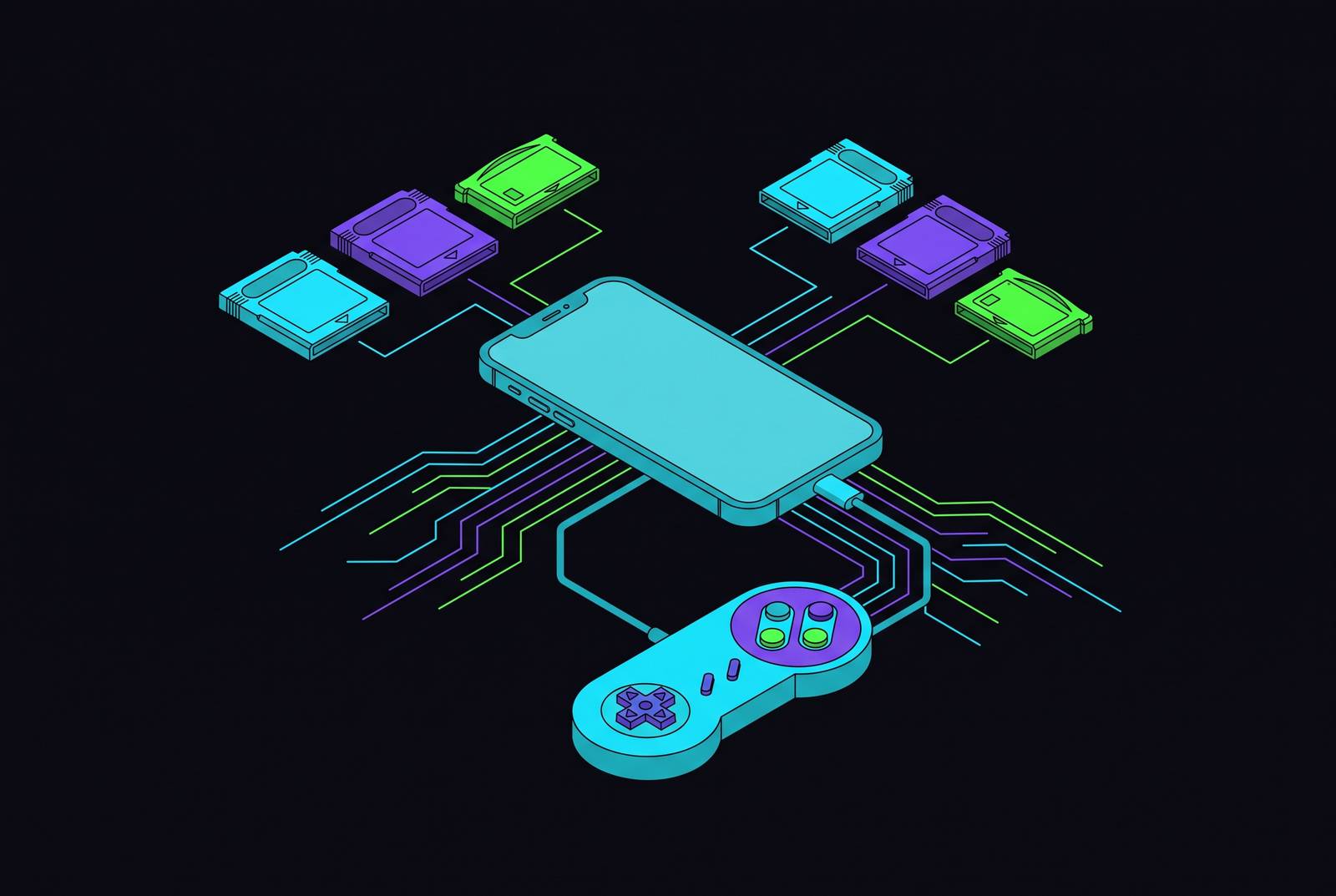
Apple changed its App Store rules in April 2024 to explicitly allow retro game emulators, and that single policy shift is why GBA and SNES games are now playable on iPhone without the workarounds players used to tolerate. This guide walks through what changed, what's legal, and which apps are actually worth installing, starting with Backbone's pick for most readers and working through the alternatives that make sense for specific setups.
GBA and SNES emulators on iPhone before April 2024
For more than ten years, the App Store simply didn't carry GBA or SNES emulators, full stop. Anyone who wanted to play those games on an iPhone had to sideload, and sideloading on iOS has never been a one-and-done install. GBA4iOS, the app that came before Delta, ran on enterprise certificates that Apple revoked on a routine basis, and the app stopped working on iOS 8.1 and later before its developer discontinued it in 2014. The alternative tools, AltStore and Sideloadly, kept emulation alive for a small, patient audience, but both required refreshing certificates on a schedule, and iOS 16 added configuration steps that pushed casual users toward either giving up or paying for a developer account just to keep a Game Boy emulator running. That friction didn't just annoy people, it filtered out everyone except the players willing to treat their phone like a side project. A mobile controller like Backbone approached the same frustration from a different direction: instead of asking players to patch software every few weeks, it made the phone itself feel like a finished gaming device, which mattered more while the software side stayed broken by design. None of this was permanent. Apple was sitting on a rule change that would make most of that workaround culture pointless almost overnight.
What Apple's April 2024 App Store rule change permitted
On April 5, 2024, Apple updated App Store Guidelines §4.7 to allow retro game console emulators, and the update applied everywhere, not just in the specific regional markets where regulatory pressure from a major competition law might have made a narrower, region-only carve-out the safer legal bet. The added language states that "apps may offer certain software that is not embedded in the binary, specifically HTML5 mini apps and mini games, streaming games, chatbots, and plug-ins," with console emulator apps specifically permitted to let users download games into them. Apple followed up on August 1, 2024, extending the same §4.7 language to cover PC emulator apps as well, widening the policy further beyond the April update.
The permission came with conditions that still apply. Emulator developers have to follow Apple's standard privacy rules, and any digital goods or services consumed inside the app need to go through Apple's in-app purchase system. §3.1.3 carves out exceptions for things like physical goods and reader apps, and U.S. storefront apps can now also include external purchase links. Developers have to make sure everything in their app, including the emulation core and any content it touches, complies with both Apple's guidelines and copyright law.
There's a technical wrinkle you need to understand, because it explains why iOS emulation looks different from Android emulation even when the games are the same. Apple restricts JIT, or just-in-time compilation, to a short list of privileged, Apple-approved uses, currently limited to Safari's browser engine. Android allows JIT more freely, which lets Android emulators use dynamic recompilation for better performance on demanding systems. iOS emulators instead rely on interpreter cores compiled ahead of time rather than generated on the fly, and that approach caps peak performance on heavier hardware. For GBA and SNES specifically, that cap doesn't matter. Both systems run well within what an ahead-of-time-compiled interpreter can handle at full speed on a modern iPhone, so the restriction that limits more demanding emulation targets is a non-issue here.
The legal line every player using these apps needs to understand
The apps covered in this guide are legal software. Courts have treated emulators as legitimate reverse-engineered programs for years, and Apple's own rule change confirms that. What stays legally murky is the game file, not the emulator running it. Downloading a ROM for a game you don't own is where the law gets uncomfortable, and the only path that's clearly clean is dumping a ROM yourself from a cartridge already sitting in a drawer somewhere.
Nintendo's enforcement record shows you where the company is actually focused. Yuzu settled with Nintendo and shut down, Ryujinx closed its doors, and DMCA takedowns hit open-source Switch emulator forks on GitHub in 2026. Every one of those actions targeted Switch-generation emulation. None of them touched GBA or SNES emulators, and none targeted a player who just loaded an old cartridge's worth of games onto a phone.
There's also a preservation case that deserves to be taken seriously. As publishers shut down old storefronts, chunks of gaming history become commercially impossible to buy at any price, and emulation is frequently the only remaining way to keep those games playable at all, a role not unlike the one VHS and DVD once played for keeping films in circulation after theatrical runs ended. None of the apps in this guide host ROMs, link to ROM sites, or help you find files. Every one of them expects players to supply their own game files. With the legal picture laid out, the rest of this guide turns to the apps themselves.
Delta: the starting point for most iPhone players
Delta is the app most readers should install first. It's free, it asks for no setup beyond dropping in a ROM, and it covers GBA and SNES alongside five other Nintendo systems. The app has pulled in more than 26 million downloads since its April 2024 App Store launch, Appmagic estimates show, more than every other option in this guide. Delta comes from Riley Testut, the same developer behind GBA4iOS, so the app carries a decade of groundwork rather than starting from zero when Apple opened the door.
The system list covers NES, SNES, GBA, N64, Game Boy, Game Boy Color, DS, and Sega Genesis in beta. Under the hood, Delta uses interpreter cores compiled ahead of time and sticks to Apple-approved file handling APIs, UIDocumentPickerViewController on iOS 17 and later or UIDocumentBrowserViewController on earlier versions, and it never loads code dynamically. That technical discipline is a large part of why Delta keeps clearing App Store review without drama. As of November 11, 2025, the public US listing showed version 1.7.3s, and a Delta 2.0 beta is already in development with a redesigned "Liquid Glass" interface built for iOS 26 and finished Sega Genesis support.
Controller compatibility is where Delta earns its reputation as the pick-up-and-play option. It pairs with MFi controllers out of the box, plus the Nintendo Switch Pro Controller and Joy-Cons, Nintendo Switch Online controllers built for NES, SNES, and N64, PS4 and PS5 controllers, Xbox One S and Xbox Series X controllers, and Bluetooth or wired keyboards. On top of that, Delta includes save states, fast forward, rewind, cheat codes, customizable controller skins, both portrait and landscape layouts, and sync through Dropbox or Google Drive (there's no iCloud save sync, though saves, configurations, and ROM metadata do sync across devices through iCloud separately). What Delta skips is online multiplayer, since Apple's network sandbox blocks the peer-to-peer connection that Link Cable emulation would need, and it doesn't host or link to ROMs under any circumstance.
Touch controls handle casual play fine, but GBA and SNES games were built around a d-pad, shoulder buttons, and in some cases an analog stick, and a 6-inch glass screen doesn't reproduce any of that with real precision. A controller that plugs directly into the iPhone, like the Backbone One, maps straight into Delta's MFi support and hands back the physical layout those games were designed around. For a side-scrolling platformer with frame-tight jumps, that's not a luxury feature, it's the difference between playing the game as intended and fighting the screen.
RetroArch: the power-user alternative for players who want full control
RetroArch exists for a different kind of player, one who wants to tune emulation accuracy, apply CRT or pixel-art shaders, remap controls down to the hardware register, and manage save states with more precision than Delta's interface allows. None of that is available in Delta, and RetroArch doesn't pretend to compete with Delta's simplicity. You have to work through real configuration before a single game boots, so it's a poor fit if you just want to relive a Saturday morning in ten seconds flat.
The payoff for GBA players is the mGBA core running inside RetroArch, the same core that powers the standalone mGBA desktop emulator and the one most widely regarded as the most accurate open-source GBA engine available. RetroArch supports MFi and Bluetooth controllers with deep manual remapping, and you'll want a physical controller here even more than you do with Delta, because navigating RetroArch's menu system with touch alone is a genuinely frustrating exercise in patience.
Super16Bit: the SNES-specialist App Store option
Super16Bit, built by Last, Inc., narrows its focus to one system, and it makes a real case for itself there. The App Store listing shows a free download at 5.3 MB, an age rating of 4+, support across iPhone, iPad, and Mac, controller support, and a 4.5 out of 5 rating. It runs on the SNES9x core, a core widely respected for reproducing original SNES graphics and audio faithfully, and it packs in game controller support, save states, cheat codes, turbo mode, rewind, external display output, Metal rendering tuned for Apple hardware, low-latency AudioUnit audio, iCloud backup and restore, and customizable touch controller layouts.
The app has kept a steady release pace through 2025: version 0.9.6 on March 3 added drawing and sound optimizations, a mute toggle, external keyboard support, early SNES mouse emulation, and a Game Genie cheat fix; version 0.9.7 on April 21 brought MetalFX Upscaling for Metal 3 devices; version 1.0 on April 16 focused on stability; versions 1.0.1 through 1.0.3 added Metal 4 support through April and May; and version 1.0.4 on May 31 pulled Metal 4 back out after a critical bug surfaced. App Store reviews describe it running fast and smooth even on older hardware like an iPhone XR, with more SNES-specific tuning options than Delta offers, and note that occasional sound glitches clear up with a restart. Super16Bit is SNES-only, so anyone with GBA games in the mix still needs Delta or RetroArch alongside it. Last, Inc. states in its own listing that it has no relationship with Nintendo.
Folium: the DS and GBA option for iPad-primary players
Folium is worth knowing about for players who do most of their gaming on an iPad rather than an iPhone, and the app is free, covering Nintendo DS, 3DS, GBA, Game Boy, and Game Boy Color. The DS library benefits the most from a larger screen, because the original handheld's dual-screen layout maps naturally onto an iPad in a way a phone screen can't match. Delta addressed the same iPad need with its 1.6 update, but Folium was built around the larger display from the start. If you want GBA games specifically, Folium works as a capable App Store option, but Delta still has more features and far more testing hours for GBA alone. Folium supports MFi and Bluetooth controllers, so the same physical-controller logic that applies to Delta and RetroArch carries over here too: SNES and GBA games were built around physical buttons and analog precision, and while a touchscreen overlay gets the job done in a pinch, a dedicated controller gives back the button feel and response those games were originally designed for.