Nintendo 64 Emulation on iPhone With Delta N64 Core
Apple's policy change made N64 emulation legal on iPhone for the first time.
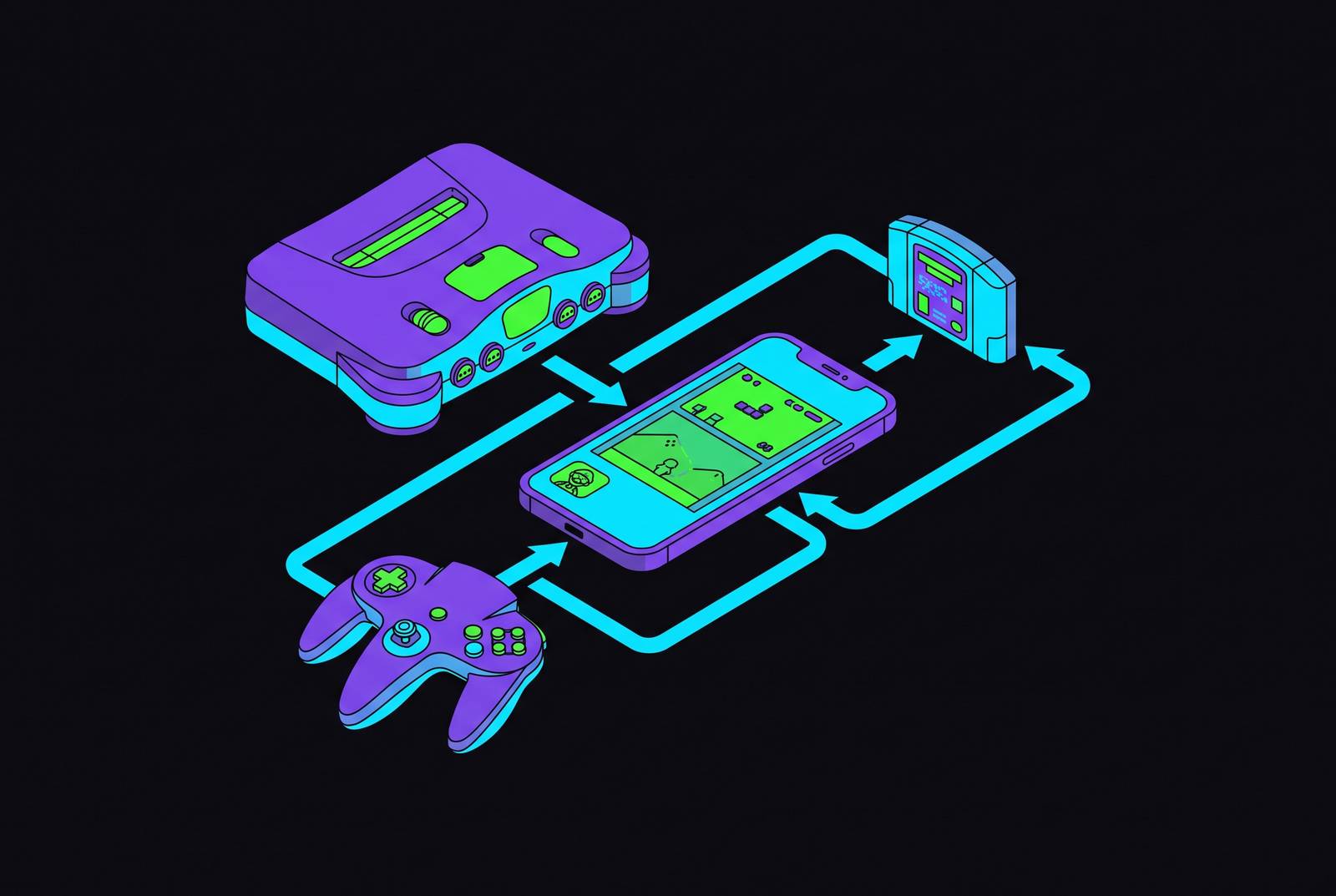
Nintendo 64 games are now legally installable on iPhone through the App Store, running inside an emulator called Delta. This piece walks through what makes that possible, how to set it up, what to expect from different iPhone models, and where the experience still shows its age.
Why N64 games are now installable on iPhone
A single policy change made all of this possible: in April 2024, Apple revised App Store Guidelines §4.7 and reversed a ban on retro game emulators that had stood for more than a decade. That reversal turned Delta from a sideloaded curiosity into a legitimate, no-jailbreak App Store download available worldwide. Before it, getting Delta onto an iPhone meant using AltStore, re-signing certificates every seven days, and keeping a Mac or PC around for the process, a routine tedious enough to filter out most casual users before they ever launched a game. The App Store path strips all of that away: search, tap install, done. Delta's N64 core runs on mupen64plus, an open-source engine with a long track record in desktop emulation.
Installing Delta and getting N64 ROMs into it
Readers in the EU, or anyone who can't find Delta in their regional App Store, have a fallback in AltStore PAL, but the straightforward App Store build is the better starting point for most people. Once it's installed, the emulator itself arrives empty: Delta is legal software, but it does not ship with games, and users have to supply their own ROM files. For N64, Delta supports two file formats,.n64 and.z64. Whether the specific ROM a reader has sitting on a hard drive is theirs to legally play is a separate question that depends on where they live and what they own, and Delta's own terms reflect that distinction without resolving it.
Getting a ROM into the app follows a short, repeatable sequence. Copy the ROM file onto the iPhone using AirDrop, the Files app, or a cloud storage service, then open Delta, tap the + button, navigate to the file, and tap it to add it to the library. There's one piece of good news hiding in that process: N64 setup skips a step that trips people up on other systems. The DS core, by comparison, needs three separate BIOS files (bios7.bin, bios9.bin, and firmware.bin) before it will run anything. N64 needs none of that. Copy the ROM in, tap it, and the game is playable.
What the N64 core settings control
Delta's N64 core ships with default settings that get most games running acceptably, but a handful of adjustments, all tucked inside Delta Settings → Cores → Mupen64Plus, separate an acceptable experience from a genuinely smooth one. Three or four changes do almost all the work here, and the rest of the menu is safe to leave alone.
Speed Hack should be the first thing enabled, especially on older hardware, since it's the single most effective lever for improving performance when a device is struggling to keep pace. Lowering the resolution multiplier reduces the load on both CPU and GPU, which helps on older devices or in any case where a game is dropping below full speed. Rendering itself runs on OpenGL ES 3.0, which determines how accurately textures are drawn in the emulator. The jump from OpenGL ES 2.0 fixed the most visible texture bugs in the emulator's history, including black, missing, or outright incorrect textures that made certain titles borderline unplayable in earlier versions of the app. For the rare game that actually runs better on the older renderer, Delta allows reverting to OpenGL ES 2.0 on a per-game basis, so nothing here is a one-way decision.
One more variable has nothing to do with Delta's menus at all: background apps are drawing from the same CPU budget that N64 emulation needs to hit full speed, so closing them before a session starts is a small habit that pays off disproportionately.
iPhones that run N64 games well
Chip generation, more than any software setting, decides how an N64 game plays on a given iPhone, and knowing where a device falls in that hierarchy heads off a lot of needless troubleshooting. Three tiers roughly describe the landscape. iPhone 13 and newer devices run N64 games smoothly across the board, including the titles that push the emulator hardest, and this is the tier where no tuning is really required at all, just install and play.
Flagship N64 games give a useful benchmark for what "smooth" means in practice. Super Mario 64 and The Legend of Zelda: Ocarina of Time both run at full speed (meaning their original hardware framerates) on a certain chip generation and newer, which covers a wide swath of iPhones released over the past several years. Conker's Bad Fur Day is the title most likely to expose a device's ceiling, making it a reasonable stress test for anyone wondering how their phone will handle the demanding end of the N64 library.
Battery life deserves a mention too, since N64 and DS emulation both draw more power than typical app use. Low Power Mode on iPhone can stretch a play session without touching a single emulator setting, which makes it the easiest lever available for anyone planning a long stretch of Ocarina of Time on a train ride.
Why touch controls undermine N64 games
Touchscreens were never built for what the N64 controller demanded, and that mismatch appears almost immediately in games that rely on the analog stick and simultaneous button inputs. The original controller's analog stick relied on constant, precise positional feedback, the kind of subtle pressure and micro-adjustment a flat pane of glass simply cannot reproduce. Button-heavy games compound the problem: titles like GoldenEye 007 or Ocarina of Time ask for simultaneous inputs that, translated onto a phone screen, end up crowding a space already too small for them.
Delta does what it can within those limits. Its on-screen skins include haptic feedback and customizable opacity, both genuine upgrades over a bare touchscreen. But haptics simulate the click of a button press, not the physical resistance of an analog stick under a thumb, so the improvement is tactile rather than positional, and positional is exactly the problem N64 games create. The Hold Button feature chips away at part of this by letting Delta hold a single button automatically, freeing up a thumb that would otherwise be pinned down, useful for games like the Mario titles that expect the run button held through most of play. It solves the button-crowding problem without touching the deeper issue of the stick itself.
A physical controller addresses both problems at once.
Connecting a physical controller to Delta
Plugging in a controller resolves the analog stick and multi-button issues in one move, and Delta's support list is wide enough that most readers won't need to buy anything new to use what they already own. The app works with Nintendo Switch Pro controllers, Joy-Cons, Nintendo Switch Online controllers (including the N64-styled variant), PS4 and PS5 controllers, Xbox One S and Xbox Series X controllers, MFi game controllers, and both Bluetooth and wired keyboards.
Pairing runs through standard iOS Bluetooth, nothing emulator-specific about it: connect the controller in iOS Settings, launch Delta, and button mappings populate automatically for each system, no manual configuration required before a first session. From there, Delta's controller settings allow full remapping on a per-system, per-controller basis, so the same controller can carry one layout for NES, a different one for GBA, and a third for N64, without needing to be reset every time the system changes.
One feature only exists once a controller is in the picture: Quick Save and Quick Load can be mapped directly to controller buttons, a capability that requires external hardware and changes how save states function during play, turning them from a pause-menu errand into something closer to a reflex. The Nintendo Switch Online N64 controller's three-pronged shape mirrors the original N64 pad almost exactly, closing the ergonomic gap for anyone who grew up holding that odd little trident, while connecting over ordinary Bluetooth.
What Delta's N64 emulation does well
Honest expectations start with the best cases. Super Mario 64 and The Legend of Zelda: Ocarina of Time both hit 60fps on capable devices, representing something close to the ceiling of what Delta's N64 core can deliver, and either game is a reasonable place to start for anyone testing the app for the first time.
The texture situation is more nuanced than a simple pass or fail. The move to OpenGL ES 3.0 cleared out the worst offenders, the black, missing, or garbled textures that once made some games borderline unplayable, but it didn't eliminate every visual quirk. A handful of titles still produce occasional rendering errors or minor texture glitches, and a small number remain meaningfully affected. It's a reason to check a specific title's behavior before assuming every game in the library performs identically.
Beyond raw playback, Delta carries over a couple of features that matter to anyone who played these games the first time around. Cheats work through GameShark codes, entered via Delta's cheat menu, a small but pointed nod to players who remember typing those codes in on the original console. And Delta Sync, which runs through Google Drive or Dropbox, keeps save states and game saves synced across iPhone and iPad, a feature that matters more for N64 than for most other systems given how long a single save cycle in a game like Ocarina of Time can run.
RetroAchievements support for N64
RetroAchievements is a free, community-run platform that bolts an achievement system onto classic games, the kind of leaderboards and challenge goals that Xbox players take for granted but that didn't exist when these cartridges first shipped. Delta has made a special TestFlight build with work-in-progress RetroAchievements support available to all users, not restricted to Patreon backers, while full integration gets finished for the stable release.
What does that actually change for someone replaying Ocarina of Time on a phone? Finishing the game, or hitting a particular milestone inside it, can now generate a shareable achievement or a leaderboard placement, turning what would otherwise be a solitary nostalgia trip into something with a social layer attached. A thirty-year-old game picks up a scoreboard it never had, and the context of playing it shifts a little as a result: less a private rerun of childhood, more a shared, trackable event among whoever else is logging the same achievements.
When RetroArch is the better choice for N64 accuracy
Delta is not the most graphically accurate option for N64, and that is part of giving an honest recommendation. RetroArch's Mupen64Plus-Next core, paired with the ParaLLEl-RDP renderer, produces more accurate output than Delta's mupen64plus running on OpenGL ES, which is the clearest factual gap between the two apps.
How each renderer handles the N64's more demanding effects, fog, framebuffer effects, translucency, determines the visual gap between them. ParaLLEl-RDP handles these more faithfully than OpenGL ES does, and the gap is visible rather than theoretical in games like GoldenEye 007, where those effects aren't decoration, they're part of how the game is meant to look.
So why wouldn't everyone just use RetroArch? Its interface has a well-earned reputation for being difficult for new users to navigate, full of menus and settings that assume a familiarity most casual players don't have. Delta's iOS-native design, simpler onboarding, Delta Sync, RetroAchievements integration, and save state handling add up to a better all-around experience for most people, even if it concedes some rendering accuracy to get there. The practical path is simple enough: start with Delta. If a specific game turns out visually broken, or the texture artifacts in a title a reader particularly cares about are too much to live with, RetroArch with Mupen64Plus-Next is there as a targeted upgrade, not a wholesale replacement.