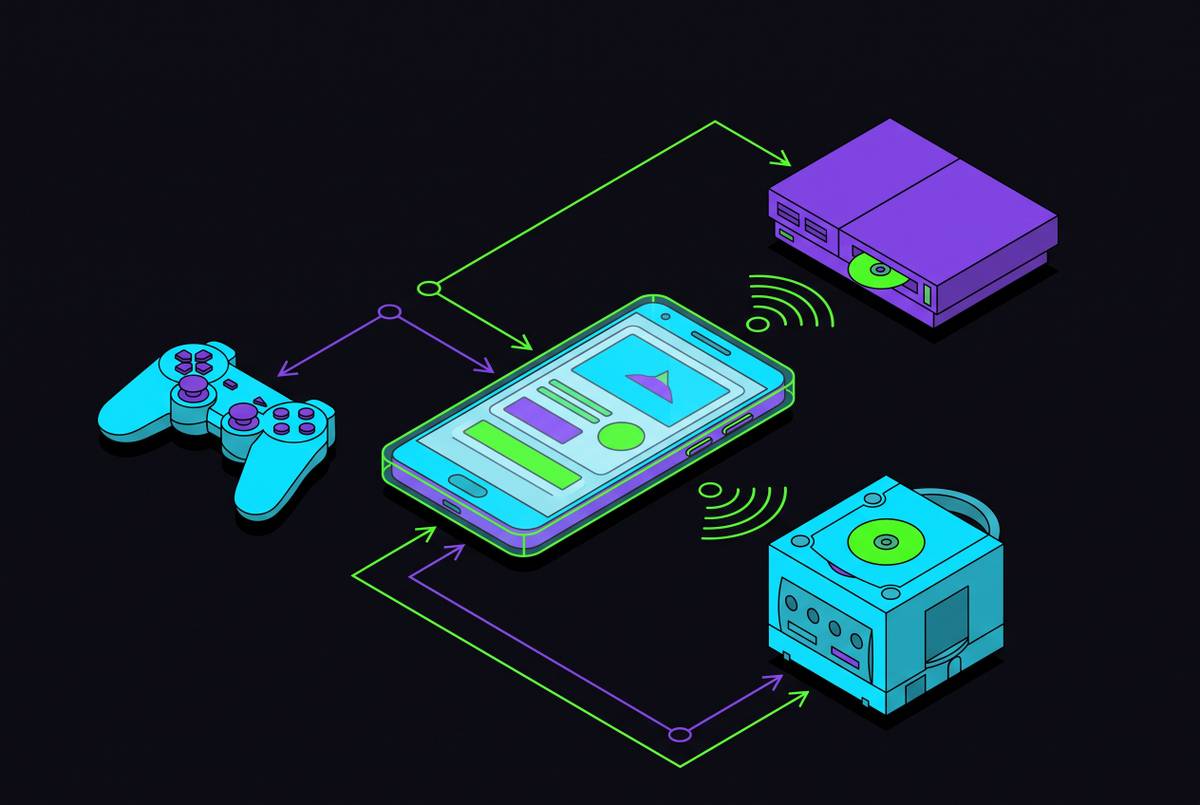
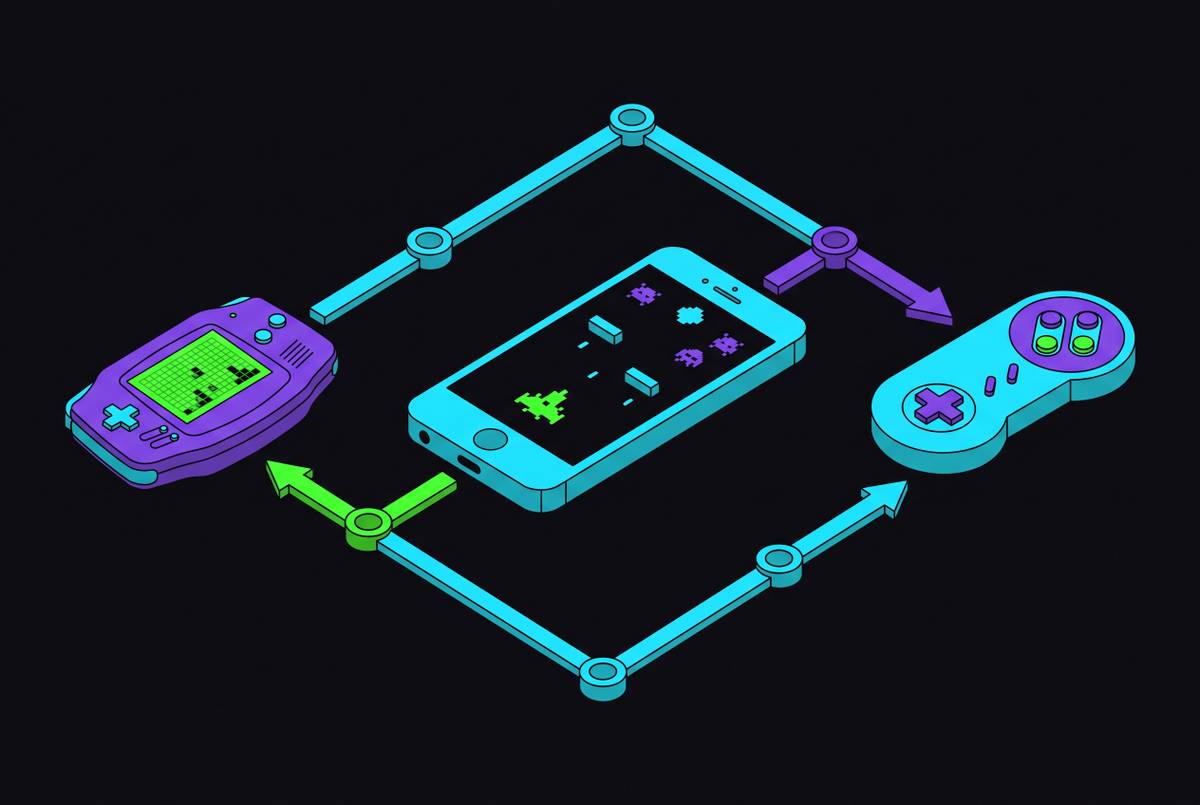
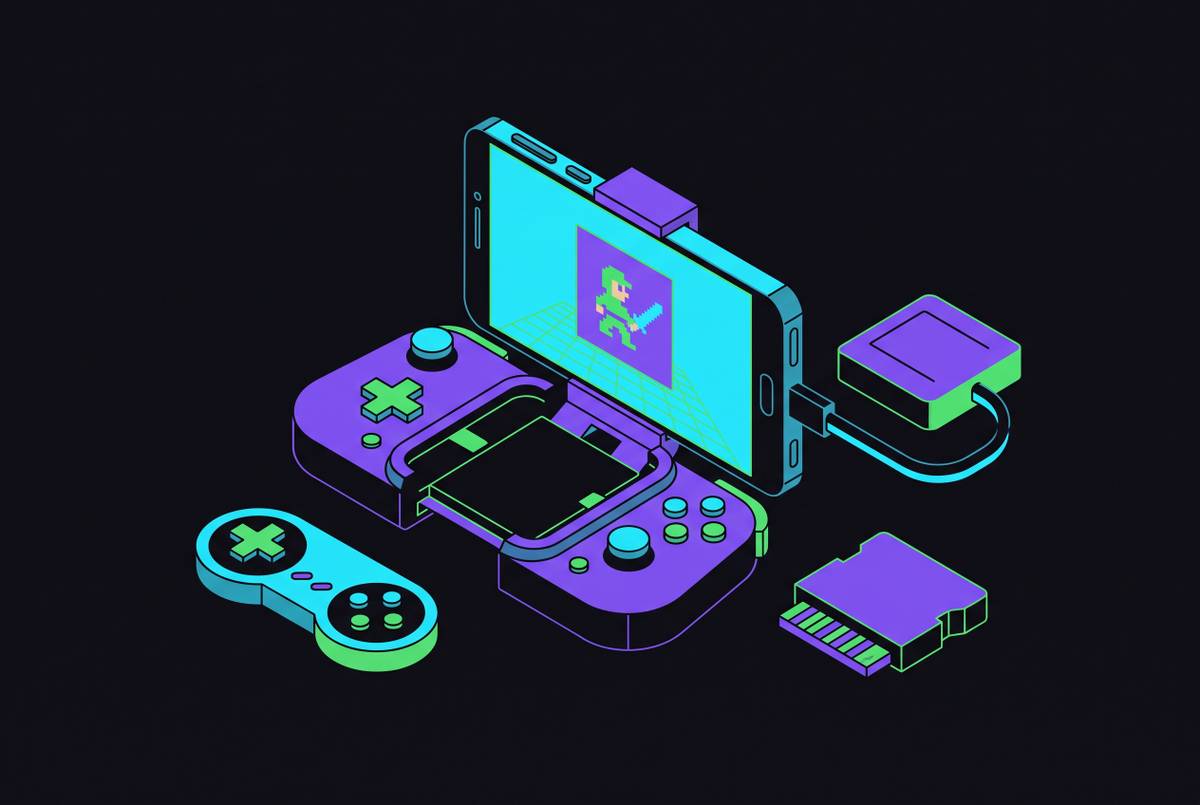
Best Emulators for iPhone After the App Store Policy Change
Apple's policy shift unlocked dozens of emulators overnight, led by Delta.
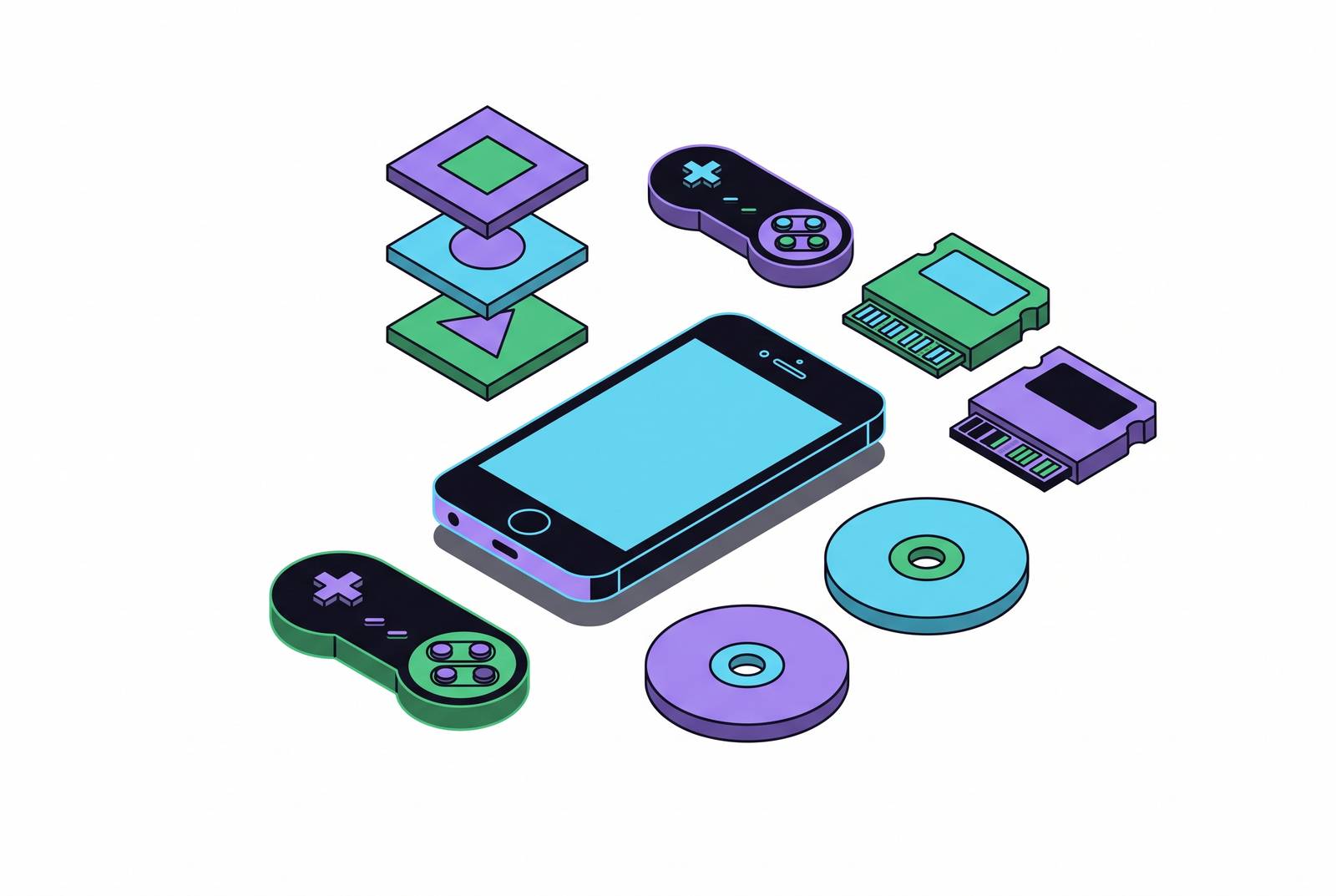
Before April 2024, running an emulator on an iPhone meant jailbreaking the thing or sideloading through AltStore, since emulators were banned from the App Store globally. The move is widely read against the backdrop of EU Commission action and Digital Markets Act pressure, seen as an attempt by Apple to preempt users from defecting to alternative app marketplaces. A second update on August 1, 2024 widened the guideline again, this time letting PC emulator apps offer game downloads too.
For everyday users, this turned a multi-step workaround into one tap. Delta landed on the App Store April 17, 2024 and shot straight to the top of the charts, no jailbreak required. Hardware like the Switch sits outside the policy both practically and legally, and Apple still expects developers to police piracy inside their own apps. Call this an opening, a real and meaningful one, but not a free-for-all. Apple drew the scope precisely around emulators of "retro console games," with developers remaining responsible for ensuring ROM compliance with copyright law.
Criteria behind each pick in this roundup
This rundown sticks to gaming emulators. It skips developer-facing tools like Xcode's simulator and cloud QA services such as Appetize.io, since those serve a different audience. Each entry gets judged on the same handful of things: how many systems it covers, whether it's actually sitting on the App Store or needs a workaround, how much setup it demands before the first game loads, how well it plays with a physical controller, and what stability complaints have surfaced by 2026.
Controller support deserves its own callout up front, because it's the thread running through nearly every entry below. Most of these emulators work natively with MFi controllers, Xbox pads, and PlayStation controllers, and a physical controller changes the entire feel of the experience compared to thumbs smearing across glass. One more housekeeping note before diving in: the emulator apps themselves are legal software. The ROM and BIOS files loaded into them are a separate question, and sourcing those legally is on the reader, not the app. And one gap this roundup can't paper over: there's no stable, publicly available Nintendo Switch emulator for iOS as of 2026, a point the r/EmulationOniOS community has settled on with something close to consensus. More on why that's a technical wall, not just an oversight, later on.
Delta: the emulator that defined the post-policy era
Delta arrived on the App Store April 17, 2024, one of the very first emulators through the newly opened door, and it topped the charts almost the moment it landed. By 2026, download estimates from AppMagic, cited by Mobilegamer.biz, put the total north of 26 million, a number that says less about hype and more about how wide the audience for this kind of app actually is.
System coverage runs through the core Nintendo handhelds and consoles: NES, SNES, Nintendo 64, Game Boy, Game Boy Color, Game Boy Advance, and Nintendo DS, with Sega Genesis support sitting in Patreon beta for now, ahead of a planned public release. That matters more than it sounds like it should, because the accuracy of an emulator lives or dies on the quality of its underlying core, not just its interface.
The feature list covers save states, cheat codes, MFi gamepad support with remapping per system, screenshot capture, on-screen button skins players can customize, and cloud sync through Google Drive or Dropbox. The controller remapping deserves a second look: Delta lets a single physical controller map cleanly across NES, GBA, and N64 cores without reconfiguring each time, which sounds like a small convenience until a long session on an on-screen d-pad reminds anyone why it matters. On the rougher side, Reddit threads and App Store reviews across the first half of 2026 most commonly report crashes when switching between SNES and Genesis ROMs mid-session.
Delta also still lives outside the App Store, available through AltStore without a jailbreak, and through AltStore PAL in the EU, which unlocks a few features Apple's App Store review process won't allow. A quick detour into a stranger corner of the story: right before Delta's App Store debut, a knockoff called iGBA, built as an unauthorized fork of GBA4iOS (Delta's spiritual predecessor), briefly appeared on the App Store before Apple pulled it, with Delta's developer Riley Testut publicly calling it out. It's a small anecdote, but it captures how fast the post-policy gold rush moved, developers racing to claim territory that had been off-limits for years. Delta also swapped its logo in May 2024 after Adobe raised a legal objection over its similarity to one of Adobe's own marks, a footnote more amusing than consequential. Under the hood, the setup relies on Nestopia (NES), Snes9x (SNES), Mupen64Plus (N64), Gambatte (GB/GBC), VisualBoyAdvance-M (GBA), and MelonDS (DS), which matters because core quality determines accuracy. It is best for anyone who wants a polished, zero-configuration Nintendo emulator, making it the default first recommendation.
RetroArch: the right tool when system breadth matters more than polish
RetroArch takes the opposite approach from Delta. Instead of picking a handful of systems and polishing them, it runs more than 200 emulation cores, covering PS1, SNES, GBA, arcade cabinets, and reaching well past traditional gaming into territory like TI-83 calculators, Commodore machines, DOS, and even Quake. It runs across iPhone, iPad, Apple TV, iPod Touch, and Vision Pro, and needs iOS, iPadOS, or tvOS 14.2 or newer Best iOS Emulators for iPhone and iPad in 2026 - revolgame-blogs. The feature set includes MFi controller support, per-system key mapping, fast forward, rewind, and netplay for anyone who wants to emulate multiplayer sessions with someone across town.
Community tier lists on r/EmulationOniOS sum it up bluntly: S-tier for system coverage, B-tier for iOS user experience. That gap traces back to its origin story. RetroArch was built as a cross-platform frontend first, with iOS support bolted on afterward, while Delta was designed for iOS from the ground up, and that difference appears constantly in the small frictions of daily use. RetroArch rewards anyone willing to spend time in menus to get one library covering dozens of systems, but it isn't where a casual player should start.
PPSSPP, Folium, and Gamma: the specialists
Three apps here solve narrower problems, each one owning a lane Delta and RetroArch don't fully cover.
PPSSPP handles the PSP, and it's the only App Store option dedicated solely to Sony's PSP library. Its renderer supports both OpenGL ES and Metal, and on capable hardware the Metal backend gets close to native PSP frame rates in demanding titles like God of War: Chains of Olympus and Crisis Core. It needs iOS 13 or later, and beyond raw performance it adds upscaling, portable save states, and cheat code support, with in-app purchases limited to cosmetics rather than gating actual functionality. For anyone sitting on a stash of old PSP games, there's simply no other App Store app competing for that slot.
Folium is consistently ranked as the default recommendation for Nintendo handheld content on r/EmulationOniOS tier lists. It requires iOS 17, since it leans on the hypervisor entitlement Apple opened up as part of the April 2024 revision. DS emulation on Folium runs stable. 3DS compatibility has broadened since launch but still gets patchy on games that lean hard on ARM11 recompilation, which makes setting expectations there more important than with the DS side. Physical MFi controller support works well, though the dual-screen DS layout, which needs a touch interface for the bottom screen, feels reasonably workable on an iPad and genuinely cramped on an iPhone's smaller display. Practical takeaway: anyone serious about DS titles specifically should reach for an iPad over an iPhone. And since Delta stops at DS without touching 3DS, Folium is currently the only App Store route into 3DS content at all.
Gamma rounds out the specialists, focused entirely on PS1. It's positioned as the lowest-friction way into PlayStation classics on either iPhone or iPad, with a free tier that runs ads. It won't replace a multi-system emulator, but for someone who just wants PS1 nostalgia without configuration overhead, it's built for exactly that.
Provenance and Dolphin: the options for retro breadth and GameCube/Wii
Provenance covers dozens of older systems from Sega Genesis through Atari and beyond, with a focus on accuracy and retro authenticity. It includes visual filters, custom scaling, save states, controller mapping, and a UI flexible enough to accommodate different play styles. It's free on the App Store, with the current version at v3.2.1 as of March 2026, and an optional Provenance Plus tier for readers who want extras 15 Best iPhone Emulators in 2026 (Free Picks Included). The pitch here fits collectors best: one app, wide retro coverage, rather than deep polish on any single Nintendo system.
Dolphin handles the heavier lifting: GameCube and Wii, the only realistic App Store path to either library. It reached the App Store as of March 2025, based on current source research. The tradeoff here is that GameCube and Wii emulation asks a lot of mobile hardware, and most sources consistently describe Dolphin on iOS as an option "for those okay with compromising on performance," because the demands of those consoles outrun what most iPhones can push at full speed. It's a meaningful option to have, not a polished one, and that distinction matters for anyone expecting console-grade frame rates out of a phone.
UTM SE was released in 2024 as the first PC emulator on the iOS App Store, following the August 1, 2024 policy expansion. It runs on iPhone, iPad, and Apple Vision Pro, and it may interest a reader curious about PC emulation generally, though it isn't a gaming recommendation in any real sense. Testmuai.com notes it as a multi-system open-source option also covering a wider console spread than Delta. SE" stands for "slow edition," as the lack of JIT compilation drastically reduces performance versus desktop UTM.
Nintendo Switch and the Current Ceiling of iOS Emulation
The roundup has to draw a hard line here. No stable, publicly available Nintendo Switch emulator exists for iOS as of 2026. The r/EmulationOniOS community's tier list reflects this bluntly, ranking Switch emulation "not viable" on mobile, full stop.
Folium handles DS and 3DS well, as covered above, so the actual gap sits specifically with current-generation Nintendo hardware, not with handhelds generally. Emulation on iOS has gotten remarkably capable at reaching backward into three decades of console history, yet it still can't touch anything released in roughly the last decade. Which raises the obvious follow-up. What happens when someone wants to play something newer than a GameCube game on their phone? That's exactly the question the final section takes up. The technical reason is that Switch hardware uses a Tegra X1 GPU that iOS emulators have not managed to emulate at playable frame rates.
Getting the most out of any emulator: controllers, setup, and ROMs
Controller support is close to universal across the apps discussed here. Delta, RetroArch, and PPSSPP all ship with MFi controller mapping built in, and most of these emulators also work natively with Xbox and PlayStation controllers, including DualShock and DualSense. But not all controllers are equal in Apple's eyes. Only MFi-certified controllers guarantee full system-level support, meaning generic Bluetooth pads might pair up fine but then fumble on proper button mapping, menu navigation, or analog stick calibration, particularly outside cloud gaming apps. Non-certified controllers also miss out on certain iOS APIs, like system-level remapping, though there's no documented Apple policy change in 2025 or 2026 that makes generic pads specifically fail at basic navigation like opening Settings or the App Switcher mid-game.
None of this is incidental detail. It's the actual mechanism that makes long emulation sessions tolerable, since on-screen touch controls wear out their welcome fast once a game demands precision, and a real controller solves that problem directly.
Apple's stance puts the compliance burden on developers, and that responsibility extends to users by simple extension. Practical advice here doesn't need to be dramatic: source files legally, and move on, this is a caution, not a lecture. Emulator apps are legal, but ROM and BIOS files may not be, since downloading them from unauthorized sources may violate copyright.
For readers who remember the sideload era fondly, or who just want options outside Apple's review process, AltStore and Cydia both remain active into 2026. Delta specifically still works through AltStore without any jailbreak required, which matters for anyone who found the app before its App Store debut and wants to keep using that path. Sideloading shifts the responsibility for stability and privacy back onto the user, since Apple's review process isn't standing between the app and the phone anymore. Best Emulators for iPhone After the App Store Policy Change. Q1–Q2 2026 community reports say adaptive triggers are disabled in all iOS games, which matters for readers expecting the full PS5 experience with a DualSense.
Cloud gaming and remote play for modern titles
Emulation, no matter how good the cores get, stops at a hard boundary: anything past the GameCube and Wii era on Nintendo's side, and essentially all current PlayStation and Xbox titles, sit outside what any iOS emulator can touch. That's not a software problem waiting on a clever fix; it's the Switch situation all over again, just for different consoles. So what's left for someone who wants to play a game released this year on their phone?
Cloud gaming and remote play cover that gap, just through a completely different mechanism: instead of running the game locally, the phone becomes a screen and a controller while the actual processing happens somewhere else. Xbox Cloud Gaming is the clearest example here, available to Xbox Game Pass Ultimate, Premium, and Essential subscribers, with a catalogue running past a thousand streamable games across supported devices, iPhone included. A 2026 upgrade bumped output to 1440p, narrowing the image-quality gap, though the service still caps out at 60 frames per second.
That cap draws the real boundary of this entire piece. Emulation on iPhone has gone from a jailbreak-only hobby to something anyone can download in seconds, covering everything from the NES to the Wii with genuine competence. Cloud gaming picks up past that point.
Sources
- 15 Best iPhone Emulators in 2026 (Free Picks Included)
- UTM (software)
- Best iOS Emulators for iPhone and iPad in 2026 - revolgame-blogs
- What to Know About Apple Allowing Game Emulators in the App Store - MacRumors
- App Store guidelines now allow game emulators; more
- Delta (emulator)
- Apple app store icon
- Apple Updates App Store Guidelines for PC Emulator Apps - MacRumors