Measuring Controller Latency on iPhone and Android
Learn to find which stage of the chain is actually slow.
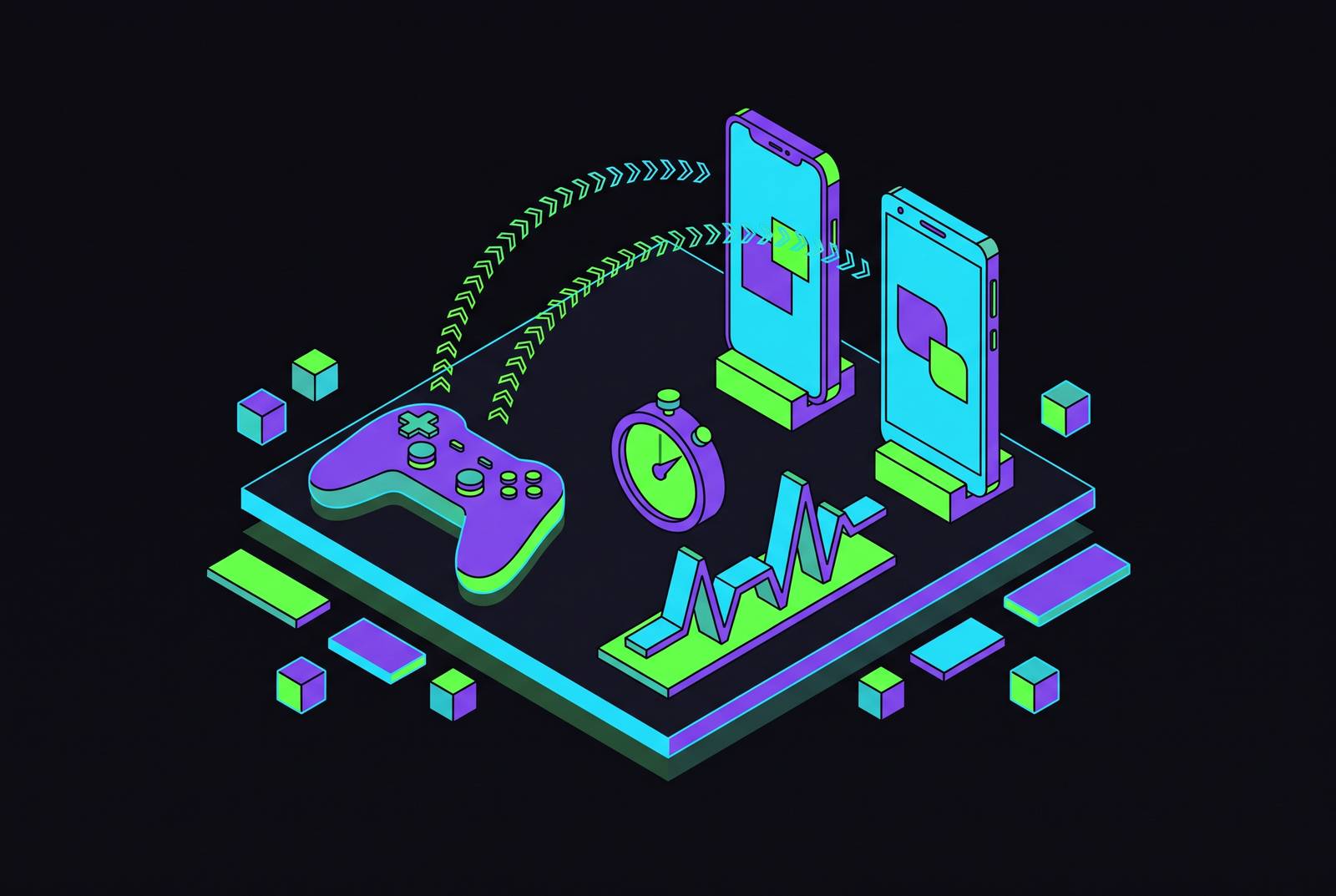
Measuring controller latency on iPhone and Android means separating the delays between a button press and a visible response. A single number cannot tell you which part is slow. The useful approach is to compare connection behaviour, rule out OS interference, and measure the full button-to-pixel chain when needed, so that “feels laggy” becomes a problem with a location.
Why controller latency on mobile is not a single number
You press a button, something happens on screen, and it feels just a little off. Was the input late, or was the image late? That distinction is the measurement problem. The same sensation can come from the controller, its connection, the phone’s input handling, the game, or the display, so the symptom alone does not identify the cause.
The dominant delay also changes with the setup. On Bluetooth, radio transport usually causes most of the delay, while with a wired USB-C connection, the OS pipeline can be the main bottleneck. This explains why “use wired” can transform one setup and barely improve another. Diagnosis needs a narrower question than whether a controller is fast. It needs to establish where the wait occurs.
The five layers that make up mobile controller latency
The first layer is controller hardware processing. The pad reads the physical input and serialises it, with its microcontroller and firmware setting the minimum delay at this stage. The second layer is connection transport, which moves that input over USB or Bluetooth. For most players, this is the largest controllable variable.
The third layer is the OS input pipeline. Its kernel HID driver processes the packet before the game sees it, and iOS and Android introduce different overheads here. The fourth layer belongs to the game engine, which reads the input, runs its logic, and queues a render. That work is set by the developer.
The fifth layer is the display response. The rendered frame must reach the panel and be scanned out before the player can see the result. Together, these stages make up button-to-pixel latency, but they have different owners and require different tests. A controller with 2ms hardware latency can therefore still feel slow if the OS pipeline or display adds 20ms on top.
How the connection type sets the latency floor before anything else
Wired USB-C bypasses the Bluetooth stack, but “just use wired” needs a platform qualification. On iPhone 15 and later, and on Android 14+ with OTG, a direct wired connection generally yields a latency floor in the 5–25ms range, depending on the device and buffer size. Lightning iPhones instead need compatible routes such as MFi-certified adapters or clamp controllers, while wired options also exist on iPad. The connector constrains which route is available.
Bluetooth introduces a different kind of constraint. Its LE Connection Interval is a negotiated parameter that governs how often the radio wakes to exchange data. A default interval can make updates too slow for competitive play. Consequently, the Bluetooth chip alone does not settle performance, because firmware and the negotiated interval influence how the connection behaves. The radio specification is not a stopwatch.
Consistency is another part of the comparison. Interference may change the average only modestly while producing intermittent spikes that feel as though the game “ate” an input. A connection can therefore look respectable in a headline figure and still frustrate a player during a match. Wired transport avoids this Bluetooth variability, but it cannot remove delays farther along the chain.
How iOS and Android handle the OS input pipeline differently
Once the input reaches the phone, the operating system determines how it gets to the game. The same controller using the same connection can therefore produce different results on iOS and Android. This is a reason to interpret a measurement as a result for the pad in a particular setup.
Apple’s Made for iPhone standard adds an encryption layer to HID packets, whose decryption on older A-series chips can add 2–3ms to a button press. The tighter ecosystem offers lower variance in return. Android has a different source of possible overhead in root-level overlays and touch-to-gamepad mappers. These add a software abstraction layer before the input gets to the game.
On Android, services such as auto-clickers and password managers can add processing delay through their handling of HID input. Budget controllers that implement only SPP, or Serial Port Profile, rather than the Bluetooth HID Device profile also force reliance on third-party mapping apps. Before blaming the hardware, the practical lesson is to disable accessibility services for the comparison, rule out mapping layers, check firmware compatibility, and verify the game’s HID permission handling.
What polling rate actually contributes and where its impact ends
Polling rate tells how often updates arrive, which is just one part of the journey. A pad reporting every 8ms at 125 Hz can leave the game waiting for a full interval, while one reporting every 1ms at 1000 Hz limits that particular wait to 1ms. Faster reporting can help on a good wired connection. It does not accelerate the game engine or the display.
On USB HID, the pad declares its polling interval to the host through the interrupt endpoint. That makes the wired interval a hardware specification. Over Bluetooth, radio transport introduces enough variance that polling rate is largely secondary. Fixing the connection is what makes fine-grained polling differences useful.
Why, then, is polling rate so prominent on spec sheets? It is a clean number that is easy to compare. The mistake is not valuing it, but treating it as a substitute for examining the rest of the chain. A faster reporting interval solves the smaller problem when transport or OS overhead dominates.
How to measure each layer, ranked by what you can do without specialised equipment
JoyCheck and gpadlab.com use the W3C Gamepad API, whose controller-state timestamps let a page assess update frequency and regularity. These tools can show whether reports arrive steadily and whether changing the connection alters that pattern. They do not need a hardware rig. Their usefulness comes from a controlled comparison.
To run that comparison, close remote-play and mapping layers, connect the controller by wire, and record the reported Hz and jitter. Then re-pair it over Bluetooth and repeat the same test. Keep the controller, phone, and device position unchanged so that connection type is the variable. If the wireless run reports less frequently or shows wider jitter, the comparison points toward the wireless path as a source of delay.
The interpretation needs a firm boundary, however. A browser does not know when the physical button was pressed, and it cannot independently measure OS overhead, game processing, or display scanout. Its timing also cannot show how much time each step takes in controller processing, transport, browser scheduling, and JavaScript execution. The gap between runs is therefore evidence of the cost of changing connection paths. Calling a polling result “button-to-pixel latency” gives the number a job it cannot do.
If the browser result does not explain the experience, a high-speed camera is the next step. Film the controller and screen together, then count frames between the visible button press and the first visible screen change. Multiplying that count by the duration of each frame gives an estimate of the full delay. This captures what the player actually experiences. It is especially useful for comparing wired and Bluetooth operation on the same setup.
Camera timing still has a resolution limit. It works in captured frames rather than providing sub-millisecond precision, so it is better suited to repeatable head-to-head comparisons than establishing an absolute minimum. It also measures the chain as a whole.
For finer isolation, a hardware button jig and oscilloscope move the test into laboratory territory. The jig triggers a press while logging its timestamp, and host software records when the input registers. That comparison separates the controller-to-host path from later game rendering and display delays. Many presses are needed to avoid treating an outlier as representative. Even then, the measurement boundary must be stated, because timing registration at the host is not the same as observing a changed pixel.
The best wired controllers can have connection latency in the low single-digit milliseconds, while Bluetooth is usually slower and sometimes spikes well above its average. Those figures should not be compared directly with a full button-to-pixel camera result. Keep the jitter record alongside the average, too. Tight wired timing and widening Bluetooth variation under radio congestion describe different experiences that a single mean can conceal.
Genre and use case shape what latency numbers actually mean
A result becomes useful when it is matched to the game. An RPG can tolerate a delay that becomes a competitive liability in a shooter, while strategy and turn-based games leave more room still. Total delay and its variation matter when they interfere with the actions the player must perform.
For reaction-based play, an irregular response can be more disruptive than a steady one. A player can feel as though inputs were dropped even when average latency looks fine, because spikes sometimes hit at the wrong moment. A competitive assessment needs both the average, which describes the usual wait, and jitter, which exposes its unpredictability.
Cloud gaming adds another constraint to that budget. Controller input is part of a longer chain that also has network round-trip, server encode/decode, and display latency at the device. A modest Bluetooth contribution can push the combined experience from playable to frustrating. Native games with local rendering omit the network and encode steps, leaving more room for controller variation.
For cloud play, the practical recommendation is to use a wired or lowest-latency connection, because that contribution is directly controllable while network and server processing are not. More generally, players should decide what total delay is acceptable for their primary genre and work backward through the layers. The aim is to spend the available latency budget where the setup leaves no better choice.
A practical workflow for diagnosing lag on your specific setup
Start by checking whether the OS is getting in the way. On Android, disable accessibility services for the test, close third-party mapping apps, and establish whether the controller supports the Bluetooth HID Device profile or SPP. If a mapper is required, its overhead is part of the baseline. On iOS, confirm MFi certification or native Game Controller framework support, then extend verification beyond settings or a browser to operation in the specific game.
Compatibility belongs in this first pass too. Android 14+ has stricter HID permission handling, and the input path can change with the OS version and controller firmware. Check that they work together before blaming the hardware for poor performance. Otherwise, the same software may get in the way in both runs of the connection test.
Keep everything else fixed. If updates arrive less often or jitter is greater on Bluetooth, the connection path may be at fault, while a wired result that is worse than expected is a reason to check firmware, OS handling, and adapter quality. Neither outcome is a verdict on the display, because the browser has not measured it.
Finally, play the same fast-reaction section with each connection. The steadier measurement should correspond to a more responsive experience, but disagreement is useful evidence. It points to game processing and display response as places to look. A high-frame-rate recording can then capture the full chain and expose delays that the browser comparison leaves out.
Physical consistency belongs in this workflow as well. A controller that causes fatigue can prompt repositioning during a long session, which may degrade the Bluetooth signal and change the conditions being tested. Once the connection, software path, and playing position are controlled, “feels laggy” is no longer the only evidence available.