Razer Edge for Android Cloud Gaming
Cloud streaming shifts the work off the handheld, but not its limits.
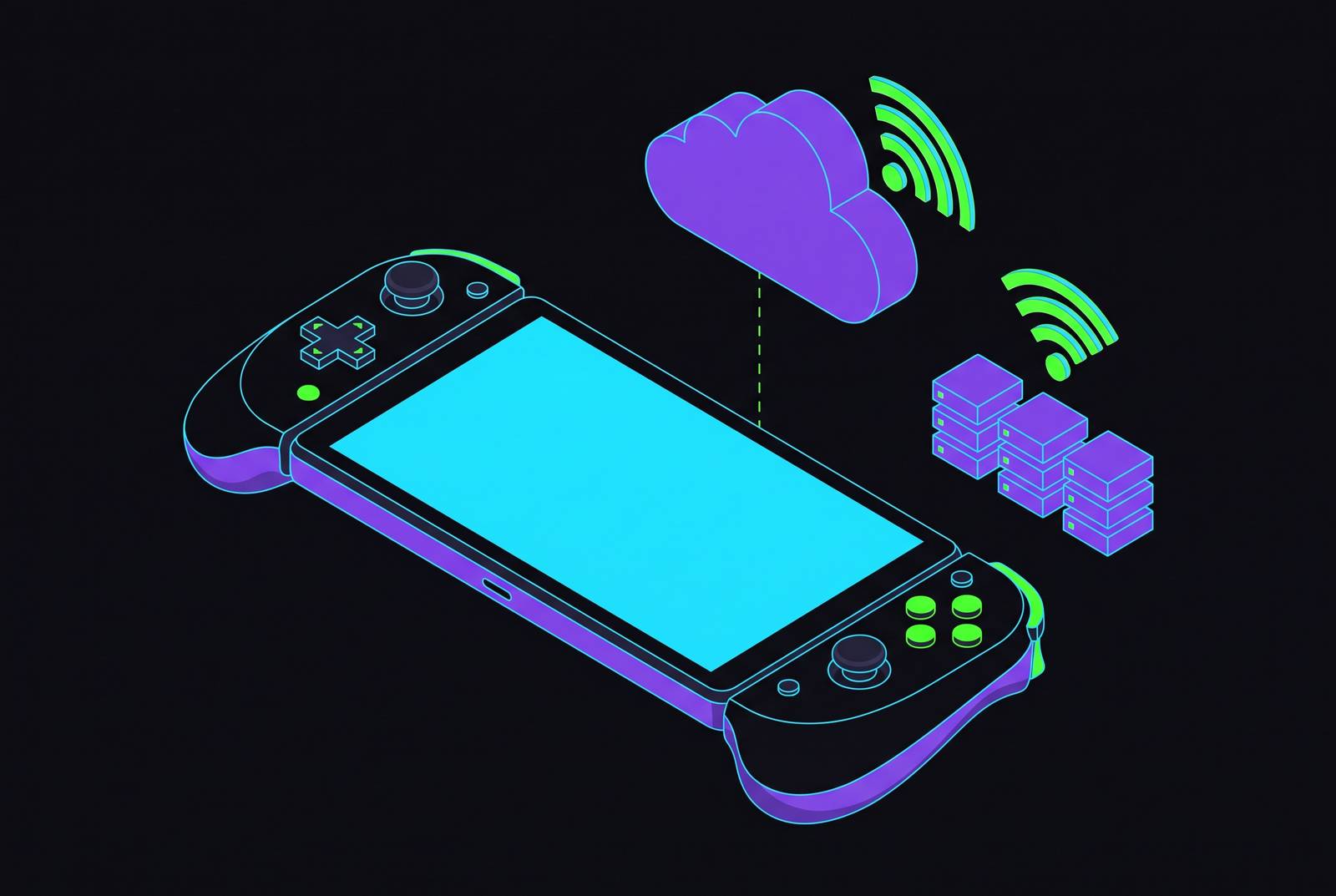
Cloud gaming moves game logic and rendering to a remote server, but it does not make the device in the player’s hands irrelevant. The Edge tests whether a dedicated Android handheld can make that arrangement easier and more comfortable than a general-purpose phone. Does offloading computation make the hardware underneath irrelevant, or does it expose a different set of hardware dependencies?
How the cloud-first premise shapes what the Edge does well out of the box
The Edge removes much of the preparation between opening the box and starting a stream. GeForce NOW, Steam Link, and Xbox Cloud Gaming come pre-installed, so users can log into three streaming ecosystems within minutes of first pick-up. There are no initial app downloads, sideloading steps, or compatibility searches for those services.
Its storage makes sense within that design. The Edge has 128GB UFS 3.1 storage, with microSD expansion up to 2TB, but a streamed game does not require its logic and rendering to run locally. The handheld mainly needs space for lightweight Android apps and cached streaming data. The design shifts attention from housing games to making them accessible through a screen and physical controls.
Virtual controller mode extends those controls beyond games that already support a gamepad. On a per-app basis, users can drag a button module over an on-screen control, mapping a physical input to a touch action. A right trigger can, for example, activate the Fire button in a touch-only mobile game. The clicky, comfortable buttons also provide tactile feedback that flat glass cannot supply, making the distinction from a bare phone clearest at the fingertips.
Where network dependency becomes the device's real constraint
Those advantages concern access and input. Because the server does the computational work, image quality limits, latency variance, and data consumption become network concerns. Even a more powerful handheld cannot fix a poor connection, and its display cannot show detail that the stream leaves out. The network becomes part of the effective gaming hardware, even though much of it sits outside the player’s hands.
Xbox’s mobile gaming page specifies 5GHz Wi-Fi or mobile data at 20Mbps or higher for Xbox Cloud Gaming. Below that threshold, the experience degrades regardless of the Edge’s display or radio capabilities. Demanding titles can look grainy, with occasional lag, and cloud performance can be less consistent than on a general-purpose flagship phone. Dedicated hardware’s controls may make a game easier to play, while the arriving image’s clarity and timeliness remain dependent on the network.
The 5G model changes where a connection can come from by adding eSIM cellular access. That releases the handheld from exclusive dependence on Wi-Fi, but activating the cellular radio is among the variables that most affects battery life. Connectivity and endurance are linked. Cellular access offers another route to the server.
How the four main streaming platforms perform on the Edge and who each one suits
The four main services represent different relationships between the handheld, a game library, and the machine running the game. Some supply remote computing through a subscription, while others extend hardware already at home. The Edge’s broad access is useful because it accommodates these arrangements without requiring a commitment to one gaming ecosystem, but that flexibility has different value for each player.
Xbox Cloud Gaming is the broad-catalog option for Game Pass Ultimate users who want a polished mobile cloud experience without owning an Xbox console. On mobile, it streams at 1080p/60fps, while the 1440p upgrade available on desktop has not reached mobile. Some games have touch controls, and physical controllers work through Bluetooth or a wired connection. It removes the need for a home console. But the monthly cloud-hour caps added by plan tier in November 2026 limit how much buyers can play, which they must weigh before buying.
GeForce NOW suits users with an existing PC game library on Steam who want the largest raw performance gap over other services. Its attraction is the performance available remotely, rather than a requirement to own a gaming machine that stays connected at home. Time is still a constraint, however. The Performance and Ultimate tiers allow 100 premium hours per month, so even paying subscribers have a firm limit on premium use. The fit therefore depends on both the existing library and how much streaming time the user expects to need.
PS Remote Play suits console owners who want mobile access to their existing library at no extra cost. It works on Android and streams from a PS5 at home, with DualSense haptics and adaptive triggers functioning over Remote Play. The home console remains essential to the arrangement. It must be powered on, or in Rest Mode with network wake enabled, and connected. The Edge extends access to that infrastructure rather than replacing it.
Steam Link also suits PC gamers who want to play games from their Steam library on the couch or on a portable device without a subscription. It is available through the Play Store as well as being part of the Edge’s pre-installed lineup, and it streams locally purchased PC games from a gaming PC at home. That PC must remain on and connected. As with Remote Play, the handheld supplies the display and controls. Across all four services, the strongest choice follows the player’s existing investment.
The ergonomic and software trade-offs that the hardware can't escape
The Edge is capped at Android 11, which limits its access to newer Android features and OS-level updates. That is a significant tension for hardware positioned as a long-term gateway to cloud gaming. Remote servers can evolve without replacing the handheld. The client device, however, still has a local operating system, and its limits do not vanish simply because game rendering happens elsewhere. A cloud-first design remains dependent on software installed in the player’s hands.
Android gamepad support adds another qualification to the frictionless first impression. Support varies, and many games need to be set up by hand before they recognize input from a physical controller. Pre-installed streaming apps give users immediate access to streaming services. They do not guarantee that every Android game will accept the attached controls without adjustment. Virtual controller mode helps bridge that divide, but configuring a mapping is still different from a game working with physical buttons immediately.
The controller attachment lacks a curve on the back that would conform to the hand’s natural shape, and extended sessions can bring cramping. These grip limitations make the purpose-built argument especially demanding, because long-session comfort is one of the clearest reasons to choose a dedicated handheld over a phone. The weakness narrows the circumstances in which the benefit of tactile input is enough.
The device still costs what it did in January 2023, so at that price it now competes with newer Android hardware that has newer OS versions and still gets software support. Its convenience therefore has an opportunity cost. Buyers are not simply comparing a dedicated format with a general-purpose one, but an older software environment at an unchanged price with newer alternatives. That price-to-age ratio is the sharpest challenge to the hardware’s long-term case.
What a shifting Xbox Cloud Gaming ecosystem means for a device built around it
Xbox’s November 2026 changes also affect the choice in ways that a comparison of hardware alone would miss. The platform is developing ways to make cloud access more flexible, rather than requiring players to consolidate around a dedicated handheld. The surrounding ecosystem is moving as well. For the Edge, that means the value of integrated controls and pre-configured access must be judged against new ways of reaching the same remote games as well as other handheld specifications.
Xbox Wire announced a preview on November 4, 2026 that lets a supported Android or iOS phone act as a controller for supported smart TVs. Scanning a QR code on the TV loads controls in the phone’s browser, with no app required. This works with some Amazon Fire TV, LG, Samsung, and VIDAA OS models. The phone becomes an input device rather than the gaming screen. This broadens the ways existing hardware can participate in cloud play.
The same announcement previewed cloud connect for the Xbox Nano Controller in the US. Instead of connecting to the TV through Bluetooth, the controller connects directly over Wi-Fi to the cloud server, reducing input latency through a different connection path. The intervention happens at the network level. Xbox Wire says both features are still in preview and only some users have access while Xbox gathers feedback.
Monthly cloud-hour caps are the more immediate change. Introduced by plan tier from November 2026, they place a limit where none previously existed, changing the economics of a device intended to be readily available for cloud play. Owning the handheld does not remove that restriction. Together, the changes suggest that Xbox is investing in flexible input and network-side latency management while also setting firmer terms for usage. Physical handheld controls remain more precise and comfortable than browser-rendered touch controls, but some of the dedicated device’s advantage is being challenged by the platform.
Whether a dedicated cloud handheld or a phone with a physical controller is the more defensible choice
The Edge’s pre-loaded streaming apps, physical controls, virtual controller mode, and large AMOLED display make a coherent package for people who specifically want gaming hardware separate from their phone. Separation is itself part of the purchase. Someone seeking a pre-configured device with a display suited to the frame rates cloud services can deliver has a reason to value the format, even when it does not improve the underlying stream. The benefit is a dedicated place to play, rather than exclusive access to better cloud computing.
For cloud gaming alone, a phone with a well-engineered physical controller makes the stronger case for many other users. A mid-range phone can deliver comparable streaming quality at a lower total cost because network stability is more decisive than the hardware running the client app. Physical controls also change the comparison substantially. The alternative is no longer necessarily a thumb sliding across glass, but a general-purpose device fitted with a purpose-built input method. That leaves the Edge’s convenience and separation to justify the remaining difference.
GeForce NOW’s performance advantage comes from the network and server side, so the Edge does not widen it beyond what a capable phone can receive. Xbox Game Pass Ultimate users have the new monthly cloud-hour cap no matter which device runs the client. Remote Play and Steam Link users still need their home console or PC, with the portable device giving them another way to play on hardware they already own.
With a mobile player base in the billions and cross-play support across the vast majority of large studios, flexible access is a substantial advantage. The practical question for most players is therefore which phone-and-controller combination gets them into that ecosystem most comfortably and affordably. Dedicated hardware still has a narrower, legitimate role. It suits those who value a separate, ready-configured gaming device enough to accept its software age, grip limitations, and unchanged price, while everyone else has less reason to buy another screen for computing that happens somewhere else.