PC Game Subscription Services That Work on a Phone
Cloud, catalog, or home PC: which streaming model fits your phone.
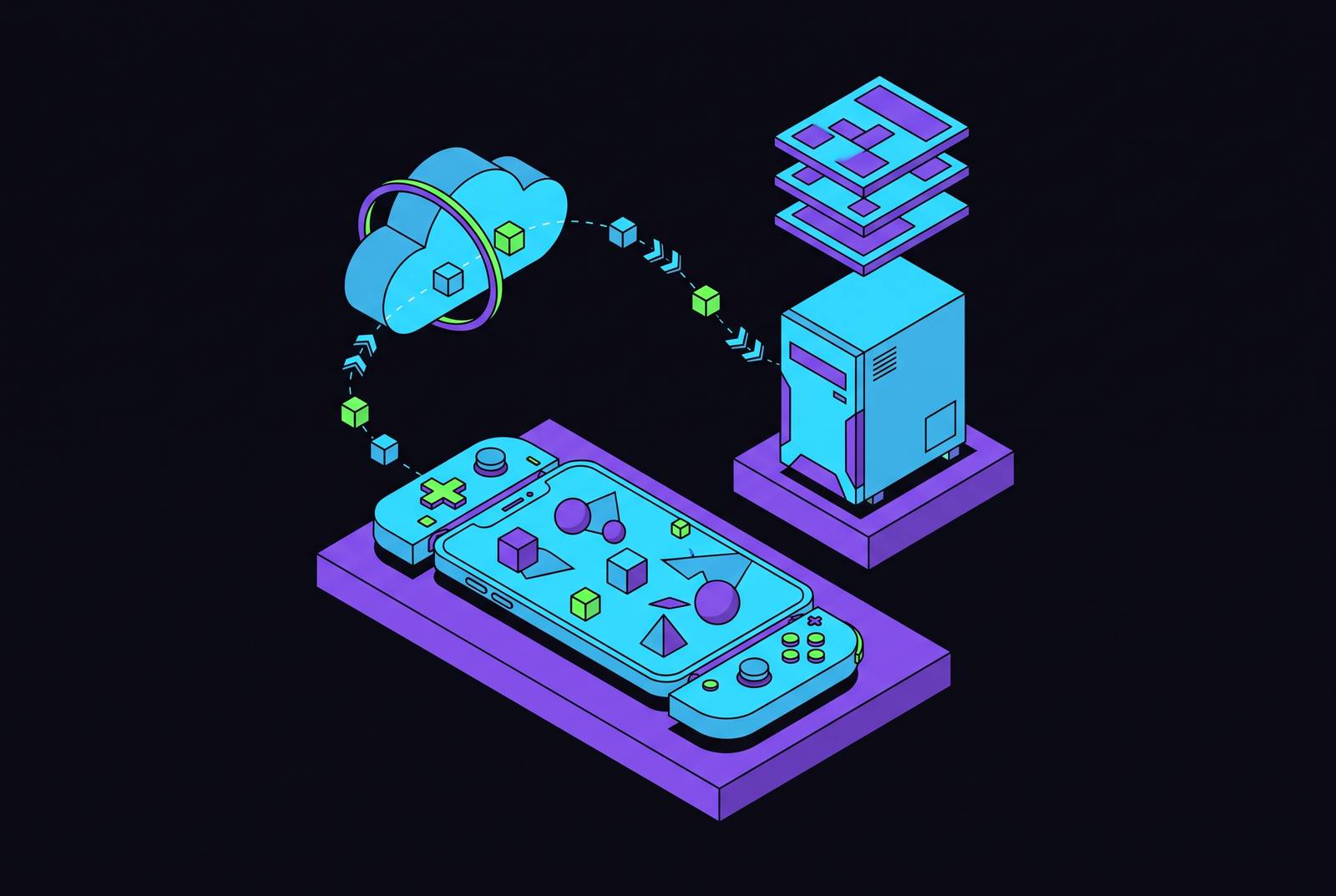
PC game subscription services can now make a phone a credible gaming screen, but they do not all sell the same thing. Some let you rent remote computing power, some come with games, and others stream from hardware you already own. The best choice depends less on the phone’s specifications than on how the service fits your library, budget, and connection.
Why your phone can now serve as a real screen for PC game subscriptions
The decisive change happened outside the phone. With cloud gaming, a remote server renders the game while the handset receives video and sends back inputs. Its own graphics hardware thus has little say in how good the game looks. A mid-range Android or iPhone can display a title at the quality associated with a high-end gaming PC, provided the connection holds.
Playing this way only works when the network is fast enough for the controls to feel natural. The rollout of 5G has lowered latency and made viable connections available in more places, helping the infrastructure catch up with the idea. Yet access to a fast network does not settle what you can play or what you must pay. Those questions depend on what the service actually supplies.
The three business models underlying every service, and why the distinction matters before you subscribe
Under the bring-your-own-library model, the subscription pays only for remote computing power. It suits players who have lots of PC games and want to play them on a phone without buying a gaming PC. Ownership alone, however, does not guarantee access. Publishers must clear games for cloud streaming, so the supported catalog may cover only part of your collection.
A subscription catalog reverses that arrangement by bundling a rotating selection of games into the fee. This suits discovering games outside an existing collection. No individual purchases are needed, but the value depends on how many included games you actually want to play. Games can leave, you do not own them, and limits on hours or streaming quality can qualify the apparent bargain.
The third model uses your own hardware. A PC or console runs the game and sends its picture to the phone, without a separate cloud subscription beyond the base platform. This costs the least over time for players who already have hardware that can run the games. In exchange, that equipment must remain on and connected, and its performance sets the limit on quality.
GeForce NOW: the strongest performance case for bring-your-own-library streaming on a phone
GeForce NOW has the best performance among the services that rent out remote hardware. Its supported storefronts and services include Steam, Epic Games Store, GOG, Ubisoft Connect, and Xbox PC Game Pass. For an existing PC player, that makes the collection already purchased available for reuse. Publisher permission remains the gatekeeper, though. Not every owned title is supported, and publishers can withdraw support.
Free has ad-supported, 1-hour sessions at 1080p, so players can try it before they pay. Performance/Priority has mid-tier hardware and 1440p, while Ultimate has RTX 5080-class hardware and the highest resolution and frame rate.
Latency is its strongest advantage over the alternatives. Independent 2026 testing places it lowest among the services compared, in a range suited to action RPGs, racing games, and most shooters. Competitive FPS players will still feel more delay than they would on local hardware. Android has a native app, while iOS requires Safari, a distinction with practical consequences explored below.
Xbox Cloud Gaming: the widest included library, now with a monthly hour cap that changes its value
Xbox Cloud Gaming offers the broadest included library, with hundreds of games bundled into Game Pass Ultimate at $22.99/month. It also includes day-one access to Microsoft first-party releases. That makes it attractive to players who want games to discover rather than remote access to purchases they already have. Device coverage is broad, too. It streams through a native Android app and Safari on iOS, and it also works on computers and directly on Samsung smart TVs without extra hardware.
The November 2026 cloud-hour cap changes that calculation. Ultimate now has 15 cloud hours per month, Premium has 10, and Essential has 5, and players can pay for more hours. Ultimate previously offered unlimited cloud access. A player who spends a couple of hours on a weekday can therefore use up the hours well before the month ends, even with plenty of games left to play.
Microsoft is also testing a free, ad-supported tier, which began on July 23, 2026 for Xbox Insiders with 1-hour sessions. That lowers the entry barrier while the paid allowances limit included playtime. Beyond the subscription catalog, Xbox supports streaming a subset of games purchased from its digital store. This adds some bring-your-own flexibility, but the central value question remains how much cloud time the player needs.
PlayStation Plus Premium and PS Remote Play: the only path to PS5 exclusives on a phone, with two distinct modes
PlayStation Plus Premium and PS Remote Play address different starting points. Premium is a cloud subscription for players who want PlayStation exclusives without owning a PS5. Remote Play instead extends a console the player already owns.
Remote Play is a free app on Android and iOS, with the home PS5 doing the rendering. There is no cloud fee, although online play requires PS Plus. Its quality depends on that console and the home internet connection. It also has the most forgiving bandwidth floor of the options discussed here, making it practical on connections where others struggle.
Testing places Remote Play’s latency above GeForce NOW’s, a gap more significant for fast competitive games than for story-driven or turn-based play. For an existing PS5 owner, its appeal is continuity without another cloud subscription. Premium serves the narrower audience seeking exclusives without the console.
Steam Link: how free PC-to-phone streaming works and what it actually requires
Steam Link’s October 2026 update adds HDR support on recent Android phones, improving the picture available from its free PC-to-phone streaming setup. The improvement does not change the central requirement. A capable gaming PC must already be doing the work at home. The app is available on Android 5.0 or later and iPhone or iPad running iOS 15 or later, with no subscription or cloud fee.
That home PC must stay on, connected to the same Steam account, and powerful enough to run the game. Its GPU determines quality, so a mid-range machine does not become a high-end rig merely because the display moves into your hand. Unlike a cloud service, however, this arrangement has no publisher-clearance barrier. Any game that runs on the PC is streamable, including titles with DRM configurations cloud services cannot support.
For players with a large Steam collection and suitable hardware, this is the most cost-effective route to phone access. The dependency it preserves is the gaming PC that services such as GeForce NOW and Xbox remove from the arrangement.
The iOS problem every cloud gaming service shares, and how each one handles it
Apple’s App Store rules change how people play cloud games on iPhone compared with Android. Xbox and GeForce NOW use Safari on iOS, as NVIDIA’s official FAQ directs iPhone and iPad users to Safari and Microsoft’s mobile page gives the same route for Xbox. For these services, it is the available iOS path.
Microsoft has argued that Apple’s commission structure and in-app purchase requirements make a native Xbox cloud app economically unsustainable. It submitted that argument in a filing responding to the UK Competition and Markets Authority’s ongoing investigation. That is Microsoft’s position in the policy dispute.
GeForce NOW’s browser route affects session management, controller pairing ease, and integration with iOS features. Remote Play and Steam Link, by contrast, have native iOS apps because they stream from owned hardware. Android offers native apps for Xbox and GeForce NOW. Check native iOS availability before choosing a phone-based setup, since platform policy can shape the experience more than handset power.
Latency, connection requirements, and which genres hold up on a phone stream
Strategy, turn-based, RPG, and narrative games are the most forgiving places to begin. Within the latency ranges these services deliver, such games can provide a fully satisfying phone experience. Their appeal does not depend as heavily on an immediate response to every input. For those players, catalog fit may outweigh the smallest differences in responsiveness.
Action RPGs, racing games, and platformers demand more. They remain playable on the better-performing services, with GeForce NOW’s latency clearing the bar for most players. Independent 2026 testing found that it had the lowest measured latency, followed by Xbox, with PlayStation cloud streaming higher still. Competitive shooters expose the gap more sharply. Even the best cloud service has more delay than local hardware.
Connection stability underpins all of those comparisons. Stable broadband is the floor for 1080p on most services, and 5G or strong home Wi-Fi can cover that comfortably in most markets. Peak speed is not the whole story, because a slower, steady connection can be preferable to one that spikes in latency mid-session. Cellular data also changes the budget. At 1080p/60fps, a handful of hours can exhaust a mid-tier mobile plan, so capped-plan users should account for data before making cellular streaming their main setup.
How a physical mobile controller changes the cloud gaming experience on a phone
Touch controls cover part of the picture and make inputs slower and less precise. A wired or low-latency Bluetooth controller removes that bottleneck, bringing the phone closer to the feel of a dedicated console. The screen can return to being a screen. That is especially valuable when the service is already delivering a responsive stream.
Direct USB-C connections, or Lightning on older iPhones, eliminate Bluetooth latency entirely. This is useful because cloud play already adds network delay, and stacking input delay on top makes competitive genres harder. Comfort is another part of the improvement. Textured grips, balanced weight, and well-placed triggers make long sessions less tiring than holding the phone unsupported and using touch controls.
For Xbox on Android, an Xbox button layout maps correctly to the Game Pass library without remapping. A physical controller is recommended for players across these services. The service supplies the rendering, but the player still needs a precise way to act on what appears.
Matching service to player: a decision framework based on library, budget, and connection
For a player with a large PC library and a stable connection, GeForce NOW Ultimate is the strongest choice, provided the desired games have publisher support. Its performance leads the comparison, and its monthly hour allowance is generous for most play patterns. Existing hardware changes that recommendation. Someone who already owns a gaming PC that can run the games can use Steam Link without another monthly fee or the need for games to be cleared for a cloud catalog.
Xbox is still good value for players who want to try games without buying each one, as long as cloud play stays below 15 hours per month. Heavier users need to include additional hour blocks in the comparison with GeForce NOW. A subscription must fit the time spent playing it as well as the number of games it advertises.
For existing PS5 owners, Remote Play is the best-value route to continuing their library on a phone. Premium addresses the separate audience seeking PS5 exclusives without owning the console. iPhone users should check native app availability before committing, while every player should weigh connection stability and physical controls. The decisive purchase is not necessarily the most powerful service, but the arrangement that puts the right games within reach without introducing a cost or dependency the player cannot accommodate.