Phone Controller Mounts and Clips for Console Remote Play
Wired clips reduce lag, but controller fit and phone width matter most for remote play.
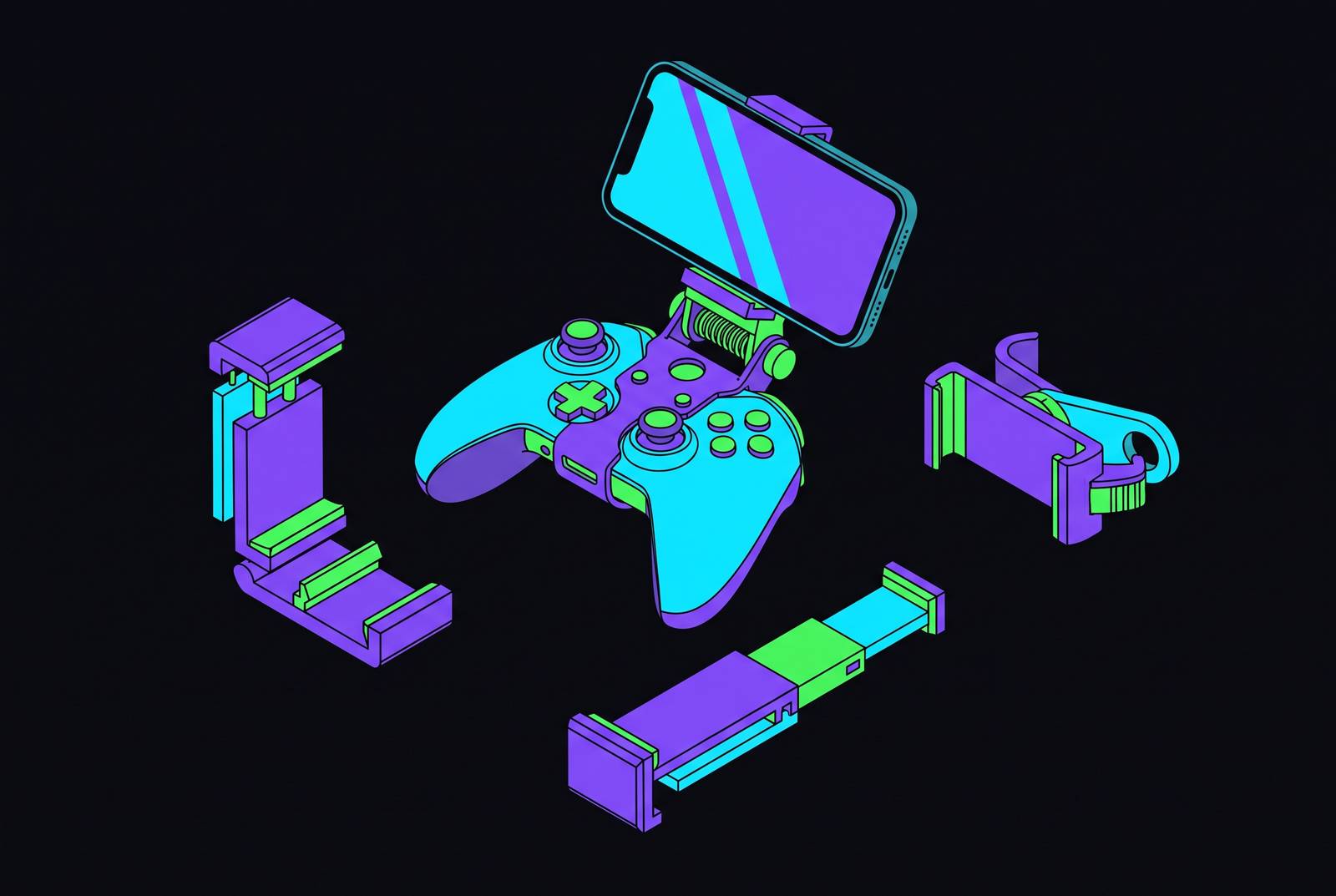
Phone controller mounts and clips exist to solve one problem: the phone has become a real place to play console games, but its touchscreen is a mediocre way to control them. This guide walks through the physical and technical factors that actually decide which clip works for a given setup: connection type, controller fit, phone size, and port access, in that order, before getting to the specific products organized by platform.
The gap between touch controls and purpose-built handhelds
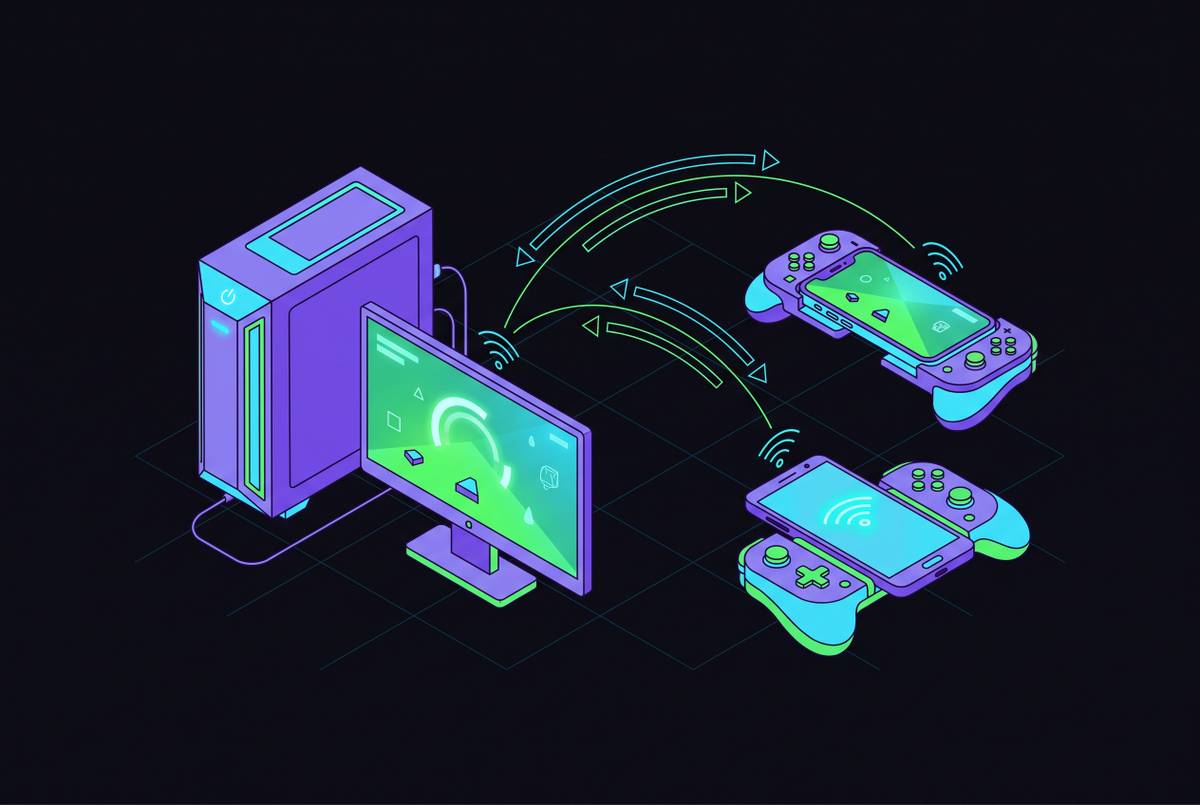
Cloud and remote-play services have turned the phone into a real console extension. Xbox Cloud Gaming runs the game on Xbox Series X hardware in Microsoft's Azure data centers and streams the video to the screen in your hand; PS Remote Play streams a PS5 directly, if the console is on or in rest mode and connected to the network; GeForce Now streams PC games, and of the three, it delivers the highest mobile resolution. But touch controls remain technically optional on Xbox Cloud Gaming and PS Remote Play, and they are practically unworkable for anything more demanding than a casual round. Touchscreens can't replicate a thumbstick's range of motion or a trigger's gradient of pressure, and competitive play exposes that gap fast.
A phone clip exists in the space between two more committed options. On one end sits a purpose-built device like the PlayStation Portal, which costs more and does one thing, or a dedicated controller that turns your phone into the handheld itself, such as the Backbone One. At the other end you have bare touchscreen play, which costs nothing but asks a lot of your thumbs. The clip itself carries no electronics and does no computing. It is mounting hardware, full stop: a bracket that holds a phone above the thumbsticks of a controller the player already owns, turning existing hardware into a makeshift handheld. Because the clip is just a mechanical attachment and not a controller in its own right, the entire buying decision comes down to physical and platform fit rather than features or performance, and that's the order the rest of this guide follows.
The one technical factor that matters most before buying: wired vs. Bluetooth connection
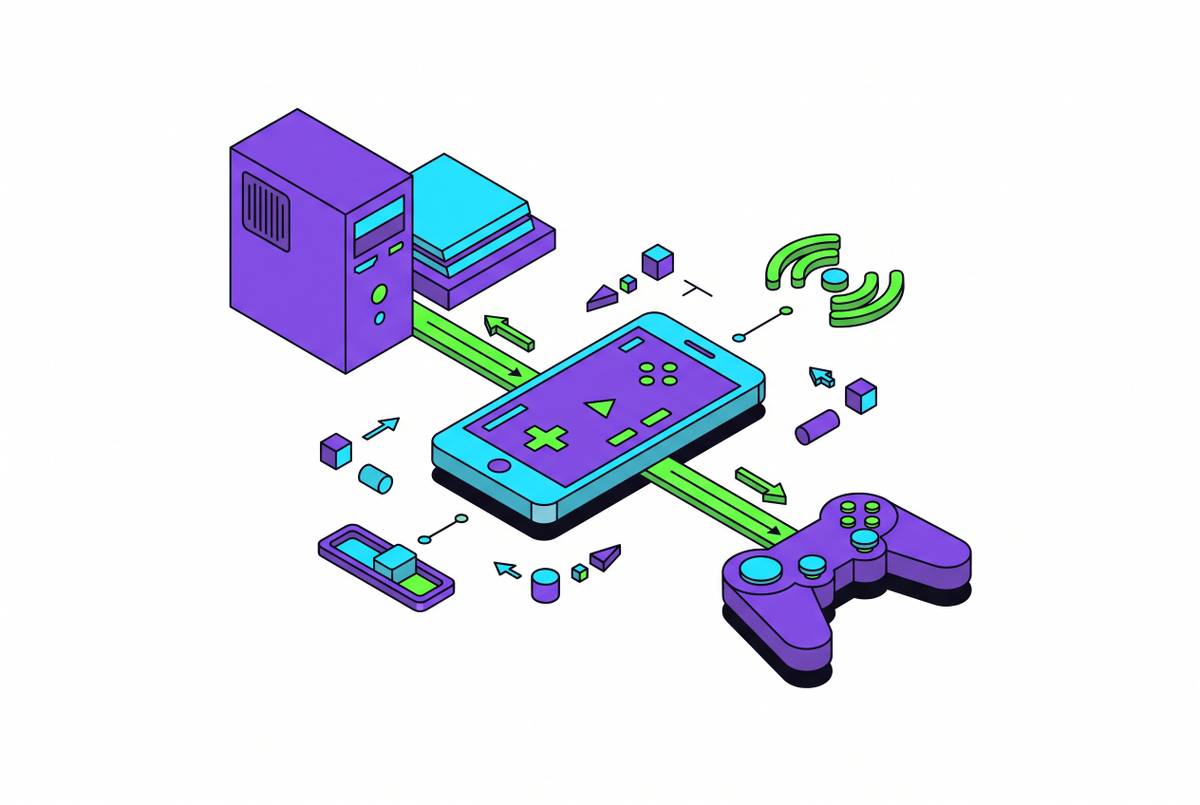
Before comparing a single product, it helps to settle the one variable that shapes everything else: does the clip connect the controller to the phone by wire, or does the controller pair over Bluetooth instead? A wireless Bluetooth controller introduces its own input delay, and that delay stacks on top of the streaming delay already built into a cloud or remote-play session, since the game itself is running somewhere else and sending video back over a network. A wired USB-C connection removes that extra layer of delay. Wired setups tend to have a structural edge for anything approaching competitive play.
That edge has limits. Network quality, distance to the server, and whether the phone is on 5G or Wi-Fi all affect connection quality more than the controller's connection method does, so cutting Bluetooth lag only helps at the margins and won't rescue a genuinely weak connection. There's a second wrinkle too: some games simply don't recognize wired USB-C controllers and fall back to touchscreen mapping as a workaround, while Bluetooth controllers pair across a wider range of titles. If your library extends past the three major cloud services, you need to weigh that against what you gain in latency.
Most passive clips on the market lean Bluetooth by default: the clip itself is just a mount, and the controller pairs wirelessly to the phone the same way it would to a console. When a clip ships with an OTG cable or a USB-C cable in the box, that's a deliberate signal that the maker intends the setup to run wired. iPhone owners should also factor in a quirk of the platform: iOS suspends background Bluetooth activity in ways that can interrupt a cloud gaming app mid-session, and features like gyro passthrough aren't available unless the controller has native app integration. None of this requires understanding the underlying signal protocol. The decision rule is simple: competitive or cloud-heavy players should prioritize clips that include a wired cable, and casual players or those with a mixed game library can treat Bluetooth as perfectly fine.
Controller compatibility: which clip fits which console controller
Once connection type is settled, the next filter is the controller itself, and this is where a lot of buyers get tripped up by assuming one clip fits all. PS5 DualSense clips are built around the DualSense's specific grip shape, and the OIVO PS5 clip, the Joso clip, the Orzly PS5 clip, the ICESPRING PS5 clip, and the ADZ PS5 clip are all designed for that geometry specifically; none of them adapt to a PS4 controller without some kind of workaround. PS4's DualShock 4 has its own, smaller product line entirely, including the BRHE clip, the OIVO PS4 clip, the ADZ PS4 clip, and the Mcbazel PS4 clip, and the size difference means a DualShock 4 clip won't hold a DualSense securely even if someone tries to force it.
One design breaks from the clamp-and-grip pattern. The NBCP MagSafe Controller Mount for Switch uses magnetic attachment, built on N52H magnets with both portrait and landscape modes, instead of a mechanical clamp, which sidesteps the whole grip-geometry problem by not depending on it in the first place.
Fit precision matters for more than stability. WEPIGEEK tested a clip with an Xbox Series X and found that mounting it too close to the Xbox Wireless Controller's Bluetooth pairing button could cause accidental presses mid-play, and no amount of grip strength fixes that. And the DualSense raises its own separate issue: its larger body tends to block screen visibility on phones under 6.7 inches, which is a real limitation rather than a minor quirk, and it's the reason a DualSense clip setup is better understood as a hybrid solution than a dedicated handheld replacement.
Phone size and case thickness determine whether a clip works
With controller fit settled, you turn next to the phone itself, and what matters is its width, not its diagonal screen size. Every clip lists a supported phone-width range, and the ranges vary more than it might seem. The WEPIGEEK spans 1.56 to 3.55 inches, the widest range in the roundup. The 8Bitdo Mobile Gaming Clip for Xbox covers 49 to 86mm. The Joso PS5 clip runs 1.88 to 3.4 inches (48mm to 86mm) and has been confirmed to work with recent iPhone models and Galaxy S25. The BRHE PS4 clip goes up to 3.4 inches, the ADZ PS4 clip up to 3.46 inches (88mm), and the ICESPRING PS5 clip up to 3.4 inches. The Mcbazel PS4 clip lists a figure of up to 6 inches, but that's phone length, not width, so you can't compare it directly to the others on this list. The Orzly Xbox clip covers 1.88 to 3.34 inches. If you measure your phone's width in inches before shopping, you can rule out most of the wrong purchases before price even enters the conversation.
Case thickness is the second measurement, and it's just as easy to overlook. Slim cases generally fit without coming off, but if you have a thick protective case, you may need to remove it before the phone seats in the clip, a point confirmed in testing with the WEPIGEEK. Camera bump geometry adds a third wrinkle on recent flagship Android phones: the OIVO PS5 clip's 1.5-inch extension arm increases the gaming distance and viewing angle enough to clear the bump, and a test with a Galaxy S23 Ultra is the clearest benchmark available for how that plays out in practice. Clip-on clamps generally hold the phone by its edges with adjustable arms and rubberized pads, and the real risk with that design is uneven pressure landing on an OLED screen during fast, aggressive motion, which matters a lot on a flagship phone, since a damaged display is expensive to fix. Weight distribution closes out the physical checklist: mounting a heavy phone high up on a large controller shifts the combined center of gravity, and testing on the WEPIGEEK found that lighter-duty spring mechanisms can let a heavy phone droop over a long session.
Port access and cable routing: the detail most buyers overlook until it's too late
The last physical check is the one that tends to surface only after the purchase: whether the clip blocks a port. If a clip covers the phone's charging port or the controller's USB-C port, you have to choose between playing and charging, and on a long remote-play session that's a genuine constraint.
Some makers clearly anticipated this. Bundles like these are a signal that wired play is the intended use case, not an afterthought. Articulation range also plays into cable routing: clips offering 270 or 320 degrees of movement give enough freedom to route a cable without bending it at a sharp angle that stresses the connector, and the OIVO PS5's dual adjustable valve paired with its 1.5-inch extension arm is the clearest example of that design logic in the lineup. The OIVO PS5 clip's own listing notes it does not work with the PS5 Edge controller, which matters for anyone who's already upgraded. The BRHE PS4 clip includes a cutout for the light bar, so you can see the indicator too, not just mount the phone. And the ADZ PS4 clip's listing confirms Bluetooth connectivity, so no wired cable runs from controller to phone; that simplifies port access but brings back the latency trade-off covered earlier. The checklist here is short: confirm the clip leaves the charging port clear, and if wired play matters, confirm the cable is included or at least accommodated.
The passive clip options by controller platform
With the framework in place, the actual shopping breaks down cleanly by controller platform, and the standouts in each category tend to separate themselves on build material, articulation range, cable inclusion, and how they hold up in real testing rather than on price alone.
For Xbox controllers, the 8Bitdo Mobile Gaming Clip for Xbox is the Editor's Choice in the March 2026 buyer's guide, officially licensed by Xbox, foldable, compatible with both Xbox Series X|S and Xbox One controllers, and built for phones between 49 and 86mm wide. The Orzly Xbox Series X Controller Clip uses a ball-joint design with a quick-release lever, covers a phone range of 1.88 to 3.34 inches, folds flat for storage, and lists compatibility across Xbox Series X|S, Xbox One, Xbox One S, and Xbox One X. The WEPIGEEK Controller Mobile Phone Holder is the universal pick of the group, covering Xbox, PlayStation, and third-party controllers in one design, spanning a phone range of 1.56 to 3.55 inches, including thumb grips, and carrying a 4.2-star rating across thousands of reviews, which makes it a sensible choice for a household juggling more than one controller type.
For PS5 DualSense, the Orzly PS5 DualSense Clip uses single-lock articulation with a padded clamp, a wrap-around design, and a compact fold, while the ICESPRING PS5 Phone Clip is the budget entry, offering 0 to 270 degrees of range, support up to 3.4 inches, an included OTG cable, and a clear housing.
For PS4 DualShock 4, the OIVO PS4 Controller Phone Mount Clip offers 270 degrees of range, folds down small enough to carry in a DS4 case, and includes both an OTG cable and a bonus phone stand, while the Mcbazel PS4 Phone Mount Clip rounds out the field as a budget option.
Phone clips make the most sense when the household already owns a console controller and just needs the phone physically attached to it in a stable, well-routed way.
Sources
- 10 Best Controller Phone Mounts (March 2026) - Complete Buyer's Guide
- OIVO PS5 Controller Phone Mount Clip, Mobile Gaming Clip Cell Phone Stand Holder Replacement for PlayStation 5 Dualsense Controller Remote Play : Video Games
- Joso Phone Mount for PS5 Controller, Remote Play Mobile Gaming Phone Holder for Dualsense Controller, Adjustable Gamepad Clip with 4 Thumbstick Grips : Video Games
- ADZ PS4 Controller Phone Mount - Smart Clip for Dualshock 4 Controller Compatible with iPhone, Android and PS4 Remote Play : Video Games
- BRHE Phone Clip for PS4 Controller Mobile Gaming Mount Bracket Holder Adjustable Stand Clamp Compatible with iPhone/iOS, Android, for Playstation4 Remote Play (Black) : Video Games
- ADZ PS5 Controller Phone Mount Holder Clamp Smart Clip for PS5 Dualsense Controller Perfect for PS Remote Play : Video Games
- ICESPRING Phone Clip Holder Mount for PlayStation 5 PS5 Controller
- Orzly Xbox Series X Controller Mobile Gaming Clip, Xbox Controller Phone Mount Adjustable Phone Holder Clamp Compatible with Xbox Series X|S, Xbox One, Xbox One S, Xbox One X - Carbon Black : Cell Phones & Accessories