Legal Ways to Obtain ROMs and BIOS Files for Mobile Emulation
Own cartridges legally, but you must dump them yourself to play on emulators.
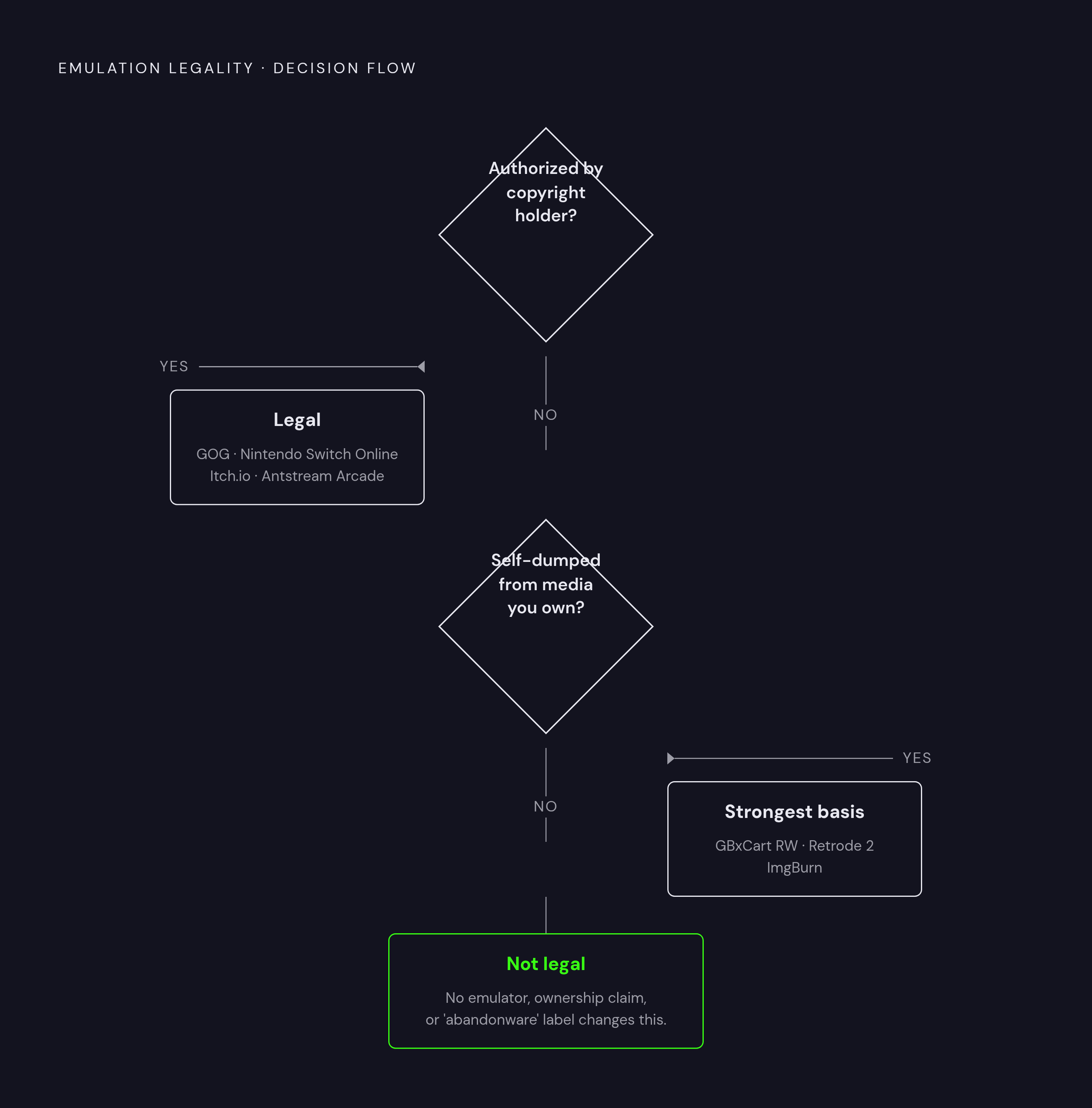
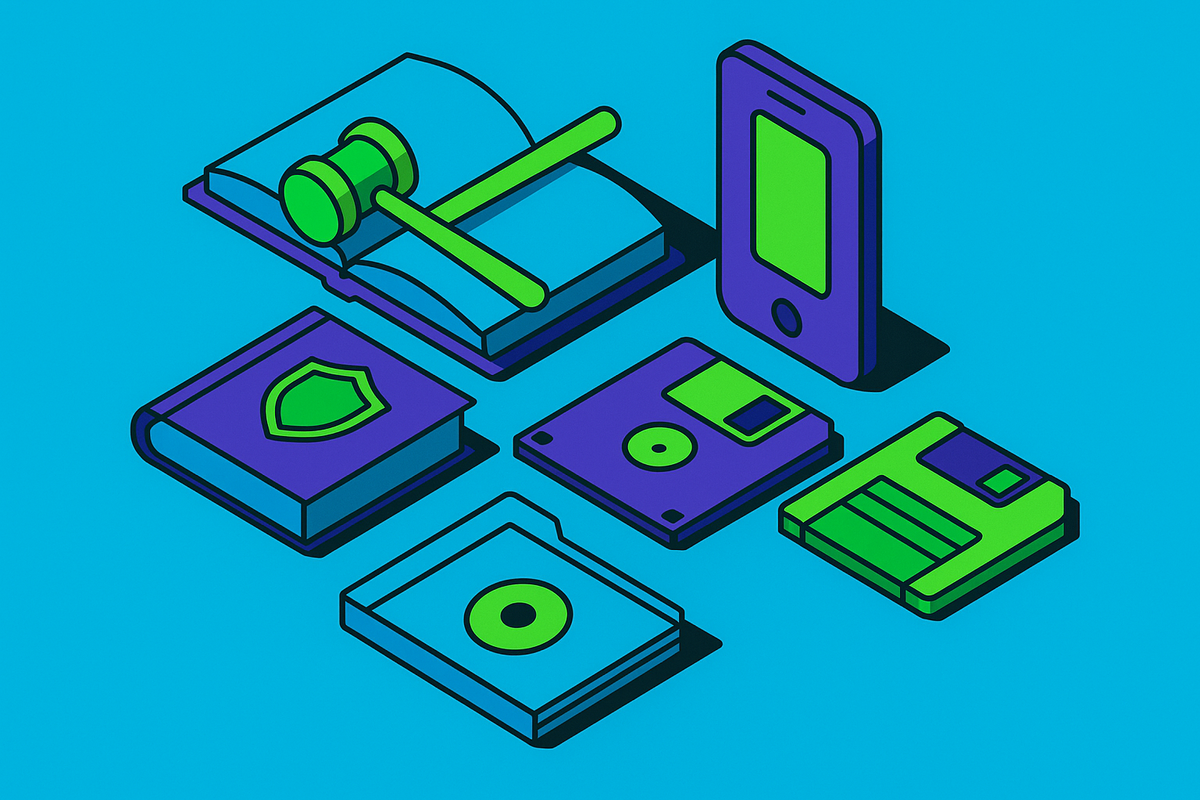
Legal mobile emulation depends less on which emulator you install than on where its ROMs and BIOS files come from. Legal ways to get them include authorized downloads, copies made from media you own, licensed services, and open-source firmware replacements. The central rule is that legal software does not make an unauthorized game file legal, but careful sourcing can turn a phone into a clean, playable retro library.
Why emulators are legal but the files they need often are not
A player installs an emulator, opens it, and discovers that playing a game requires more files. The app may need both the game itself and a BIOS before it can run anything. That gap is where three separate legal questions often get mistaken for one. The emulator recreates a machine’s behavior, the ROM contains game software, and the BIOS contains copyrighted firmware. Permission to distribute the first does not automatically extend to the other two.
Clean-room reverse engineering is what makes emulators legal. One team documents hardware behavior through observation, and another writes code from those notes without copying proprietary code. ROMs, by contrast, are protected software under Title 17 of the U.S. Code, with unauthorized copying or distribution infringing the exclusive rights enumerated in 17 U.S.C. § 106. Unauthorized distribution of BIOS firmware raises a separate copyright problem even when the emulator is clean.
Age does not dissolve those rights. Most classic games are works made for hire, with copyright running 95 years from publication, while individually authored works generally receive life of the author plus 70 years. Games from the early 1980s therefore remain protected in 2026. Neither the supposed “24-hour rule” nor the label “abandonware” supplies permission to download them.
Why the ownership defense for downloading fails
Owning a cartridge can make downloading its contents feel like a change of storage. The preservation argument is also sympathetic, particularly when the game is no longer sold. But the legal distinction concerns the source of the digital copy. Ownership is not a receipt for every matching file on the internet.
U.S. copyright’s Section 117 backup provision requires the owner to make the copy from their own physical media. Downloading another person’s copy does not satisfy that condition, and no court has validated the ownership defense for ROM downloads. Personal backup provisions exist in some jurisdictions, including within the EU, UK, Australia, and Canada, but their application to game cartridges remains untested. Japan changed its copyright law in June 2020 to expressly ban downloading infringing content, including computer programs such as ROMs, and the law took effect on January 1, 2021.
“Abandonware” is not a legal category in any major jurisdiction, so commercial absence does not establish permission. Preservation explains why access matters, but it does not settle how a particular copy may lawfully be obtained. That distinction leads to the more defensible route of making the copy yourself.
Dumping your own cartridges and discs as the legally grounded method
Self-dumping takes effort and may require dedicated hardware, so it is not as convenient as clicking a download button. It has a stronger legal basis because you make the copy from physical media you own. Across most jurisdictions, that is the route that best survives scrutiny, although encrypted modern systems introduce a separate complication. Start with the type of media, since cartridges and discs need different tools.
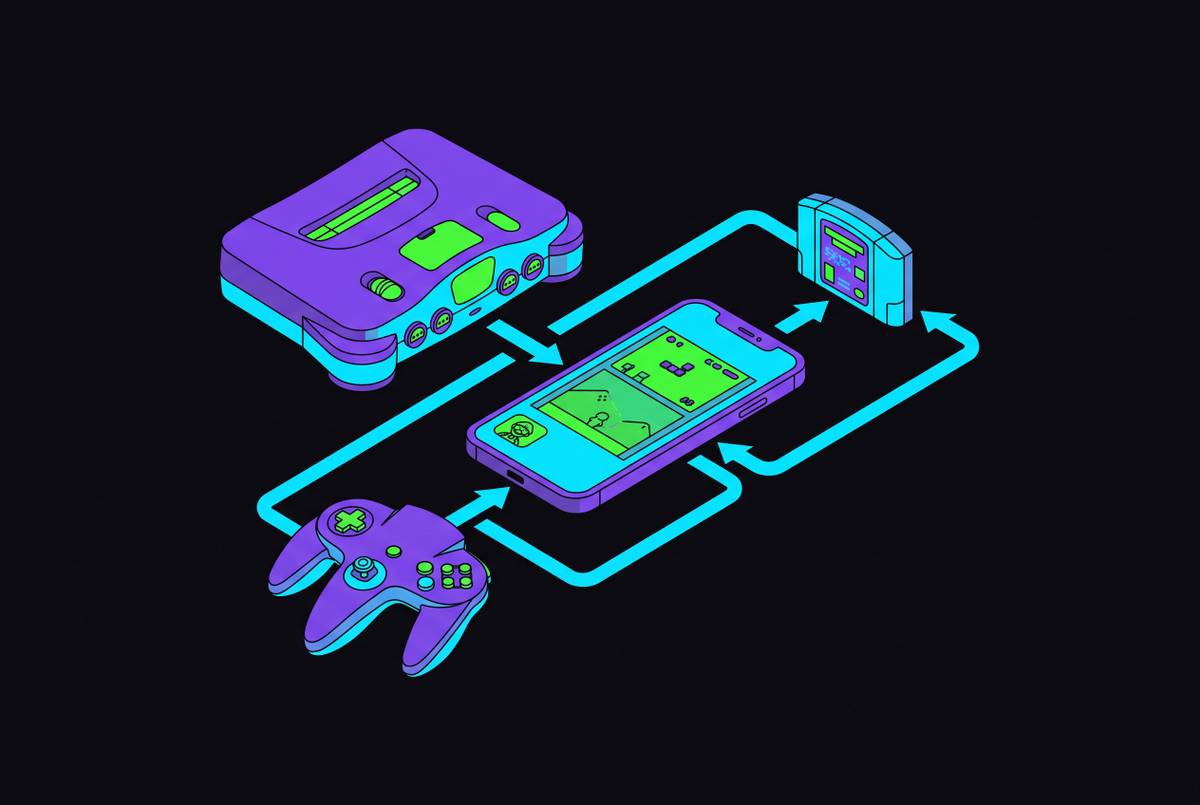
For Game Boy, Game Boy Color, and Game Boy Advance cartridges, GBxCart RW produces ROM files from owned games. The GB Operator also handles Game Boy and GBA cartridges, while the Retrode 2 or Cart Reader covers SNES, N64, and Genesis collections. These tools make the ownership-and-copy principle concrete. The relevant investment is a way to read the original media.
For PS1 and PS2 discs, a PC DVD drive with ImgBurn on Windows or cdrdao/dd on Linux/macOS produces BIN/CUE or ISO files for DuckStation or PCSX2. GameCube and Wii discs can be dumped as ISO files with CleanRip on a modded Wii. PS3 discs require a jailbroken PS3 running multiMAN to produce an emulator-compatible format. The software and hardware change, but the source remains the disc in the owner’s collection.
Switch dumping adds encryption to the equation. NxDumptool on a modded Switch dumps games and firmware, while prod.keys must be separately dumped using Lockpick_RCM. Even when you get those keys yourself, the anti-circumvention concerns discussed below still apply. After any dump, verification against No-Intro or Redump establishes whether it is clean and unmodified and whether patches target the correct version. The resulting files remain for personal use only, even when friends own the same game.
Legally dumping BIOS files and when open-source replacements remove the need entirely
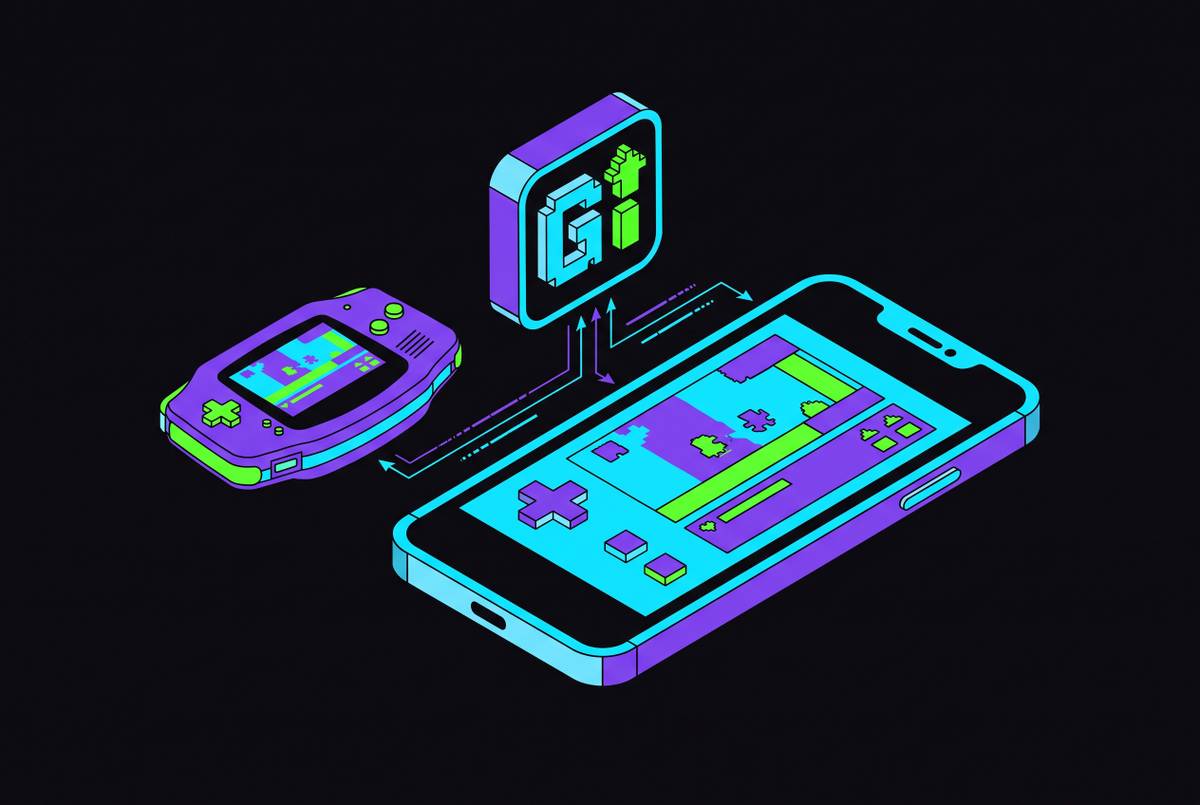
A BIOS is firmware. Files such as the PS1’s SCPH-1001.bin remain copyrighted, so an emulator’s request for one is not permission to download it. Here too, you can dump files from hardware you own with homebrew tools made for that system. The GB Operator’s official software, for example, includes a dedicated GBA BIOS dump option.
Some emulators avoid the need for original firmware altogether. PPSSPP uses High-Level Emulation, or HLE, to reimplement the operating-system calls PSP games make in its own code. It therefore requires no BIOS file to play games.
Compatibility can still make original firmware useful. DuckStation can run without a BIOS in some modes, but a legally dumped BIOS from owned hardware is the recommended PS1 route because it provides better compatibility. For other supported systems, people in the open-source community have used clean-room methods to write BIOS replacements from scratch. Where those replacements meet the emulator’s needs, they offer the simplest legal outcome, with no copyrighted original to obtain.
Where to find ROMs that are unambiguously legal to download without dumping anything
A playable library does not have to wait for dumping hardware. Homebrew, freeware, open-source games, and public domain works have files that can be shared with permission or that are free of copyright. Itch.io hosts homebrew NES, SNES, Game Boy, and Mega Drive games released by independent developers free or at low cost. These are new games for old machines. The Internet Archive also hosts shareware, freeware, and public domain material, although the status of the specific title remains what matters.
Purchases provide another authorized route. GOG.com sells DRM-free classic PC re-releases that include original game files pre-configured for DOSBox. Official collections from Capcom and SNK, and Mega Man anthology collections, provide licensed access to original game data on modern platforms. That makes them legitimate ways to play, without implying that every collection supplies a standalone ROM for a mobile emulator.
Antstream Arcade streams licensed arcade and retro content on mobile, so players have no files to manage. A ROM is a container for software.
Official subscription platforms and digital storefronts that cover the major console libraries
For casual players, first-party subscriptions are an easy place to start because the service lets them play licensed games without supplying ROMs or BIOS files. Nintendo Switch Online Expansion Pack provides access across NES, SNES, N64, GBA, Game Boy, and Genesis catalogs. PlayStation Plus Premium has classic PS1, PS2, and PSP games. Steam and the Nintendo eShop also sell re-releases one at a time from publishers including Capcom and SNK, so players can buy them without a subscription.
The trade-off is control over the collection. Subscription catalogs are curated and can change, whereas a physical collection and personal dumps do not depend on a title remaining in a service. That affects how games can be kept for the long term, even if a subscription makes them easier to play today. On mobile, cloud and remote play provide ways to use licensed access through a phone. The service’s route to mobile play remains distinct from running a local ROM.
How the mobile emulation landscape changed after April 2024 and what it means for iOS and Android players
Apple’s April 2024 revision to App Store Guidelines §4.7 brought emulators into a category that had previously depended on sideloading. Within weeks, Delta, PPSSPP, and other emulators appeared on the App Store globally. Installing an emulator became something most players could do without a technical project before they could play. Consequently, many more players encountered the separate question of where the games should come from.
Delta has had tens of millions of downloads since its April 2024 launch. Its Nintendo support spans NES, SNES, Game Boy, GBA, N64, and Nintendo DS in one app. PPSSPP provides the PSP route without a BIOS requirement, while RetroArch offers another mobile emulation option. An App Store listing makes these tools easier to obtain, but it does not license the files a player supplies.
Delta, RetroArch, and PPSSPP support Bluetooth MFi controllers natively, and Delta allows button remapping for each system and supported controller, including PS4, PS5, and Xbox controllers. Android players can also obtain emulators through the Play Store or sideloading. Whichever installation route they use, the ROM and BIOS sourcing rules remain the same.
Where the legal risk sharpens for current-generation systems and Nintendo’s 2026 enforcement posture
Modern encryption can trigger DMCA anti-circumvention liability in addition to copyright infringement. A personally sourced file may therefore raise questions about how its protection was bypassed. Self-dumping for Switch and later hardware therefore needs more legal care than it does for older systems.
The Yuzu case demonstrated that distinction. Its legal exposure centered on DMCA §1201 and the decryption of Nintendo-protected content. Yuzu settled for $2.4 million and shut down in March 2024. Nintendo’s active enforcement posture in 2026 makes encryption a practical concern. For retro systems through the PS2/Wii era, people who use self-dumping and verification face little risk of enforcement, but the risks differ for those who use current-generation circumvention.
Phil Salvador’s 2023 survey for the Video Game History Foundation and the Software Preservation Network found that only a small fraction of classic games released between 1960 and 2009 were commercially available. A 2021 DMCA exemption allows libraries to bypass authentication servers for single-player games on their premises. However, the Copyright Office turned down a 2024 request to let researchers access games remotely because the case for fair use was too weak and it feared harm to the market, including from recreational use.
Putting together a clean, legal mobile emulation setup as a practical pathway
Start with licensed access that requires no file preparation. Nintendo Switch Online Expansion Pack and PlayStation Plus Premium cover their respective classic catalogs, while Antstream Arcade supplies licensed retro streaming on mobile. These options answer the desire to play before introducing the work of maintaining local files. They are alternatives to building a ROM library.
Next, choose the right dumping tool for any physical games you own and an emulator for the systems they run on. Delta covers the named Nintendo systems through N64 and DS, while PPSSPP handles PSP without requiring a BIOS. For PS1, DuckStation or RetroArch with the SwanStation core provides a route using legally dumped firmware. Check each game dump against No-Intro or Redump before putting the library in order, and keep those copies for personal use.
Then supplement the collection with authorized homebrew and public domain content from Itch.io and the Internet Archive. A Bluetooth MFi controller makes the finished library easy to play on the go once the work of managing files is done. For future additions, apply one sourcing test, subject to the separate encryption limits for modern systems. Ask whether the copyright holder authorized distribution of this specific copy, or whether you made it yourself from media you own. If neither applies, the emulator cannot make the file legal.